The short version
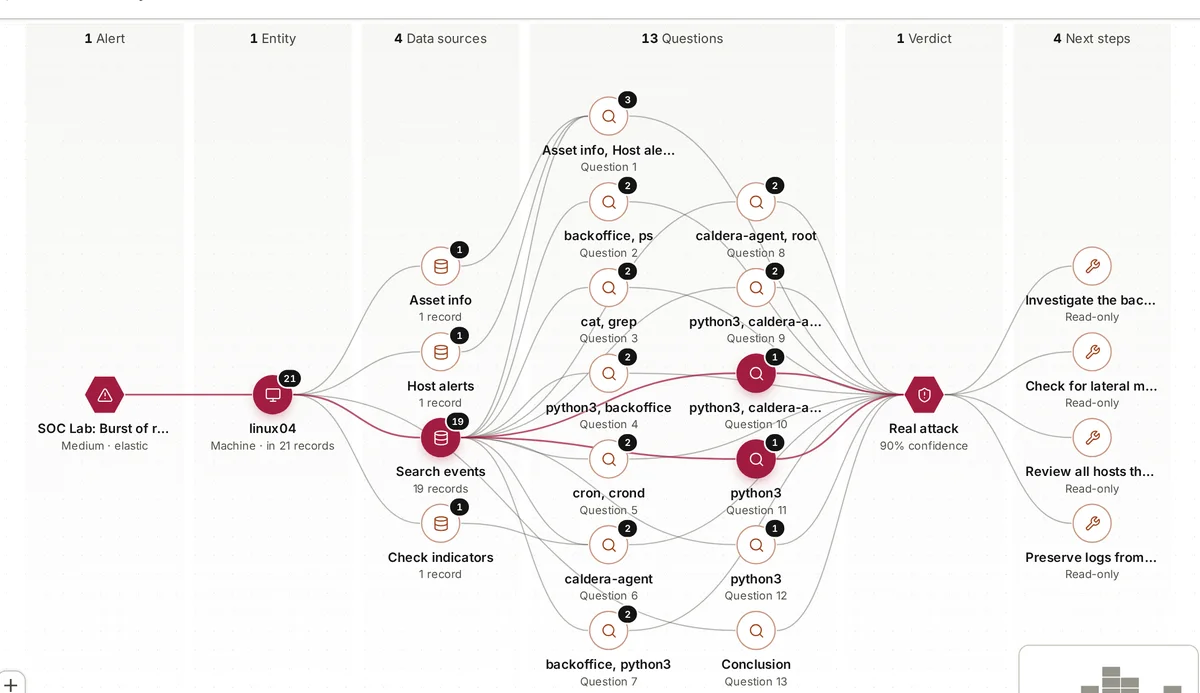
An on-premises armor360 install puts the whole platform, its AI model included, on hardware you own, inside your network. It reads alerts and events from your SIEM, investigates them locally and shows the results to your reviewers. With external AI fallback switched off, alert data does not need to leave your environment for the AI to do its work. This post sets out plainly what runs where, what you provide, and who looks after what.
We wrote it because “on-premises AI” can mean many things, from a small agent that sends everything to a cloud service to a fully self-sufficient system that runs where your data is. When we say on-premises, we mean the second.
Everything an investigation produces stays on your server too: the questions the agent asked, the records it kept as evidence, the verdicts, your reviewers’ corrections and the audit trail of who approved what and when. Reports can be exported as HTML, Word or PDF when you choose to share them.
What runs where
There are three parts to think about: your existing security tools, the armor360 platform, and the AI model the platform uses. The network picture is simple. The platform needs to reach your SIEM to read from it, your reviewers need to reach the platform’s web application, and anything else leaving the server is something you have chosen.
- Your SIEM stays where it is. For most installs today that is Elastic Security. armor360 reads alerts and searches events from it over the network; it does not move or copy your log store elsewhere.
- The armor360 platform runs on your server: the part that collects alerts, runs investigations, keeps the records each verdict cites, holds your business context and corrections, and serves the web application your reviewers use.
- The AI model runs on the same hardware. It is our own model, fine-tuned by our team, and it does the reasoning in each investigation: deciding which question to ask next, reading the results and writing the verdict.
- Optional outside services are your choice: threat-intelligence lookups such as VirusTotal, AbuseIPDB, AlienVault OTX or a MISP server you run, and notifications to Slack, Microsoft Teams, PagerDuty, email, Jira or ServiceNow.
What you provide
An on-premises install needs four things from you. None is unusual, but each needs an owner on your side. Of the four, the list of systems and the reviewers take the most thought. The hardware and the access are usually settled in days; describing your systems well and agreeing who reviews verdicts, and how often, is what makes the results useful.
- A GPU server to run the platform and its AI model. We agree the specification with you for your alert volumes during the pilot; this post does not give numbers because they depend on your environment.
- Read access to Elastic Security (or your other supported SIEM), using an account with the permissions an investigation needs to read alerts and search events. armor360 only needs to read; it takes no response actions.
- A list of your systems: what each machine does, the business processes it serves, which are your crown jewels and who to call for urgent findings.
- Reviewers: the people who will read verdicts, agree with them or change them, and act on recommended next steps. Sign-in can use Okta, Microsoft Entra ID or any OIDC provider.
External AI fallback, switched off
Some AI products quietly send work to a cloud model when the local one is busy or fails. That is convenient, and it also means your alert data can leave your environment without anyone deciding it should. In armor360, external AI fallback is a setting, and for an on-premises install where data must stay inside, it is switched off.
The trade-off is honest: with fallback off, investigations wait for the local model rather than going elsewhere. If your alert volume spikes, the queue grows and is worked in order, real attacks first. We think that is the right trade for organisations whose reason for going on-premises is to keep data at home. Sizing the server for your normal alert volume, with room for busy days, is what keeps that queue short; we work that out with you during the pilot.
It is worth checking the other outbound paths too. Threat-intelligence lookups send indicators such as addresses and file hashes to the service you choose. Notifications send a summary to your chat or paging tool. Decide which of these you want, and your network team can allow exactly those and nothing else. If none are allowed, investigations still run on the data in your SIEM; they simply have no outside reputation lookups to draw on.
Updates and who maintains what
An on-premises install splits the work in a predictable way. You own the hardware, the operating system it runs on, the network rules around it, backups of the server and the accounts your people use. We own the armor360 software and the AI model: updates to both come from us.
An update to the platform or the model should fit your change process like any other change to a production system. Agree early, during the pilot, how updates reach the server, who applies them and when. Because verdicts, evidence and corrections are kept on your server, they stay with you across updates.
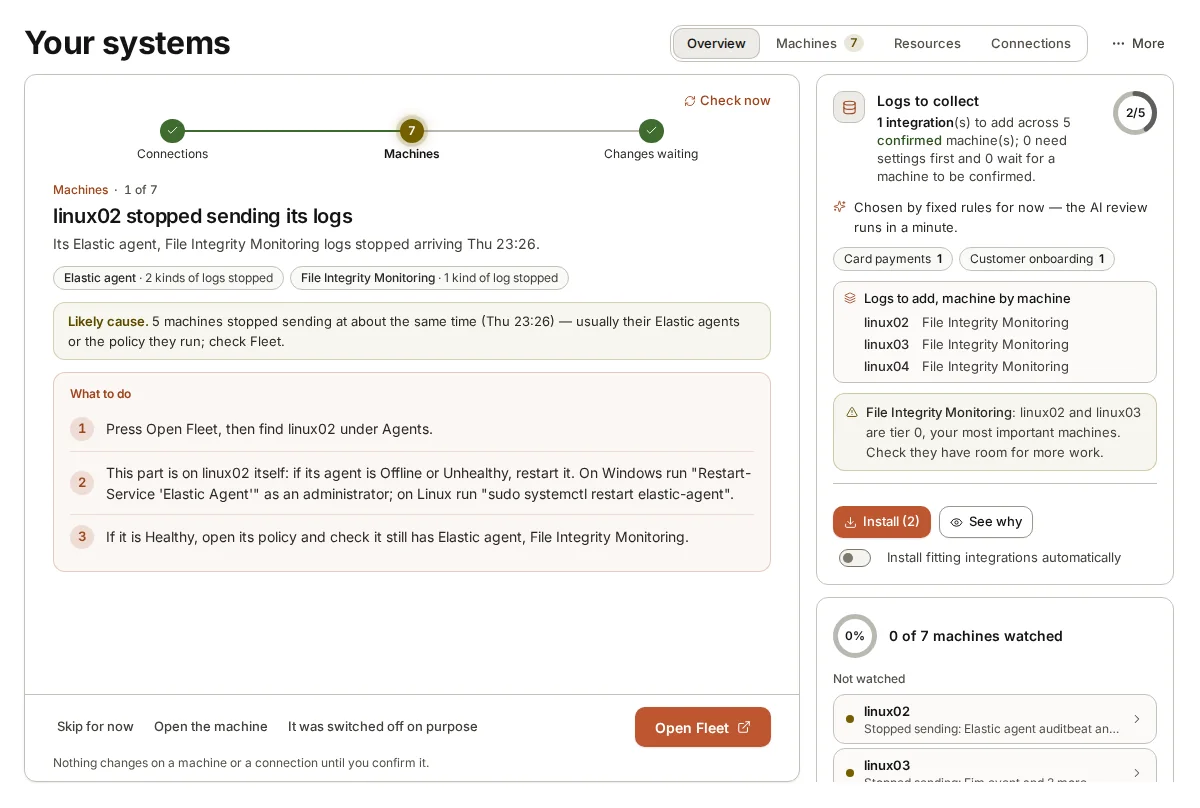
Day-to-day running needs little from your side beyond keeping the server healthy and the SIEM connection working. The platform itself helps with the second part: it finds machines that have stopped sending logs and suggests the likely cause, so coverage problems surface rather than going quiet.
When hosted is the better fit
On-premises is not right for everyone. If you have no spare data-centre space, no appetite for running a GPU server, or a SIEM that already lives in a cloud service, a hosted install is often simpler. We run the platform and its model for you and connect it to your SIEM, and your reviewers use it the same way.
The choice usually comes down to where your alert data is allowed to go and who you want to look after the server. Regulated organisations and those with strict data residency rules tend to choose on-premises; smaller teams that want to start quickly, without buying or running hardware, tend to choose hosted. Either way, armor360 investigates and recommends, and your people decide and act.
Managed security providers have a third pattern: one platform serving many customers, with a tenant per customer. Each tenant has its own people, connections, settings, AI model choice, usage limits and audit trail, so one customer’s alerts and corrections stay apart from another’s, whether the platform runs in the provider’s own data centre or is hosted.
Where armor360 fits
armor360 can run fully on-premises, its AI model included, on your own hardware, reading from your SIEM, so alert data need not leave your environment; external AI fallback can be switched off. It can also be hosted for you. Running cost is about $0.10 of compute per investigation, an estimate rather than a price; pricing is by quote, sized to what you protect, with no charge per person.