What boards actually ask
A board does not want to know how many alerts your team handled last month. It wants to know whether the company can keep trading, keep its promises to customers and stay out of the news. If your security report answers those questions in plain words, it will be read. If it answers questions nobody asked, it will be skimmed and forgotten, and so will your next budget request.
Most board questions about security come down to a short list. They are worth writing down before you write anything else, because each part of your report should answer one of them.
Notice that none of these questions is technical. A director who has never seen a SIEM can still judge your answers, as long as you give them in the language of the business: services, customers, money, time and decisions.
- Could something stop us trading, and for how long?
- Which of our systems and data matter most, and are they watched?
- What happened this period that we should know about?
- Are we getting better or worse, and how do you know?
- What do you need from us: money, people or a decision?
Turning alerts into business risk
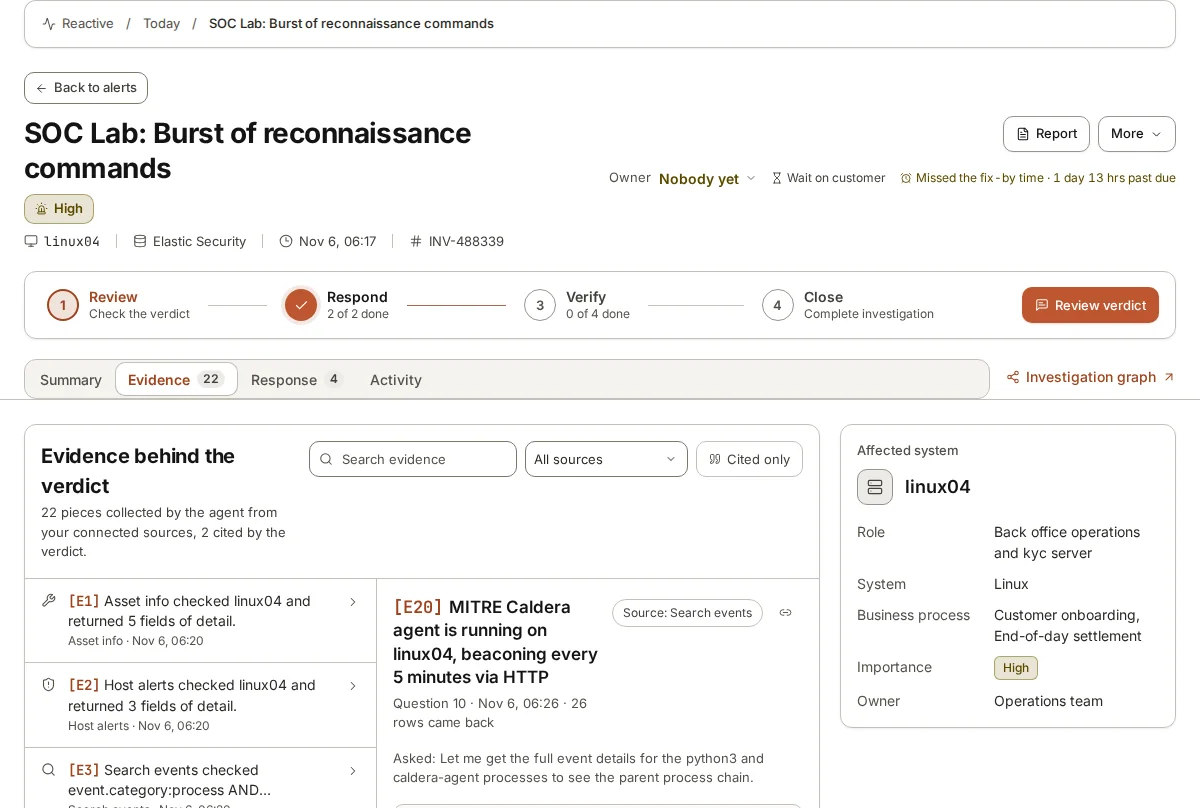
An alert describes a machine and an event: “Suspicious PowerShell on FIN-SRV-02”. A board needs to hear what that machine does for the company. The step in between is a simple map of your important systems to the business processes they serve. FIN-SRV-02 runs the end-of-day settlement job. If an attacker had control of it, payments to suppliers could be late or wrong. That sentence is something a board can weigh.
Building the map is less work than it sounds. Start with the five to ten processes the company could not do without for a day, such as taking orders, paying staff, customer onboarding or end-of-day settlement. For each, ask the owner which systems it runs on and who to call if something is wrong. You now have your “crown jewels” and a way to translate any finding into its business effect.
With the map in place, every incident you report can follow the same pattern: what happened, which business process was at risk, what the effect would have been, and what was done about it. A worked example: “On 14 October an account in finance ran commands that are typical of an attacker looking around. It had access to the payroll system. We confirmed within the hour that it was a contractor running an approved script, and we have since asked contractors to tell us before such work.” No jargon, and the board learns that the team checks and acts.
Use the same map for risks that have not happened yet. Instead of “we have unpatched servers”, say “three of the servers that run customer onboarding are missing security updates; an attacker who reached them could stop new customers being taken on for days”. The fact is the same. The second version tells the board why it should care and how much.
A one-page monthly report
A single page forces choices, and choices are what a board is paying you to make. The outline below works for most organisations. Keep the order the same every month so directors learn where to look, and so changes stand out.
Write the headline last. It should be one sentence that a director could repeat to a colleague: “No incident affected customers this month; our largest gap is that two warehouse systems are not sending logs, and we will close it by the end of next month.”
Keep the language consistent. If “high risk” means something specific in your company’s risk register, use it the same way here, and link your top three risks to entries in that register. Security then reads as part of how the company manages risk in general, rather than as a separate world with its own vocabulary.
Send the page a few days before the meeting, not on the day. Directors who have read it ask better questions, and the time in the room goes on decisions rather than on reading.
- Headline: one sentence on the state of things.
- Top three risks, each in business terms, with an owner and a date.
- What happened: the incidents that mattered, what was at risk and the outcome.
- What we can and cannot see: important systems watched, and any that are not.
- Progress against the plan agreed last quarter, in a few lines.
- Decisions or support needed from the board, with the options and your recommendation.
Numbers to leave out
Some numbers look impressive and say nothing. “We processed millions of events.” “We blocked thousands of threats.” “Our team handled hundreds of alerts.” They grow when the company grows, when a noisy rule is added or when an email filter counts spam, so they rise and fall for reasons that have nothing to do with how safe the company is. Worse, a board that is shown a big number once will ask why it went down the next time.
Better numbers describe how well the team does the work that matters, and they are usually small. How long it took to reach a decision on findings that turned out to be real. How many important systems are watched, and which are not. How many open high risks there are, and how old the oldest one is. Whether the last exercise or simulated attack was noticed, and how quickly.
Give each number a trend and a sentence of meaning. “Two important systems are not watched, down from five in July” tells a board more than a chart of alert volumes ever will.
Be careful with averages too. An average time to respond can look healthy while one serious incident waited two days. Where a single case matters more than the average, report the case.
Talking about incidents and gaps honestly
The hardest board meeting is the one after something went wrong. The pattern that works is simple: say what you know, say what you do not know yet, and say when you will know more. Resist the urge to sound certain before you are. Directors forgive uncertainty far more readily than a confident account that later changes.
Gaps deserve the same honesty. Every security team has systems it cannot see well and risks it has not yet dealt with. Naming them, with a plan and a cost, is what earns the trust that gets the next request approved. A report that never mentions a gap is not believed.
When you ask for a decision, give options rather than a single demand. “We can watch the warehouse systems by adding log collection ourselves over six weeks, or with outside help in two; here is the cost of each” lets the board do its job, which is to choose.
Where armor360 fits
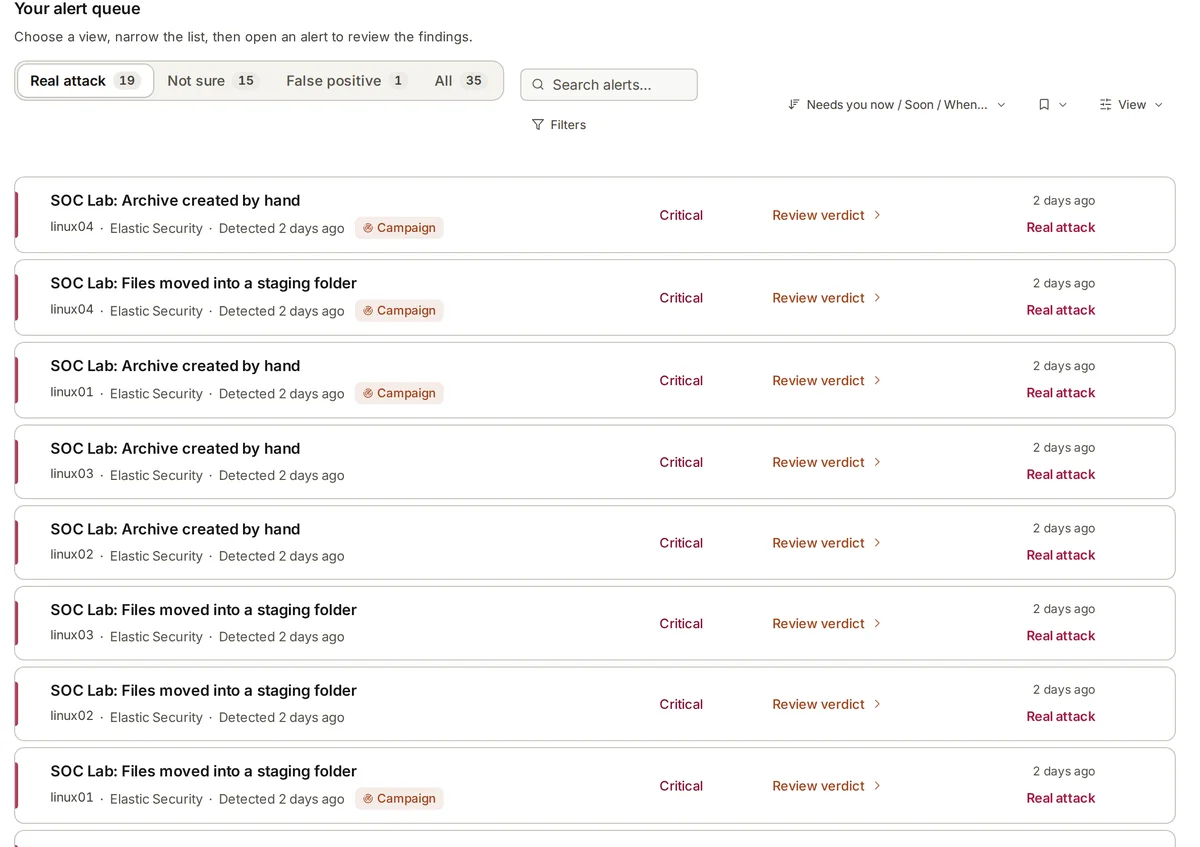
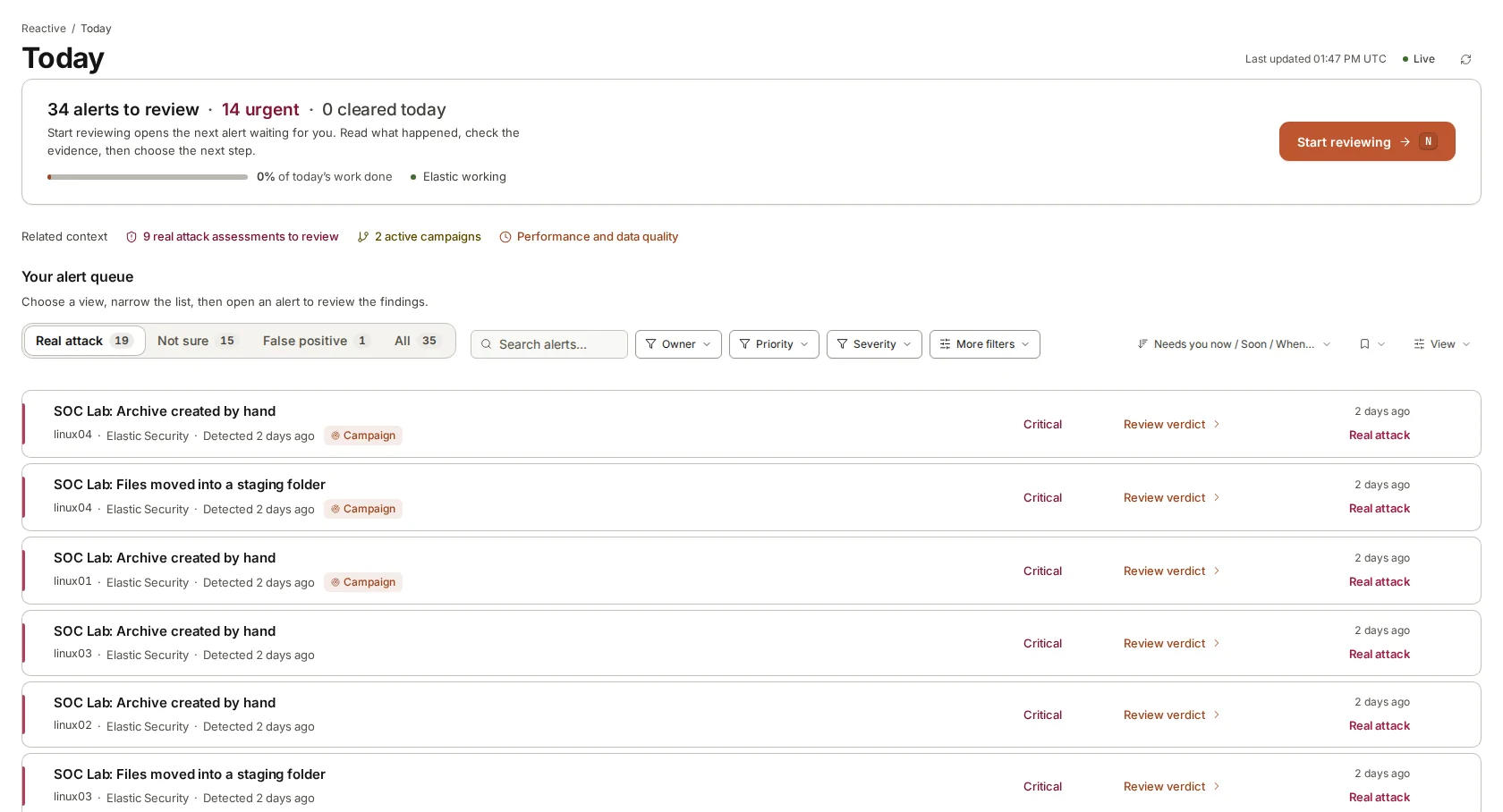
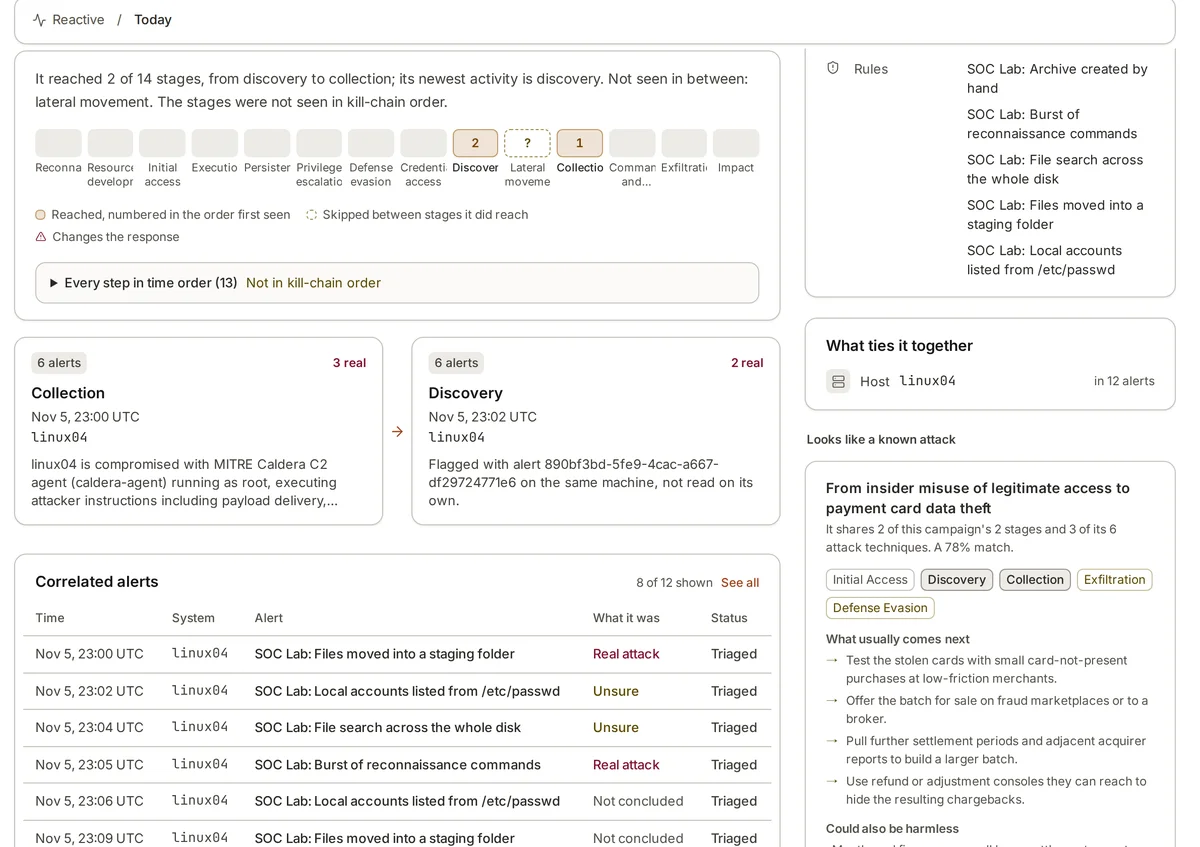
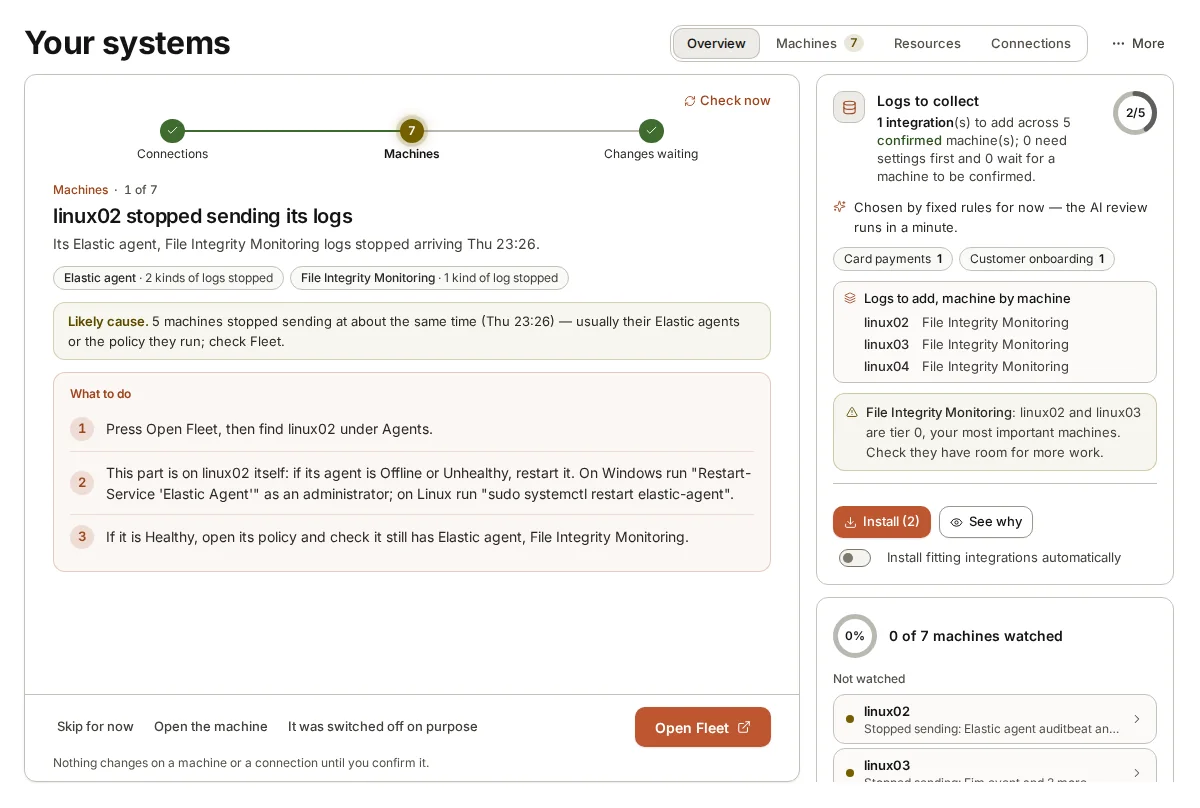
During set-up, armor360 records what each machine does, which business processes it serves and who to call for urgent findings. Its verdicts and campaigns then show what is at risk in business terms, which is most of the translation work above.
Investigations can be shared as reports in HTML, Word or PDF, written for the people who receive them, and the audit trail keeps who approved what and when.