Automate reading before acting
The safest and most valuable place to start automating security operations is the reading: gathering and summarising what is known about an alert. The riskiest place to start is the acting: changing machines, accounts or network rules on the strength of an automated decision. Most teams that struggle with automation started at the wrong end.
This post sets out an order to automate in, from the safest and busiest work to the riskiest and rarest. It is written for the person who has to approve the budget and answer for the result, as much as for the engineer who builds it.
The reason is simple. A mistake in reading costs a few minutes of someone’s time when they notice it. A mistake in acting can take a payment system offline at month end or lock the finance director out on the day of a deal. Reading is also where most of the hours go, so it is where automation pays back first.
There is a third reason. Automated reading makes your people better at the decisions that remain. An analyst who opens an alert to a full page of context makes a better call, faster, than one who has spent twenty minutes gathering the same facts by hand and has three more alerts waiting.
Start with high-volume enrichment
Look at what an analyst does in the first ten minutes with any ordinary alert. Most of it is lookups that follow the same steps each time. Each is low risk, because it only reads, and high volume, because it happens on most alerts. That combination is the definition of a good first thing to automate.
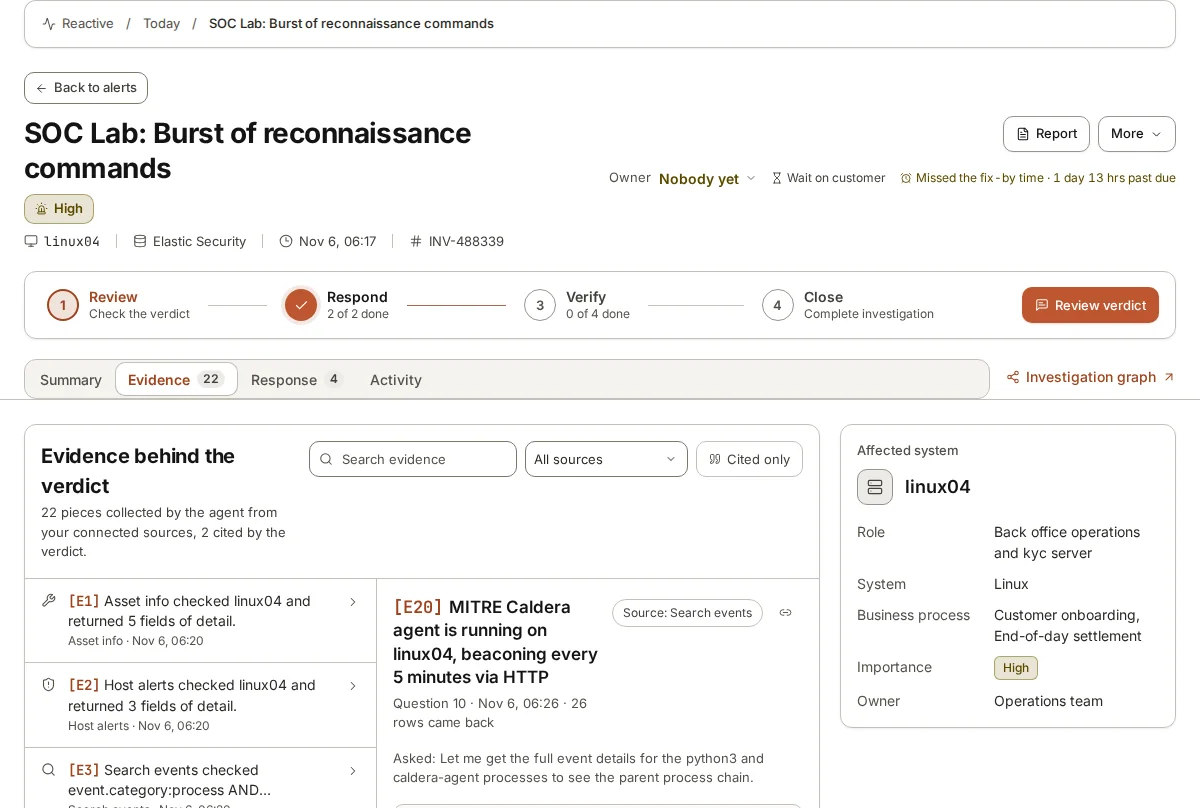
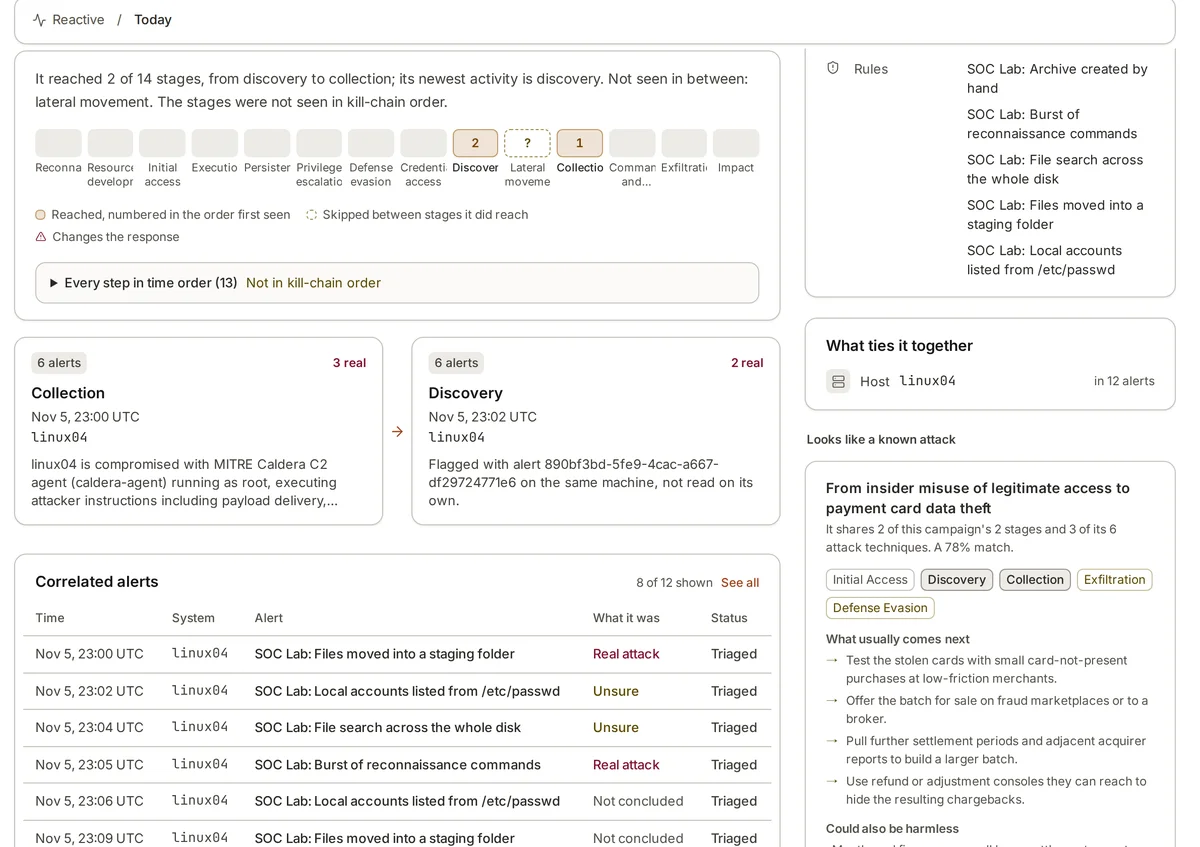
Take an alert for a suspicious process on a Linux server. Without anyone having to think, automation can attach the server’s role and owner, the process’s parent and the full chain above it, the user’s logons over the past day, any outbound connections with the reputation of each address, and other alerts on the same machine this week. The analyst opens the alert to a page of facts rather than a blank search box.
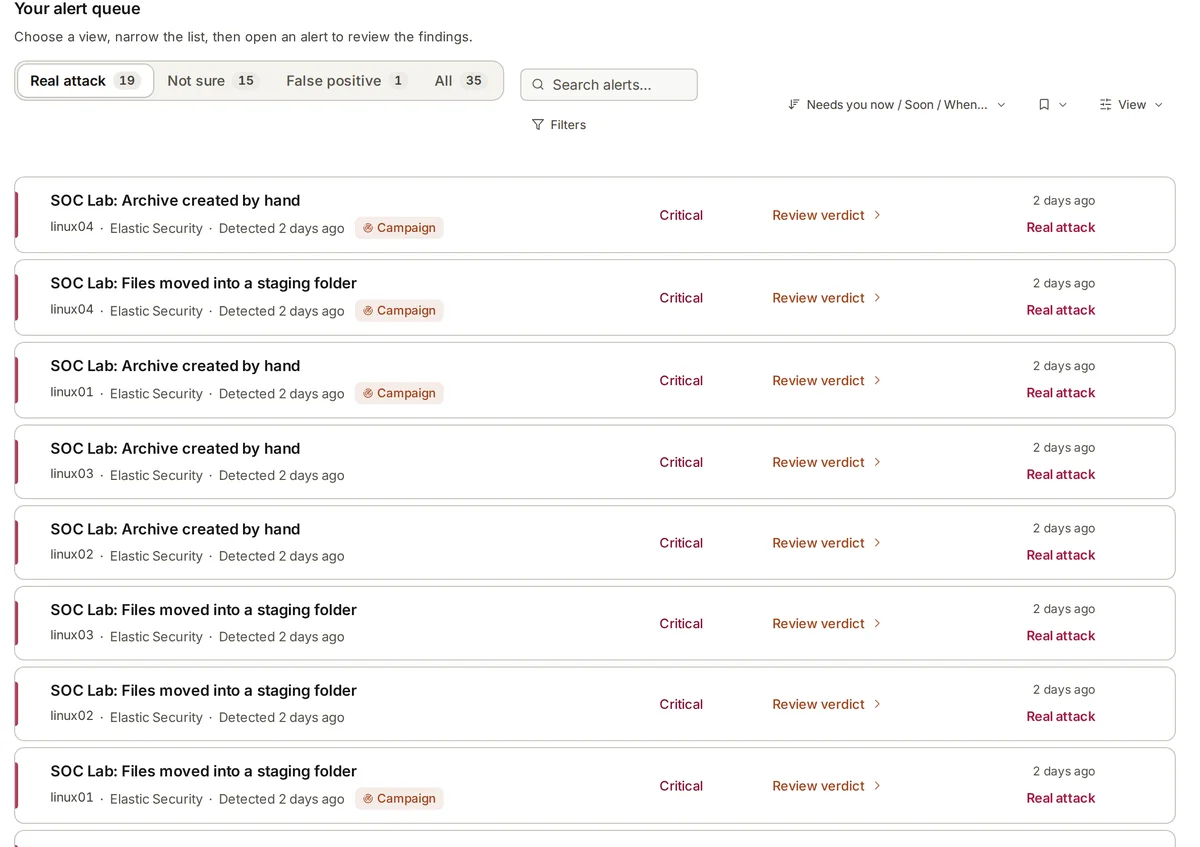
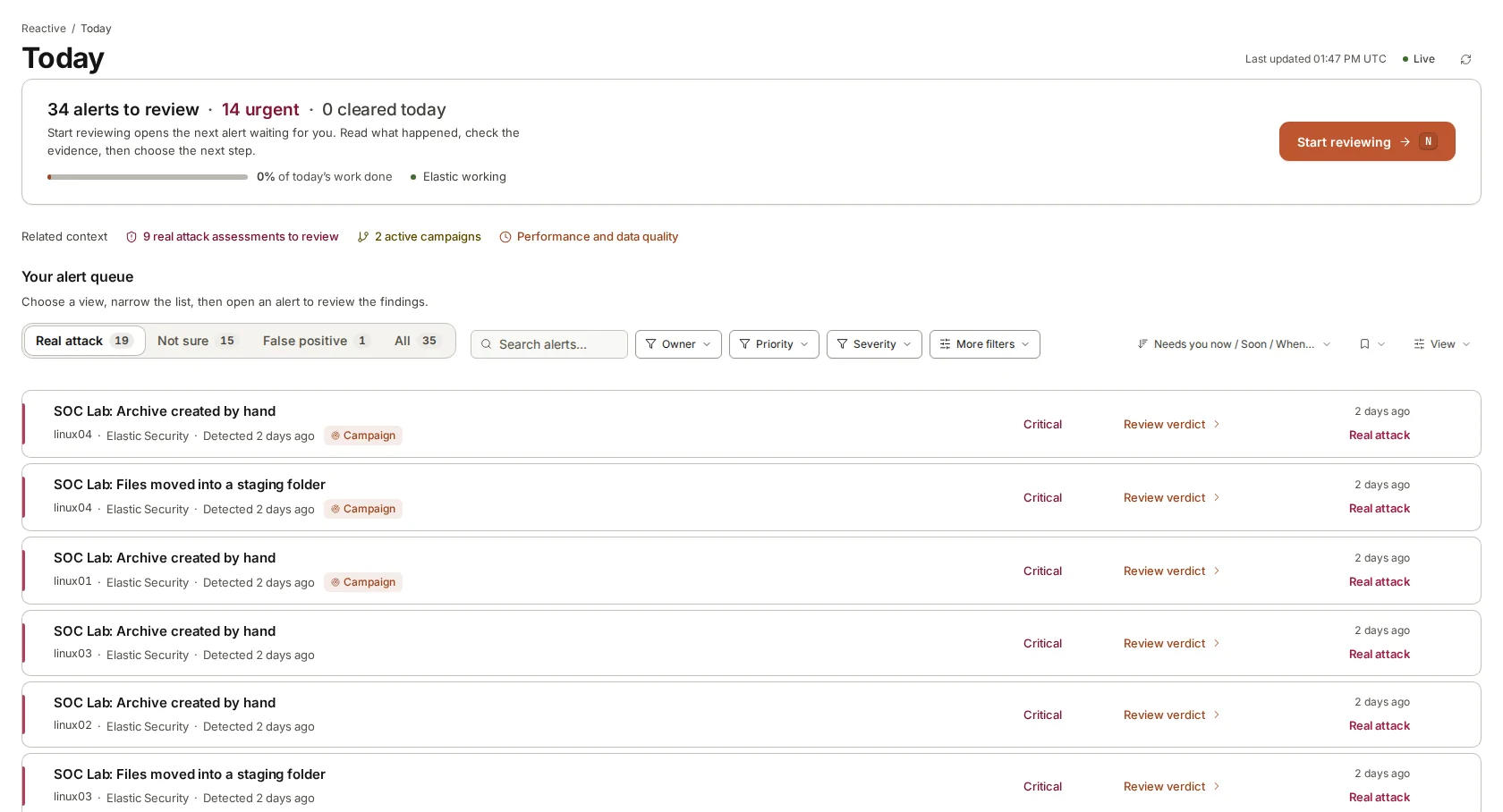
Deduplication belongs here too. The same misbehaving script can raise the same alert fifty times in an hour. Grouping identical alerts so a person sees one with a count, rather than fifty, is pure reading work and saves a great deal of attention.
- Asset lookups: what the machine is, who owns it, how important it is.
- Identity lookups: the user’s recent logons, groups and any new rights.
- Indicator lookups: addresses, domains and hashes checked with services such as VirusTotal, AbuseIPDB, AlienVault OTX or your own MISP.
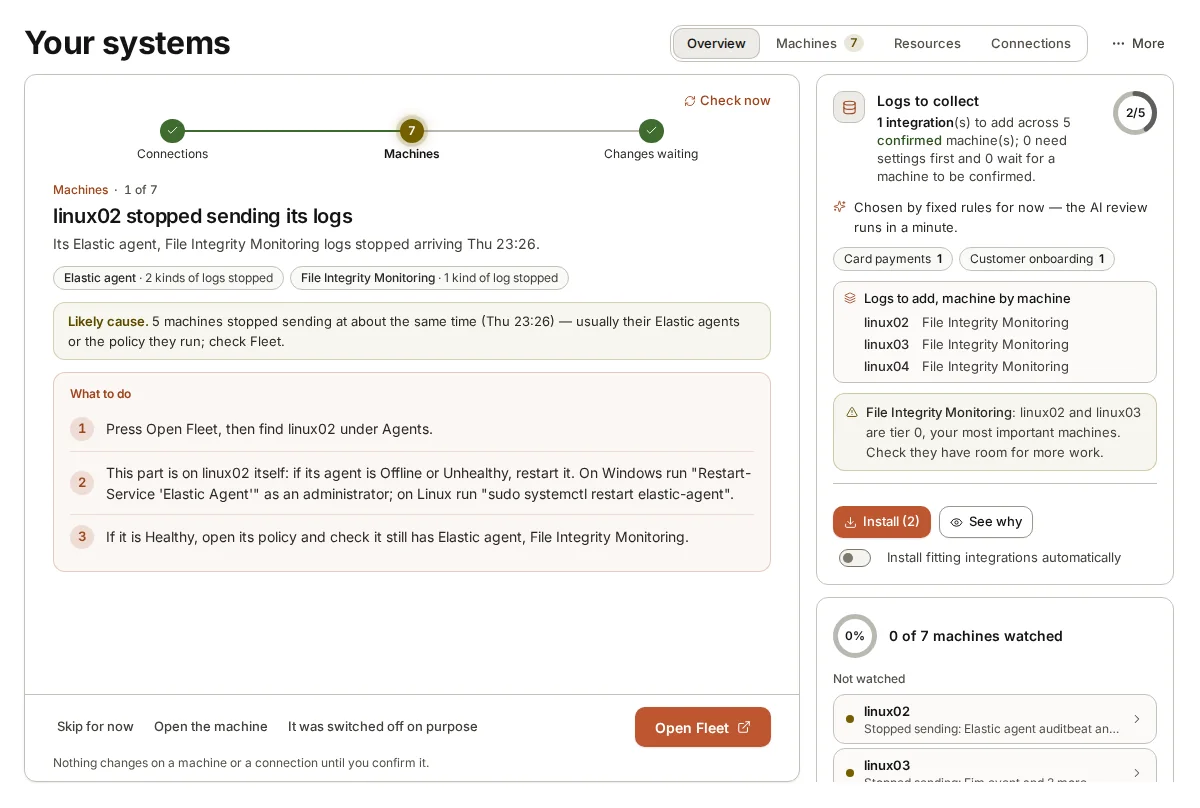
- Process context: the parent and child processes, from your EDR or auditd.
- Related alerts: anything else on the same machine or account in the same period.
A ladder from enrichment to approved actions
It helps to think of automation as a ladder, where each rung gives the machine a little more responsibility and needs a little more trust. Climb one rung at a time, and only when the rung below has proved itself on your own data.
Many teams find the most value sits on the middle rungs. Verdicts with evidence and clear recommendations remove most of the reading, while the decisions that can hurt the business stay with people who know it.
Notice what changes as you go up. On the lower rungs, a wrong result wastes time. From rung 5 upwards, a wrong result changes something in the business. That is the line where the controls must get much stricter: named approvers, a record of each approval and an easy way to undo.
- Rung 1, enrichment: collect and attach facts to each alert. Reads only.
- Rung 2, summary and correlation: describe what happened and join related alerts into one story.
- Rung 3, verdicts with evidence: say whether it looks like an attack, how sure, and why, with the records cited.
- Rung 4, recommendations: say what a person should do next, step by step.
- Rung 5, approved actions: a person approves a specific step before anything changes.
- Rung 6, unattended actions: only for narrow, reversible cases with a long record of correct calls.
Why read-only automation is the safe start
Read-only automation has a property that matters a great deal: its worst case is bounded. If an enrichment step fails, the analyst sees a gap and fills it. If a verdict is wrong, a reviewer changes it. Nothing in the business changes until a person decides it should.
It also builds the evidence you need to climb the ladder. Each time a person reviews a verdict and agrees or disagrees, you learn how reliable the automation is on your alerts, your machines and your users. After a few months you know, rather than hope, where it is right and where it is not.
Finally, read-only automation needs far fewer permissions. A system that can only search and read is much easier to explain to an auditor, and much less attractive to an attacker who gets hold of its credentials, than one that can change firewall rules or disable accounts.
Consider a worked example. An automated rule decides that repeated failed logons from an unusual country mean an attack, and disables the account. On the last day of the quarter, the account belongs to the sales director travelling to close a deal. A read-only system would have produced a clear verdict and a recommendation to check with the director first, and a person would have made a phone call. The difference between the two outcomes is one decision left with a person.
None of this means actions should never be automated. It means they should come last, after the reading has proved itself, and only where a mistake is cheap and quickly undone.
When to move up a rung
Set the conditions for each step up before you take it, and write them down. A useful test: you have weeks of reviewed results on this kind of alert, reviewers rarely change the verdict, the step you want to automate can be undone easily, and its effect is narrow. Disabling one test account is narrow; changing a network rule that serves a whole site is not.
Keep some decisions with people for good. Anything that could stop the business trading, anything involving senior staff or customers, and anything that cannot be undone quickly should always wait for a person. Automation can prepare those decisions and make them faster to take, but should not take them.
Measure the right things while you climb. How often do reviewers change a verdict? How long does review take? When the automation is wrong, is it wrong in a safe direction, such as calling something suspicious that was harmless, or in a dangerous one, such as calling a real attack harmless? The second kind of mistake should block any step up, however rare it is.
Where armor360 fits
armor360 works on the reading rungs: it enriches, investigates, joins related alerts into campaigns, gives a verdict with the evidence and recommends next steps. It takes no response actions; each step in a campaign plan waits for a person’s approval, and people carry it out.