Oversight is a design choice
Most AI products in security say people stay in charge. The claim is only worth something if the system makes it true: if there are things the AI cannot do without a person, things it cannot do at all, and a record that shows which person decided what. Good intentions in a policy document do not survive a busy night shift. Limits built into the software do.
This post argues for a specific design. Draw clear lines of authority. Make approvals explicit and recorded. Require two people for the changes most likely to be abused. Keep an audit trail a person can actually read. None of this is new; it is how banks handle payments and how change control works in IT. The point is to apply it to AI before something goes wrong, not after.
Three lines of authority
The clearest way to keep people in charge is to sort each thing the system can do into one of three groups, and to write the groups down where buyers, staff and auditors can see them.
The lines should be enforced by the software, not by the AI’s instructions. An agent told “do not disable accounts” can, on a bad day, be talked into trying. An agent with no tool for disabling accounts cannot. Where a line sits is a choice each organisation can make differently; that the line exists in code is not optional.
An illustrative case shows why the third group matters. An agent investigating a burst of failed logons decides an account is under attack. If it could lock accounts, it might lock the account of the person who was simply mistyping a password, during payroll week. With the line drawn, it recommends a password reset and a check with the user, and a person who knows it is payroll week makes the call.
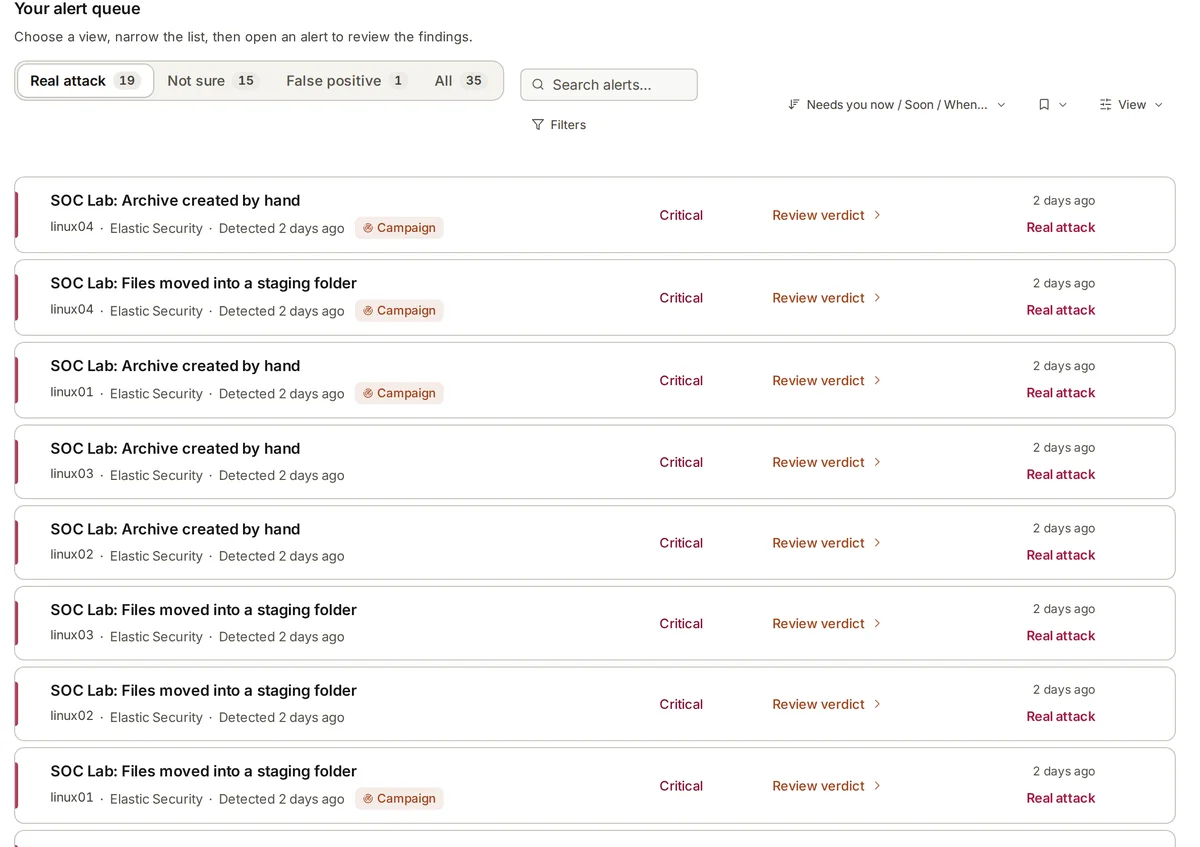
- What the AI does alone: collect alerts, investigate them by reading data, give a verdict with its confidence and evidence, join related alerts into a campaign, draft detection rules, recommend next steps, and notify people.
- What waits for a person: putting a detection rule live, adding a new log integration to a machine, each step of a response plan, and the final call on a verdict.
- What it never does: block traffic, isolate machines, quarantine files, lock or disable accounts, or delete data.
Approvals that are recorded
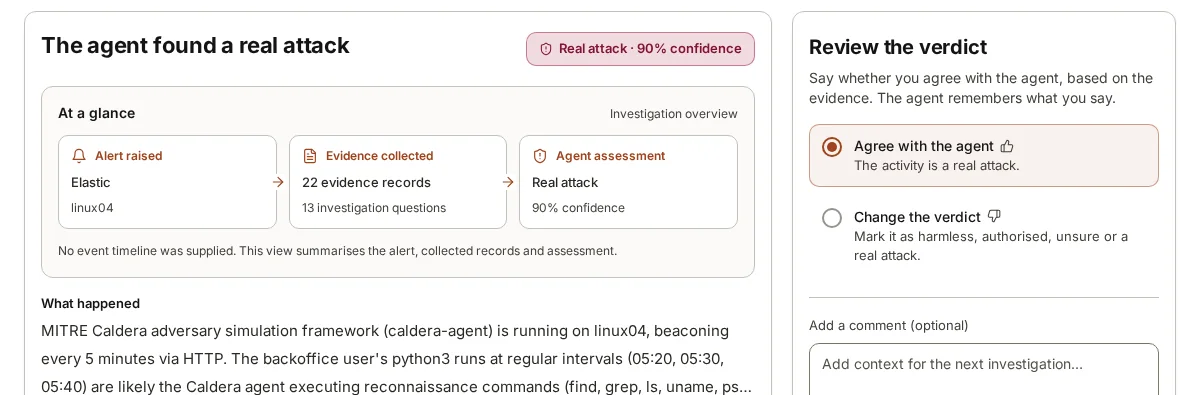
An approval that leaves no trace is a habit, not a control. Each time a person approves something, the system should record who it was, when, what exactly they approved, and what they were shown at the time. If a rule went live and later caused trouble, the question “who approved this, and what did they see?” should have an answer in seconds.
Sensitive approvals deserve a second check on the person. Asking someone to confirm their identity again before a high-impact change, even mid-session, stops an unattended screen or a stolen session from becoming an approval. Single sign-on through Okta, Microsoft Entra ID or another OIDC provider helps too, because it ties each approval to a real, managed identity rather than a shared login.
Approvals should also be easy to give well. A person asked to approve a rule should see what it detects, what data it needs, and how often it would have fired on past alerts. An approval given blind is barely better than none.
Refusals deserve the same care as approvals. When a person declines a recommended step, the record of who declined it and why is just as useful later, and it stops the same recommendation from being raised again and again without new evidence.
Two people to switch a rule off
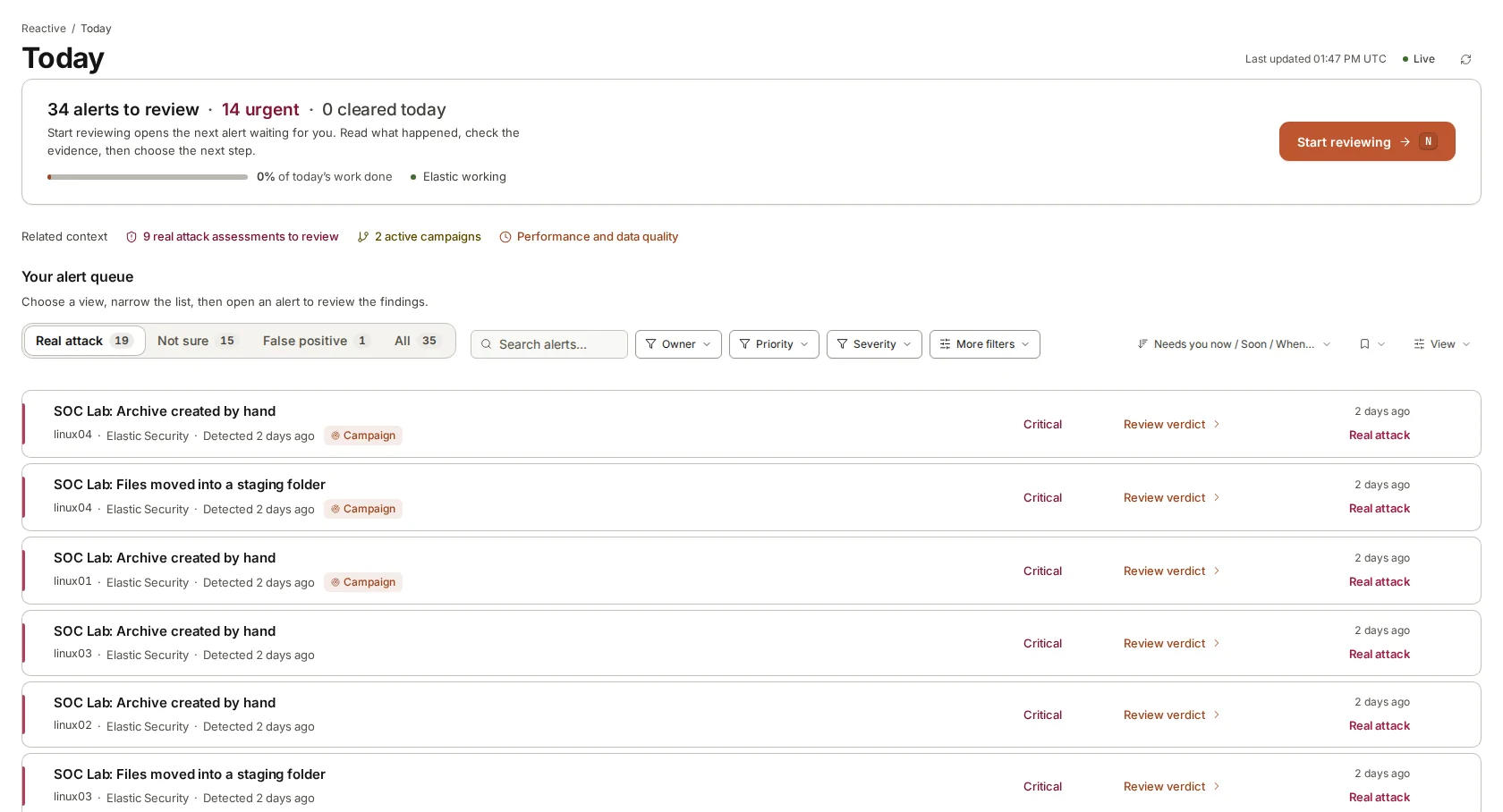
Some changes are riskier in one direction than the other. Switching a detection rule on adds noise at worst. Switching one off creates a blind spot, and a blind spot is exactly what an attacker with stolen administrator access, or an insider, would want. It is also what a tired person might do at 3 a.m. to quieten a noisy rule, meaning to switch it back on later.
A two-person rule for switching detections off makes that blind spot hard to create quietly. One administrator asks; a second must agree. Each is recorded. It costs a few minutes on the rare occasions a rule really should go, and it turns a silent change into a visible decision.
The same reasoning can extend to other changes that reduce what you can see: removing a log source, widening an exclusion, or lowering how carefully a class of alert is investigated.
An audit trail you can read
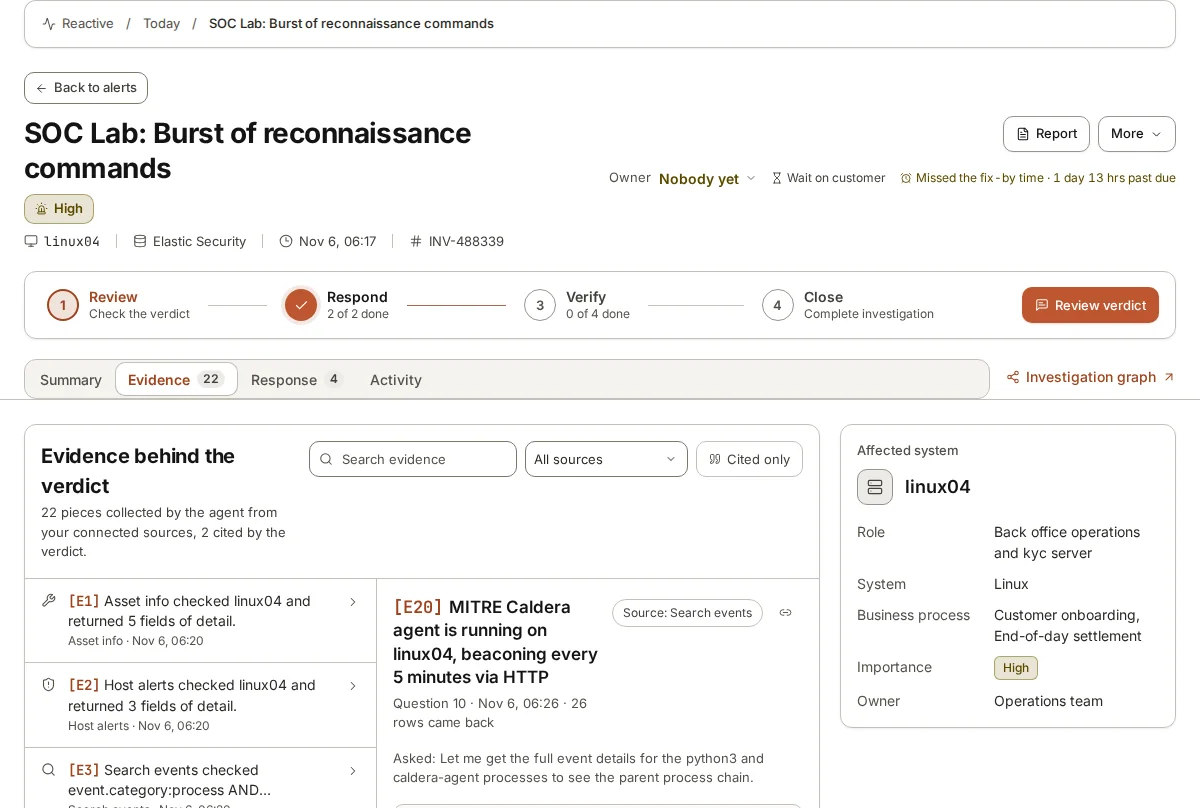
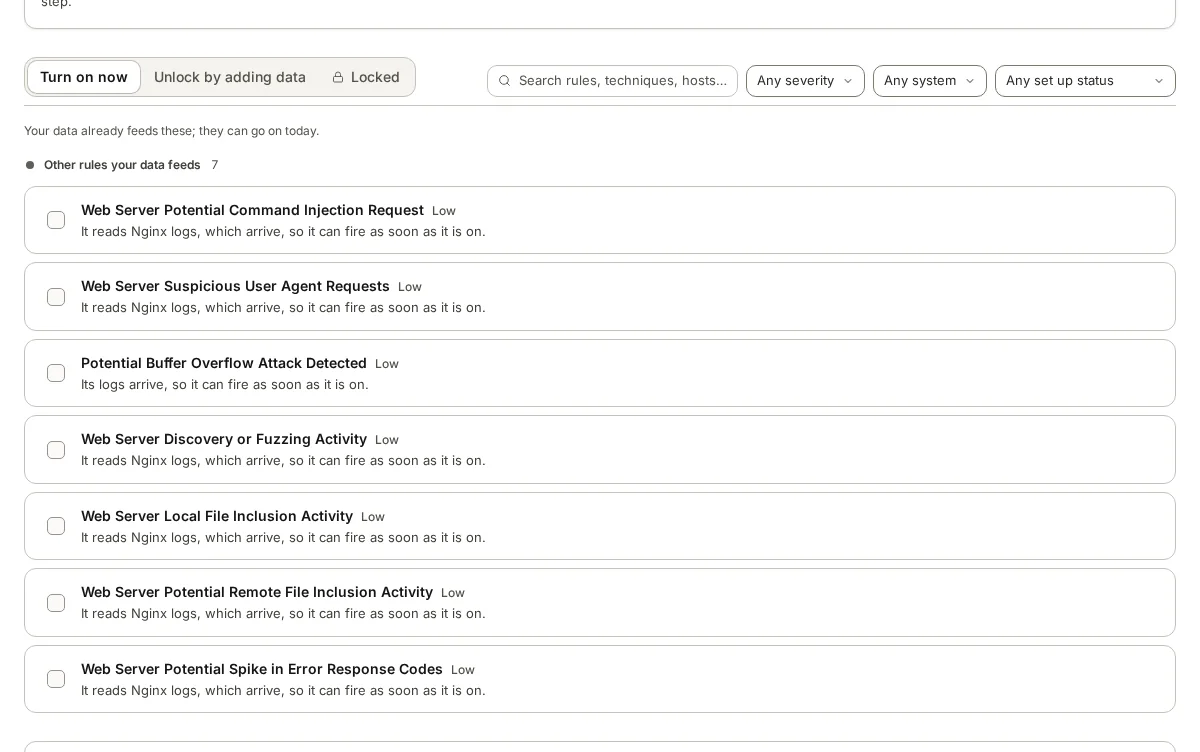
An audit trail is where oversight becomes provable. It should record what the AI did as well as what people did: which alerts it investigated, what verdict it gave, which person reviewed it, whether they agreed or changed it, and why. It should record approvals, refusals and the two signatures behind any rule switched off.
Readability matters. A trail that only an engineer can query will not be read by the compliance officer or the auditor who needs it. Plain entries, searchable by person, rule, machine and date, make the difference between a trail that exists and one that is used.
For providers serving several customers, the trail belongs to each customer separately, so one customer’s auditor sees their own record and nobody else’s.
Finally, the trail should be kept long enough to answer the questions that come late. A regulator’s question about a decision made last spring, or an incident responder tracing how long an attacker was present, needs records that are still there. Decide the retention period on purpose and check that the trail outlives the raw logs it refers to.
The cost of keeping people in charge
This design has a cost, and it is fair to name it. When an AI investigates and a person decides, response waits for a person. At night that means someone on call, reached through PagerDuty, Slack or Microsoft Teams, who reads the verdict and acts. A fully automatic system would be faster when it is right.
We think the trade is worth making. The slow part of security operations is the investigation: finding the records, joining the events, reading the process chains. An agent can do that part, and in our lab a verdict arrives in a median of 76 seconds when the queue is clear. What is left for the person is a decision, with the evidence in front of them, which takes minutes. Keeping that decision human costs little time and keeps the authority, and the accountability, with the people who carry both.
There is a second cost: people have to keep reviewing. Oversight decays when approvals become a reflex. The cure is the same design thinking applied to the reviewers: show them the evidence, keep the number of decisions each person faces manageable, and look at the audit trail now and then for approvals given too quickly to have been read.
Where armor360 fits
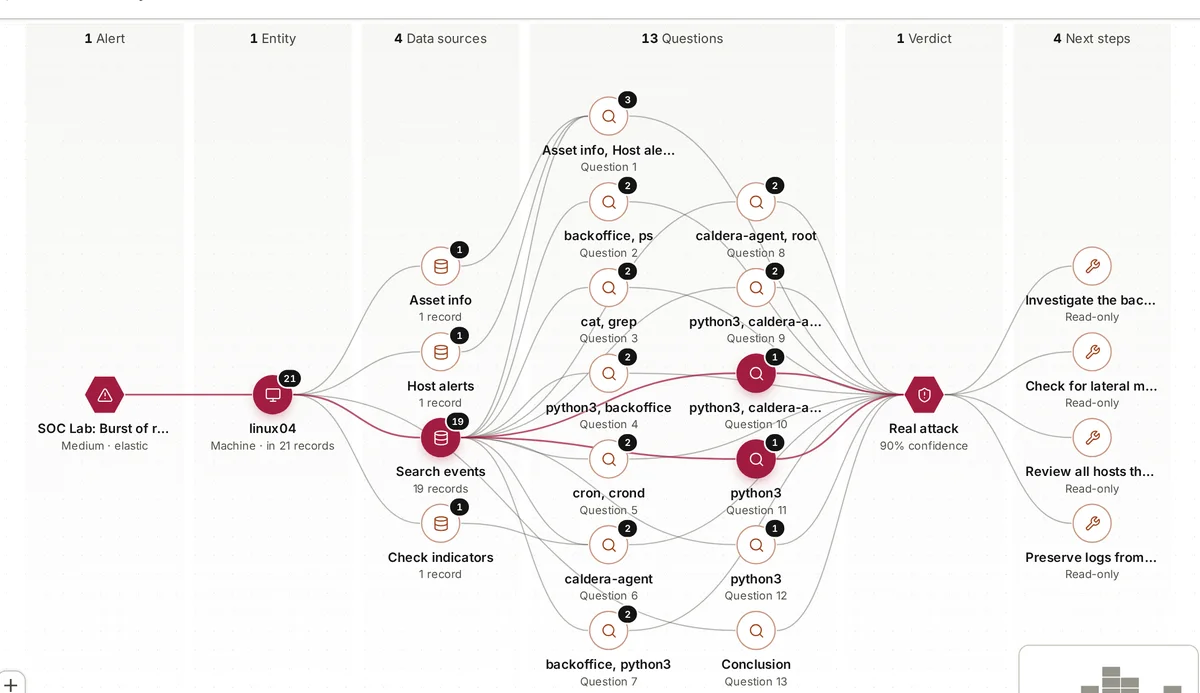
armor360 takes no response actions. It investigates, gives verdicts with their evidence, joins related alerts into campaigns with one plan whose each step waits for a person’s approval, and tells people through Slack, Microsoft Teams, PagerDuty, email, Jira or ServiceNow. A person approves a detection rule going live; switching a rule off needs two administrators.
Who approved what, and when, is kept in the audit trail, with a separate trail for each tenant. Sign-in can use Okta, Microsoft Entra ID or any OIDC provider, and people confirm again before sensitive changes.