The choice is about the model, not only the product
Any AI tool for security operations rests on a language model, and that model runs somewhere. Either it runs on hardware you control, inside your network, or the tool sends your data to a model hosted by someone else and reads back the answer. That choice shapes more than where the servers sit. It decides where your alert data goes, what each investigation costs, how fast answers come back, and whether the model can change under you without notice.
Neither option is right for everyone. A small team with modest alert volumes and no strict data rules may be well served by a hosted model. A bank, a hospital or a managed security provider handling many customers’ data may find that a local model is the only option their rules allow. This post sets out the trade-offs in general terms, so you can ask the right questions of any vendor.
Where your alert data goes
It is easy to underestimate what goes into a model during an investigation. It is not just the alert. It is the records the agent fetched: host names, internal IP addresses, user names, full command lines, file paths, email subjects, and sometimes secrets that someone pasted into a command line by mistake. A single investigation can send dozens of these records to the model.
With a hosted model, all of that leaves your network. You are then relying on the provider’s terms on retention, on whether your data is used for training, on where the servers are and which country’s law applies, and on the provider’s own security. Those terms can be good. They are still terms, and they can change.
With a local model, the data stays where it already lives. That does not make it safe by default, since the model server needs the same protection as your SIEM, but it removes a whole category of question from your risk register and your auditors’ list.
Some teams try a middle path: a local model by default, with a hosted model as a fallback for hard cases or busy periods. That can work, but the fallback is where the data rules apply. If sensitive records can reach a hosted model on a bad day, the rules have to allow it on every day, and the fallback should be something you can switch off.
Cost per alert
Hosted models usually charge by the amount of text sent and received. Agent investigations are heavy users of text, because each step sends the growing history of the investigation back to the model. An investigation with a dozen steps can cost many times what a single question would, and cost rises with the alerts you investigate. Budgets built on a quick test of a few alerts often surprise people once real volumes arrive.
A local model turns most of that into a fixed cost: the hardware, its power and the people who look after it. Once paid for, the cost of one more investigation is small. The catch is utilisation. Hardware sized for your busiest hour sits partly idle the rest of the day, and hardware sized for the average falls behind during a burst.
Whichever you choose, ask for the cost of one investigation, not one query, and ask how it was measured.
It also helps to price the work the model saves, not only the model. If an investigation that would take an analyst a quarter of an hour now takes a person a few minutes to review, the model’s cost per alert is small beside the staff time on either side of it. That comparison holds for local and hosted models alike; what differs is how the cost behaves as volumes grow.
Speed, availability and control over updates
An agent makes many calls to the model in each investigation, so delay per call adds up. Hosted models are usually fast per call, but they are shared, with rate limits and busy periods, and an outage at the provider stops your investigations. A local model’s speed is whatever your hardware gives, every hour of the day, and it keeps working when your internet link does not.
Control over updates matters more than most buyers expect. Hosted models are improved and replaced by their providers, sometimes with little notice. A new version may be better on average and still behave differently on your alerts: reaching different verdicts, phrasing reasons differently, or shifting how confident it sounds. If you have checked the calibration of confidence scores, a silent model change can undo that work overnight.
With a local model you hold the version. You can test a new one on stored alerts, compare its verdicts with the old one and with your reviewers’ decisions, and switch only when you are satisfied. That is slower, and it is how change control works for the rest of your security tooling.
Ask any vendor using a hosted model how they learn of a model change, how they test for it, and whether they can hold an older version while they do. The answers tell you how much of your verdict quality sits outside anyone’s control.
Specialisation by fine-tuning
Large general-purpose models know a little about everything. Security investigation needs a narrower set of skills done well: writing correct queries for a given SIEM, reading process trees and authentication events, choosing the next question, and admitting when data is missing. A smaller model fine-tuned on that work can do it well, at a fraction of the hardware a general model would need.
Fine-tuning a model you host means you own the result. It can be adjusted when your data sources change, tested before release, and run without depending on a provider’s roadmap. Some hosted providers offer fine-tuning too, but the tuned model then lives on their servers, under their terms.
The honest caveat: a narrow model is narrow. It will be weaker than a large general model at tasks outside what it was tuned for, so the vendor should be clear about what it was tuned to do.
What running a model locally really takes
Running a model yourself is a real commitment, and it should be weighed honestly.
For many organisations the deciding question is simple: are you allowed to send this data out? If the answer is no, or “only after a long review”, the local route is worth its costs. If the answer is yes, the decision comes down to volume, cost and how much control you want over change.
- Graphics processors with enough memory for the model and for several investigations at once.
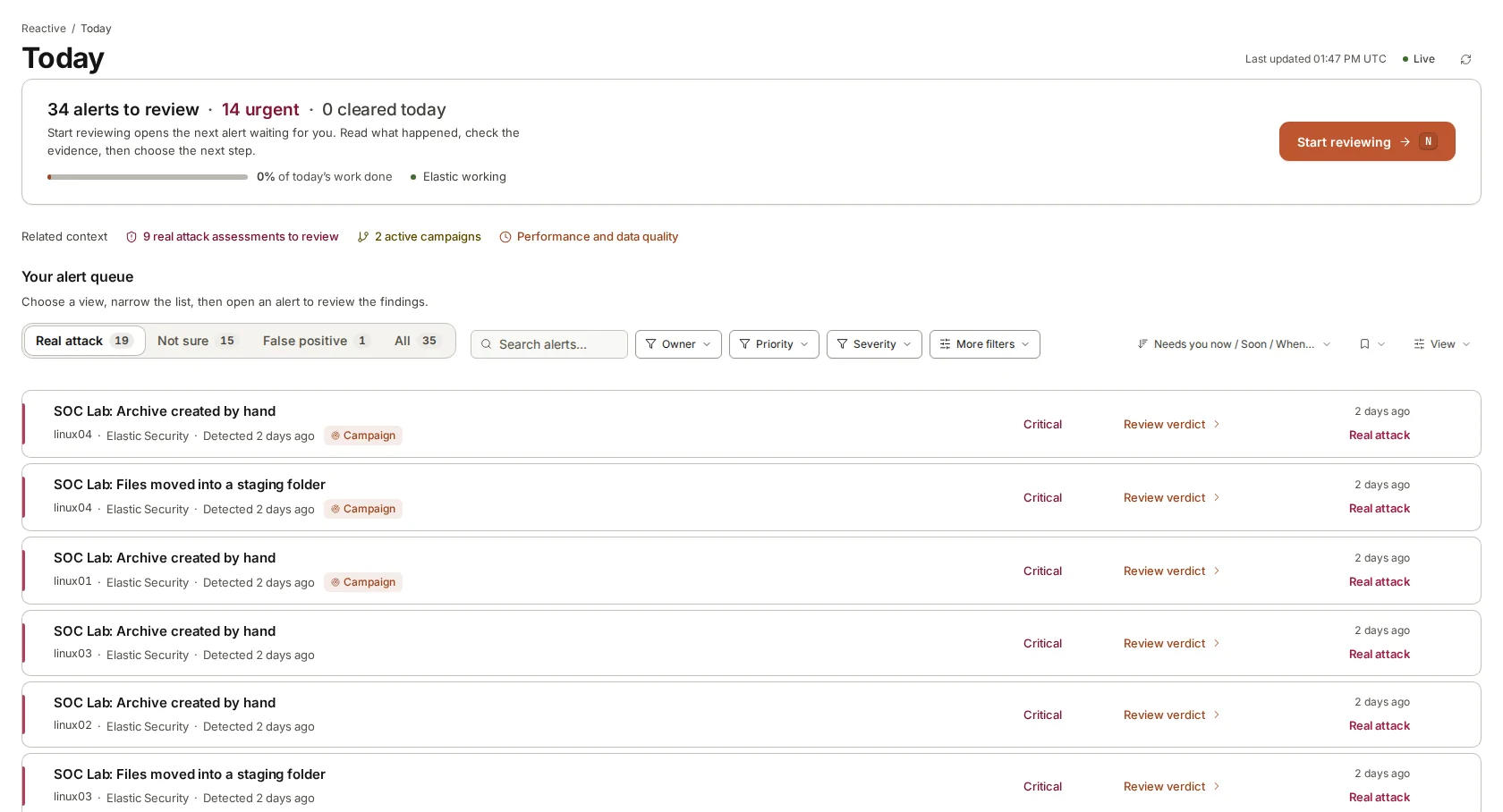
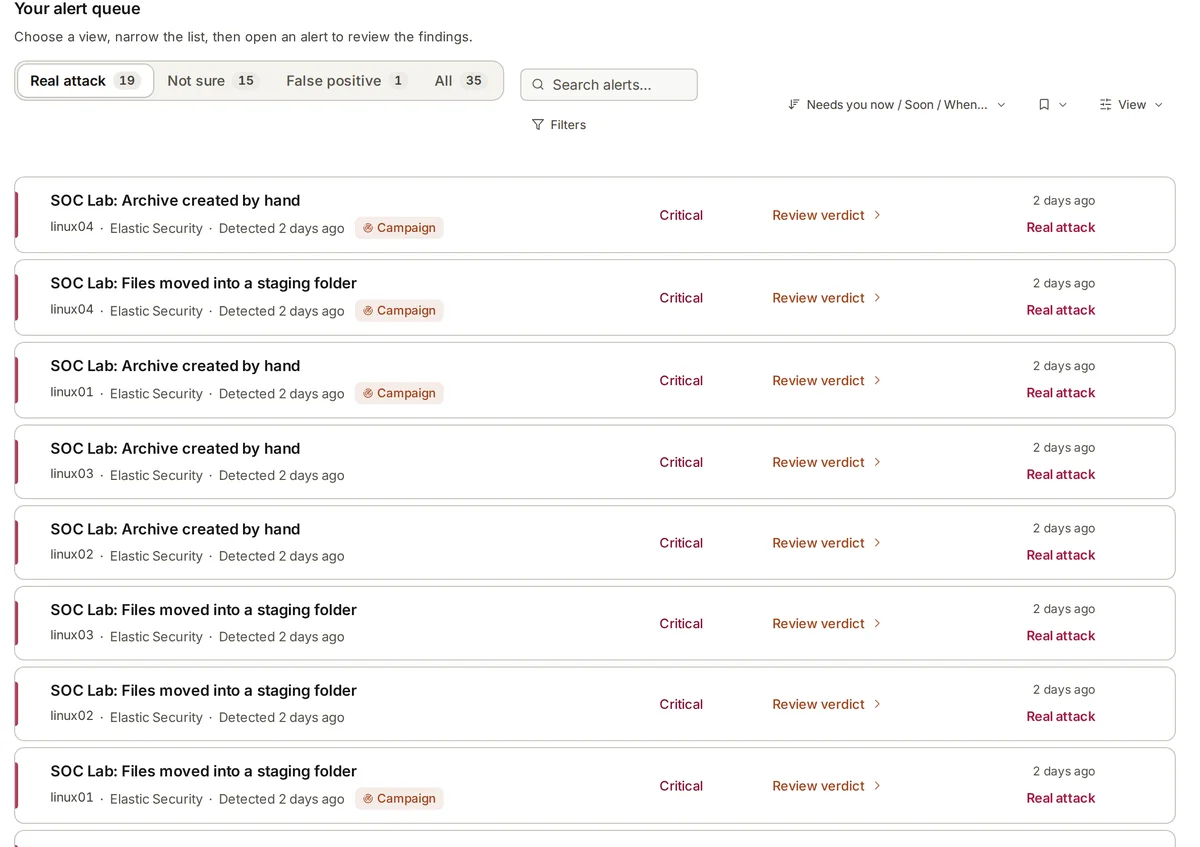
- Planning for bursts: when a hundred alerts arrive together, the queue should put likely real attacks first so the slowest wait is on the least urgent alert.
- Power and cooling. Sustained model work runs hardware hot for hours.
- People to patch the operating system, watch the service and restore it when it fails.
- A tested way to roll a new model version out, and back.
Where armor360 fits
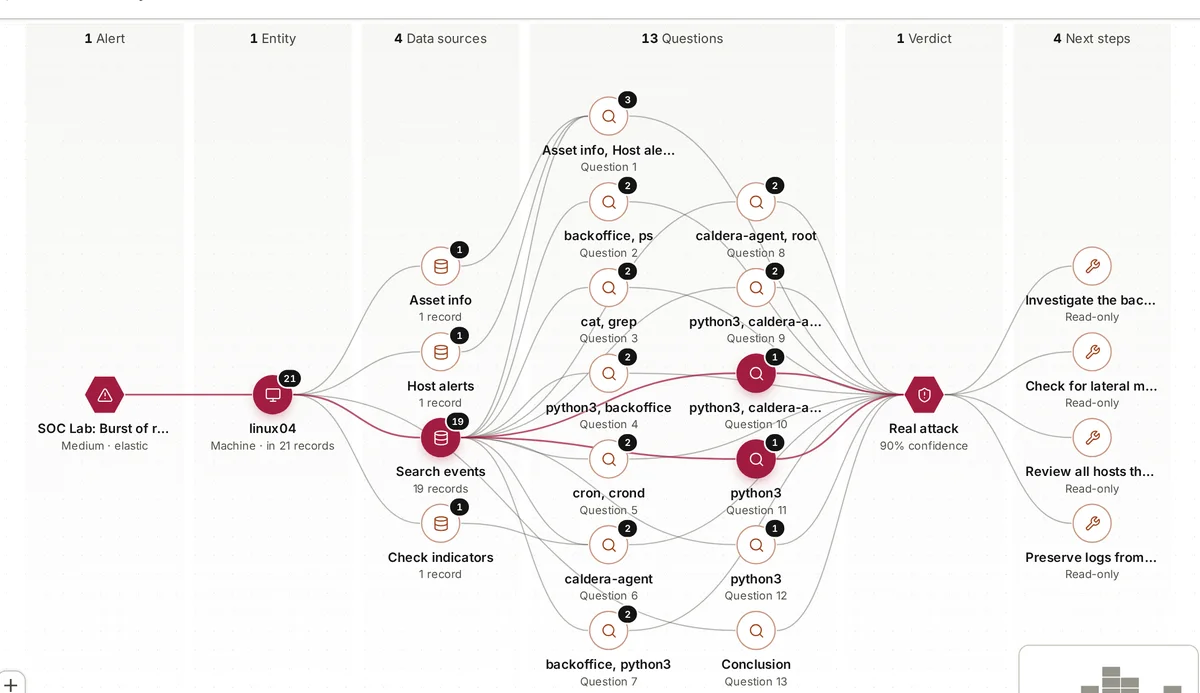
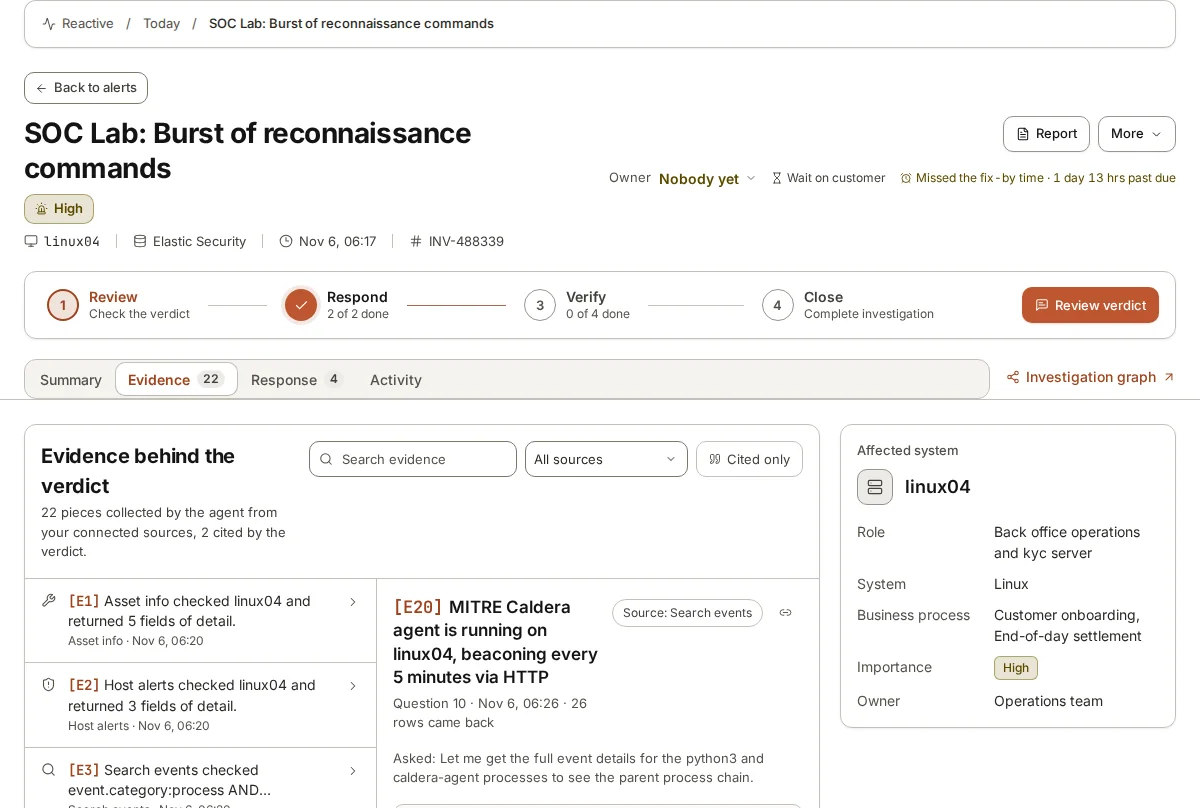
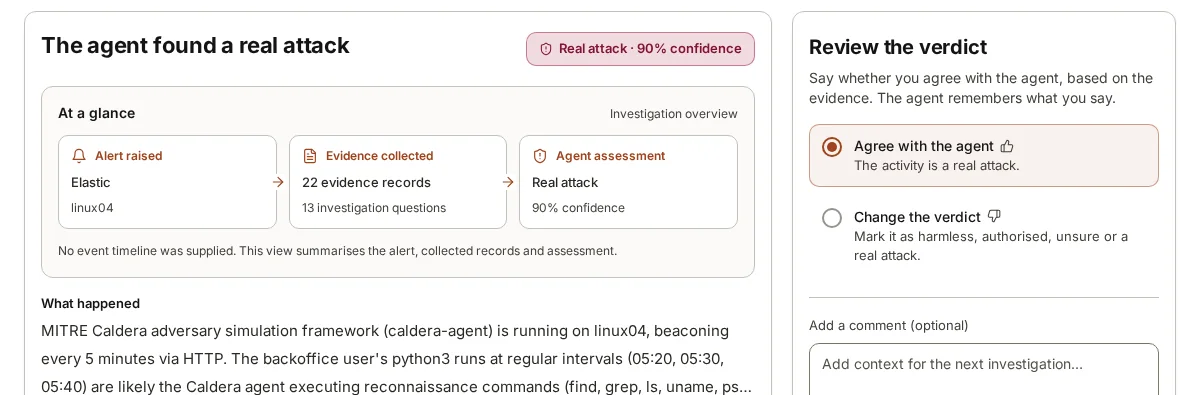
armor360 runs on our own model, fine-tuned by our team for security investigation. It can run fully on your own hardware, the AI included, so alert data need not leave your environment, with external AI fallback switched off; or we can host it for you. Its running cost is about $0.10 of compute per investigation, an estimate of running cost rather than a price.
Pricing is by quote, sized to what you protect, with no charge per person.