An escalation path is a promise
An escalation path is a promise that when an analyst finds something serious, the right person will hear about it quickly and be able to decide. Most organisations have one on paper. Fewer have one that works at 3am on a public holiday, when the named contact has left the company and the phone number goes to voicemail. A working path needs four things: severity levels people agree on, a clear map of who to call for what, business owners for the systems that matter most, and contact details someone keeps current. Then it needs practice.
This post covers each of the four, with examples you can adapt, and a simple drill for testing the result.
The cost of a weak path is rarely a dramatic failure. More often it is delay: the analyst who spends forty minutes finding the right person, the call that reaches someone without the authority to decide, the finding sent to a shared mailbox nobody reads at night. Each delay is time an intruder keeps. A good path takes that time out, so the only wait left is the time a person needs to think.
Severity levels people agree on
Severity only works if the SOC and the people it calls mean the same thing by it. Define each level by its impact and the response it demands, not by how alarming the alert name sounds. The levels below are illustrative.
The value is in agreeing them with the people on the receiving end. If the business owner of your payment system thinks “high” means “look at it tomorrow”, your high-severity call at midnight will be dealt with tomorrow.
Put examples next to each level, drawn from your own past alerts. People agree on examples far more easily than on definitions, and analysts under pressure match a new finding to an example faster than to a paragraph of criteria.
- Critical: a confirmed real attack on an important system, or an attack spreading between machines. Call the incident lead and the business owner now, at any hour.
- High: a confirmed or very likely attack on a single machine or account, not yet spreading. Page the incident lead; tell the business owner within the hour in working time.
- Medium: suspicious activity that needs more information, often from the business. Ticket to the owning team, follow up the next working day.
- Low: a policy issue or harmless finding worth recording. Logged and reviewed weekly.
Who to call for what
A single escalation contact for everything overloads one person and leaves gaps when they are away. Map escalation by the kind of finding instead.
Each line names a role, a primary and a deputy, and the channel: phone, PagerDuty, a Slack or Microsoft Teams channel, or a ticket queue. Phones and pagers are for things that cannot wait. Everything else goes to a queue, so the urgent channel stays trusted and people still pick up when it rings.
- Endpoint and malware findings: the incident lead, then the desktop or server team that can act on the machine.
- Identity findings, such as logons from unlikely places or new MFA methods: the incident lead and the team that runs Okta or Microsoft Entra ID.
- Cloud and SaaS findings: the incident lead and the platform owner.
- Data leaving the company: the incident lead, the data owner and, where personal data may be involved, the privacy or legal contact.
- Any finding on a crown-jewel system: the incident lead and that system’s business owner, always.
Business owners for crown-jewel systems
Technical teams can isolate a machine. They usually cannot decide whether the business can live without it for four hours at month end. That decision belongs to a business owner, and for your most important systems you should know who that is before you need them.
Start by asking the business, not the SOC, which systems it could least afford to lose for a day. The answers are often different from the ones security teams expect. Then make a short list of crown-jewel systems: the payment platform, the customer database, the systems that run settlement or production, the identity provider. For each, record what it does in business terms, the business owner and a deputy, the technical owner, and any times when taking it offline would cause real harm. Keep the list short. Ten well-documented systems beat a hundred half-documented ones.
Talk to each business owner once, in daylight. Explain what a SOC call at night would look like, what you would ask them and what you would recommend. People make better decisions at 2am about a situation they talked through at 2pm.
Keeping contact lists current
Contact lists decay faster than anything else in a SOC. People change roles, numbers change, teams merge. A stale list fails silently until the night it matters, and then it fails at the worst possible moment.
Suppliers belong on the list too. If a managed service provider runs your firewalls, or a software supplier hosts a key application, write down how to reach their security contact out of hours and what your contract says they must do when you call. Find out in daylight whether that number is answered.
Treat the contact list as a system with an owner, not a document someone wrote once:
- Keep one list, owned by one person, linked from each runbook. Never copy it into runbooks.
- Use roles and rotas where they exist, so the list points to “identity on-call” rather than to an individual.
- Review it monthly: check each entry against the staff directory and remove leavers.
- Test it quarterly: send a low-priority test page to each on-call rota and record who acknowledged and how fast.
- Add a step to your leaver process, so the list owner hears when someone on the list leaves.
Practising the path
An escalation path that has never been used is a guess. Practise it with short, frequent exercises, not only an annual tabletop day. A drill that takes half an hour each month teaches more than a full day once a year, because it tests the path as it is now, with the people who hold the rotas this month.
A simple drill: take a past alert that looked real, give it to the analyst on shift and ask them to escalate it as if it were live, clearly marked as an exercise. Then look at what happened and review the gaps without blame. These four questions cover most of it:
Include a night drill now and then, with the business owner’s agreement in advance. The day path and the night path are often different people and different channels, and only the day path gets tested by accident.
- Did the analyst choose the same severity the lead would have?
- Was the contact right, and reachable on the first try?
- Did the person reached have the authority to decide?
- Was the decision, and its time, written down?
Where armor360 fits
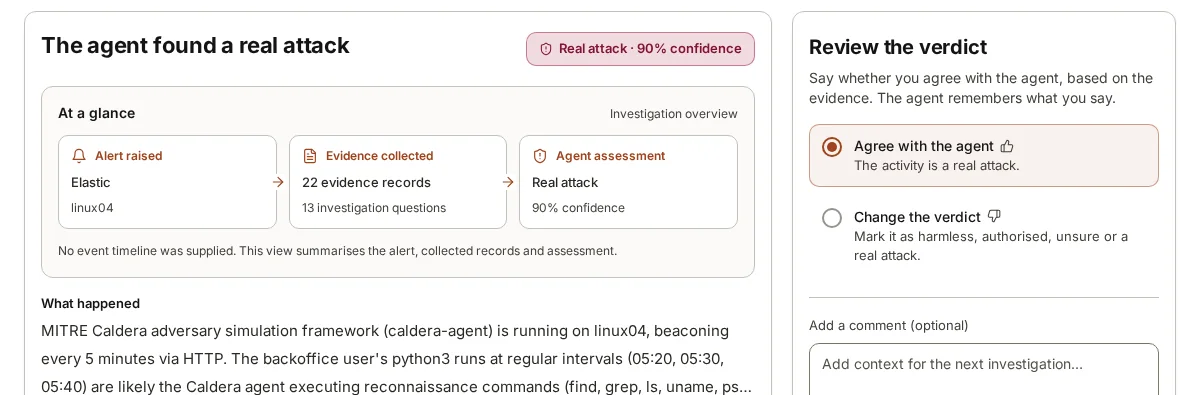
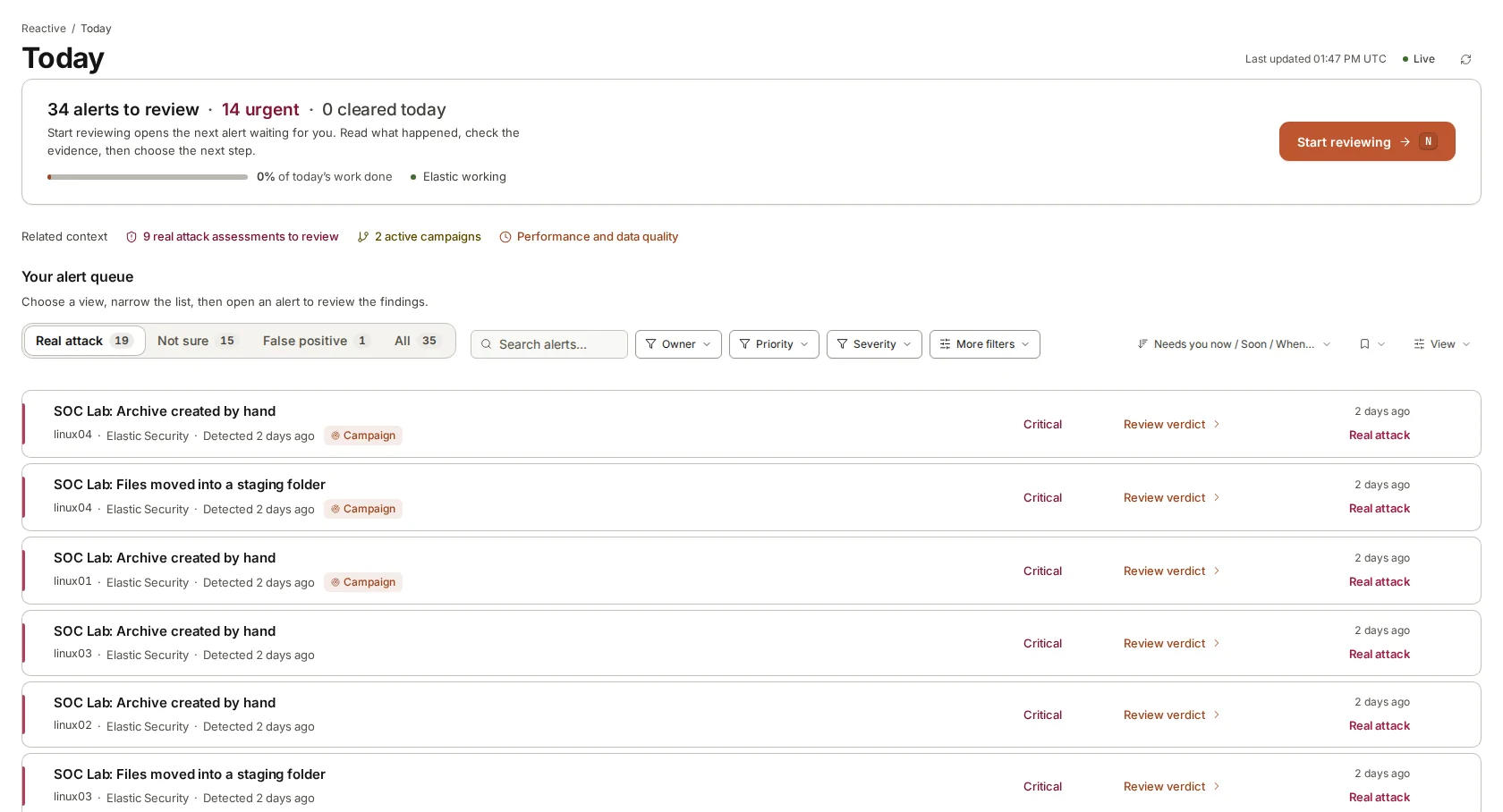
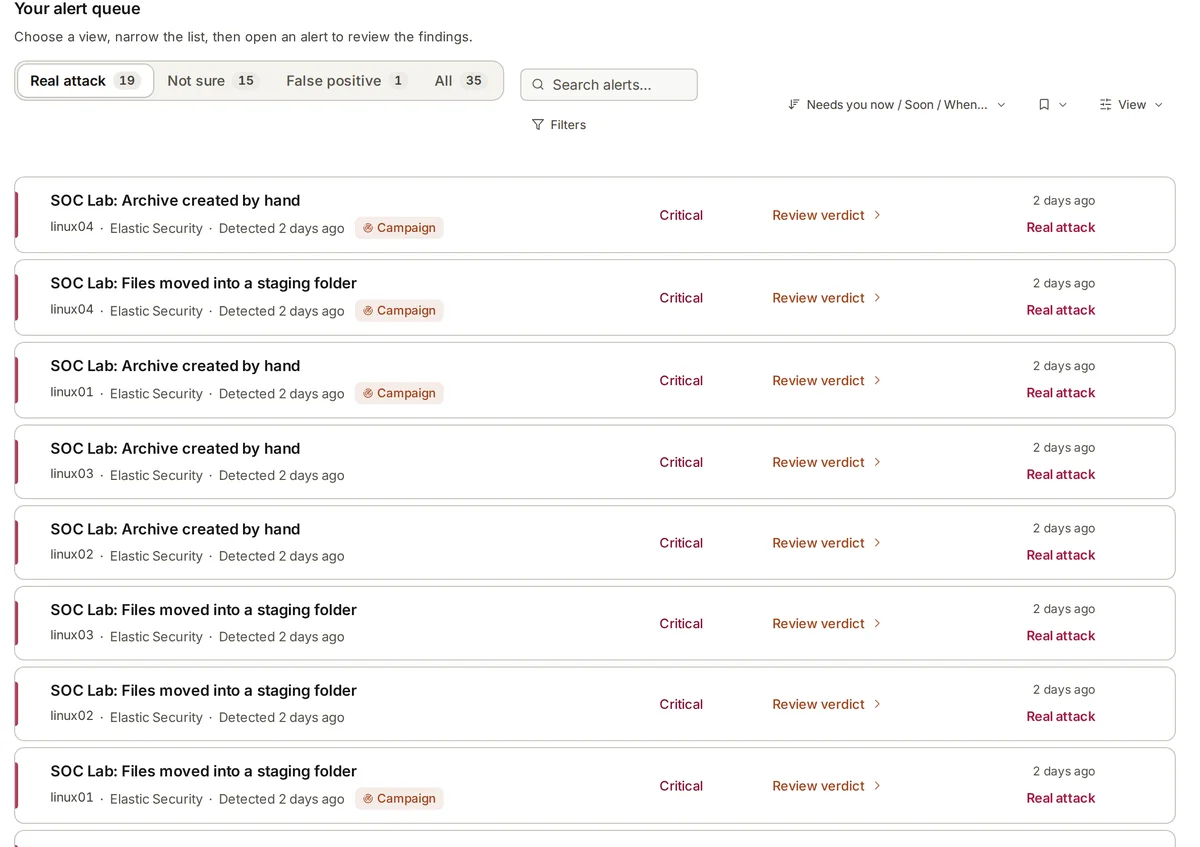
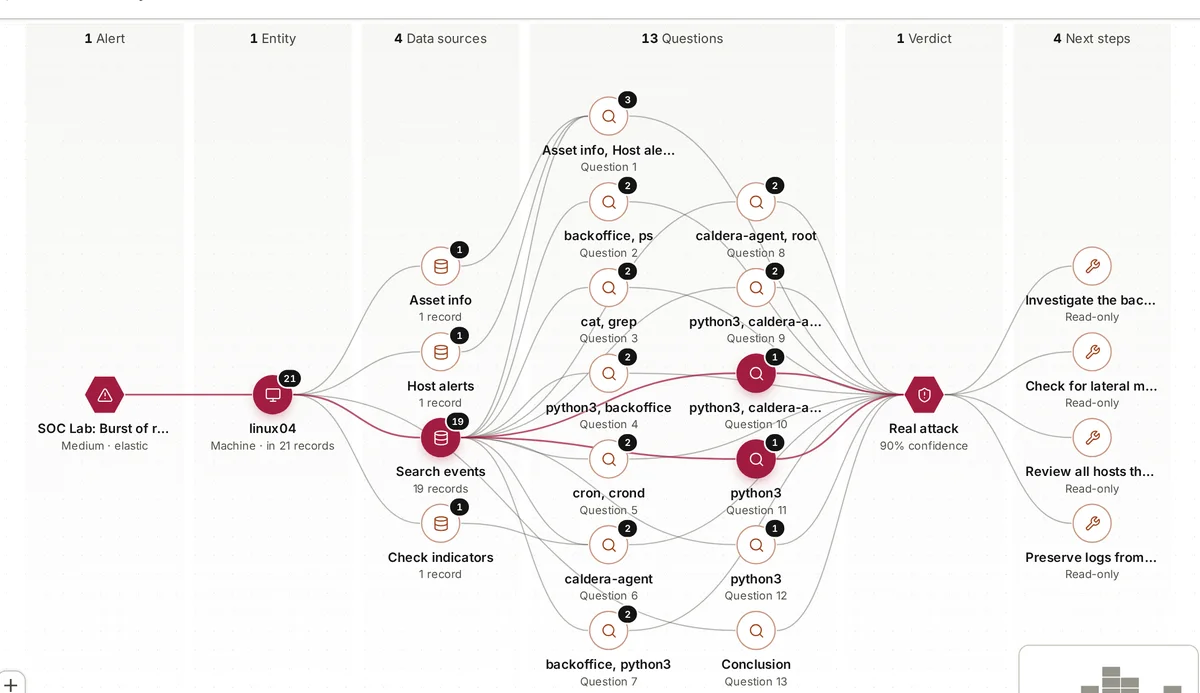
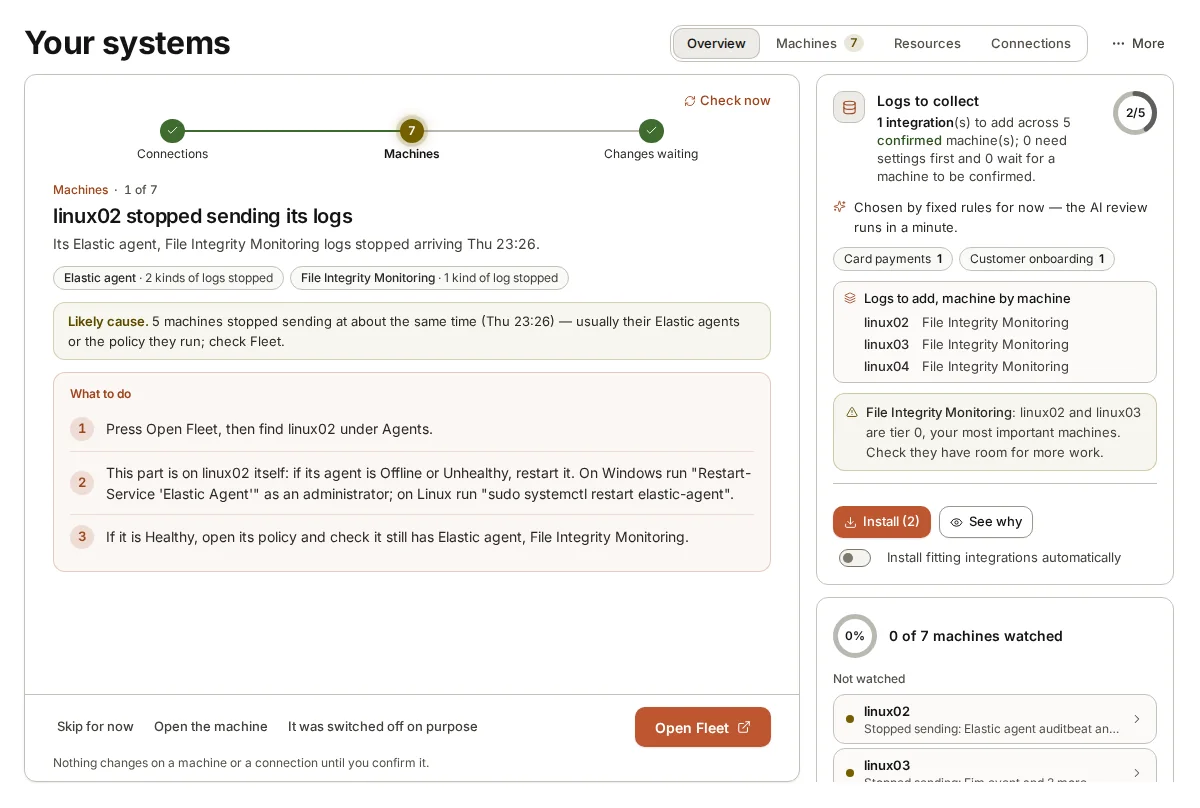
During set-up, armor360 records what each machine does, which business processes it serves, which systems are crown jewels and who to call for urgent findings. Verdicts and campaigns then show what is at risk in business terms, and findings can go to PagerDuty, Slack, Microsoft Teams, email, Jira or ServiceNow.
It recommends and tells people; it takes no response actions. The decision at the end of the escalation path stays with the person you named for it, and the audit trail keeps who approved what and when.