Tuning is a conversation, not a setting
Most noisy alerts are not wrong. The rule saw something that, in another company, would be worth a look: a script copying thousands of files, an admin tool opening remote sessions, a service account logging on to dozens of machines. In your company it is the backup job, the IT team’s remote support tool and the month-end batch run. The SOC cannot know that from the logs alone. Good tuning is done with the people who run the systems, and the context they give is recorded and approved, not kept in one analyst’s head.
This post covers who to work with, how to learn what normal looks like, how to record it, and how to approve exceptions so that tuning does not quietly open a gap an attacker can walk through.
Who to work with
The people who can explain your noise are usually outside the security team:
Approach them with specific alerts, not a general request. “This rule fired on your backup server most nights last month; can you help us understand what runs there?” gets a far better answer than “please tell us what is normal”. Bring the times, the accounts and the processes, and ask them to confirm or correct.
- IT operations and infrastructure: backup jobs, patching, deployment tools, remote support, scheduled maintenance.
- Application owners: batch jobs, integrations between systems, service accounts and when they run.
- Finance and operations teams: month-end, quarter-end and year-end runs, payroll, settlement windows.
- The identity team: service accounts, privileged access, MFA exceptions.
- Change management: the change calendar, so planned work is known in advance.
Learning what normal looks like
Start from your noisiest rules. For each, group the alerts by host, user, process and time of day. Patterns appear quickly: the same process from the same account at the same hour, or a burst on the last working day of each month.
Some illustrative examples of legitimate patterns that commonly trip rules:
Then confirm each pattern with its owner, in writing. Ask exactly what runs, from which machine, under which account, when, and what it touches. An answer of “yes, that is probably us” is not enough to tune on. If the owner is unsure, that is a finding in itself.
- Backup jobs reading large numbers of files overnight and writing them to a network share or storage service, which can look like data collection or mass encryption.
- Remote administration tools used by the IT help desk, which look identical to an attacker’s remote access.
- Patch and deployment tools running PowerShell or shell scripts across many machines at once.
- Month-end and year-end jobs that run rarely, query large datasets and use accounts that are idle the rest of the time.
- Vulnerability scanners probing many ports on many hosts on a schedule.
Recording the context
The context you learn is valuable beyond the one rule. The same backup job that trips a file-access rule may also trip a network rule and a logon rule, and an analyst working any of the three needs to know about it. Record it where analysts will see it during an investigation, not in meeting notes. For each piece of normal activity, write down:
That last point is what keeps tuning safe. Attackers use the same tools as administrators. A remote support tool used by the help desk during working hours from the help desk’s network is normal. The same tool started at 3am from a finance laptop is not, and the exception should be written so that the second case still raises an alert.
- What the activity is, in plain words.
- Exactly how to recognise it: host, account, process, parent process, destination, schedule.
- Who owns it and who confirmed it, with the date.
- When it should be checked again.
- What would make it suspicious anyway: a different time, a different destination, a different parent process.
Approving exceptions
An exception is a decision to stop being told about something. That deserves an approval, a record and an expiry date.
Switching a rule off entirely should be harder than tuning it, and some teams require two people to agree. If a rule fires only on noise and cannot be narrowed, ask whether the data it relies on is wrong or whether the rule should be rewritten, rather than silencing it.
Revisit exceptions when things change: a system is replaced, a team is reorganised, a tool is retired. An exception for a backup job that no longer exists is simply a hole.
An illustrative case. The finance team’s month-end job runs under a service account that logs on to the reporting servers and pulls large exports. An exception that silences all logons by that account would hide an attacker who had stolen its password. An exception that covers that account, on those servers, running that process, in the last two working days of the month, keeps the noise down and still raises an alert if the account appears anywhere else or at any other time.
- Make exceptions as narrow as possible: one host, one account and one process, not a whole rule switched off.
- Require approval from the SOC lead and the system owner for each one.
- Give each exception a review date, usually within a year.
- Keep a log of exceptions with who approved them and why, so audits and incident reviews can see it.
- Before an exception goes live, run it against past alerts to see exactly which ones it would have suppressed, and read a sample.
Making it a habit
Tuning works best as a standing task rather than a project. A short monthly meeting with IT operations, using the noisiest rules of the month as the agenda, keeps it moving. Bring the change calendar. Leave with owners and dates.
Ask to be told about changes before they happen. A new backup product, a new remote support tool or a new batch job will produce a fresh wave of alerts the week it goes live. If the SOC hears about it through the change process, the context can be recorded in advance and the first night is quiet. If it hears about it through the alerts, the first night is spent working out what changed.
Measure tuning by what it removed and what it kept. For each change, note how many alerts the rule raised in the month before and the month after, and check that the rule still fires on the cases it exists to catch, for example by replaying a past real alert or a safe test in a lab. Share the results with the people who helped. When an application owner sees that the alerts about their batch job have stopped, and why, they are much more willing to answer the next question quickly. Tuning done this way builds the relationship the SOC will need when something real happens on their system.
Where armor360 fits
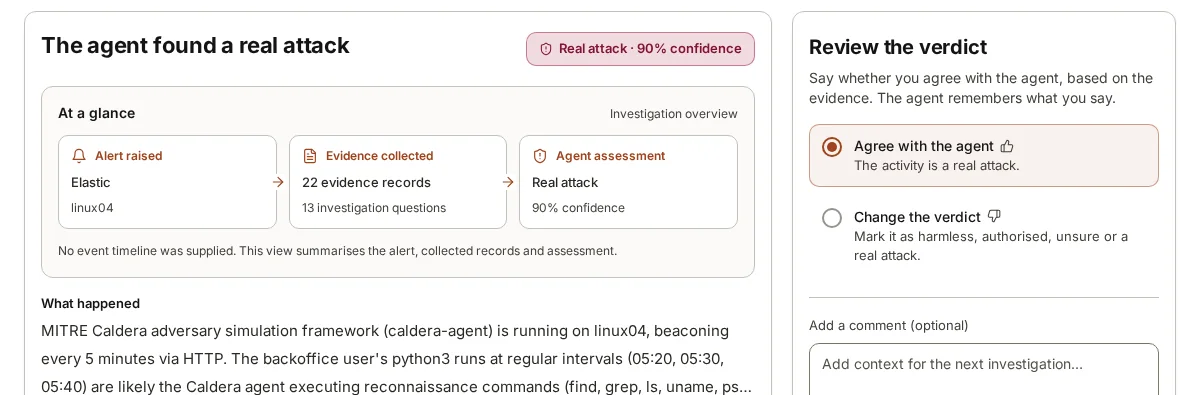
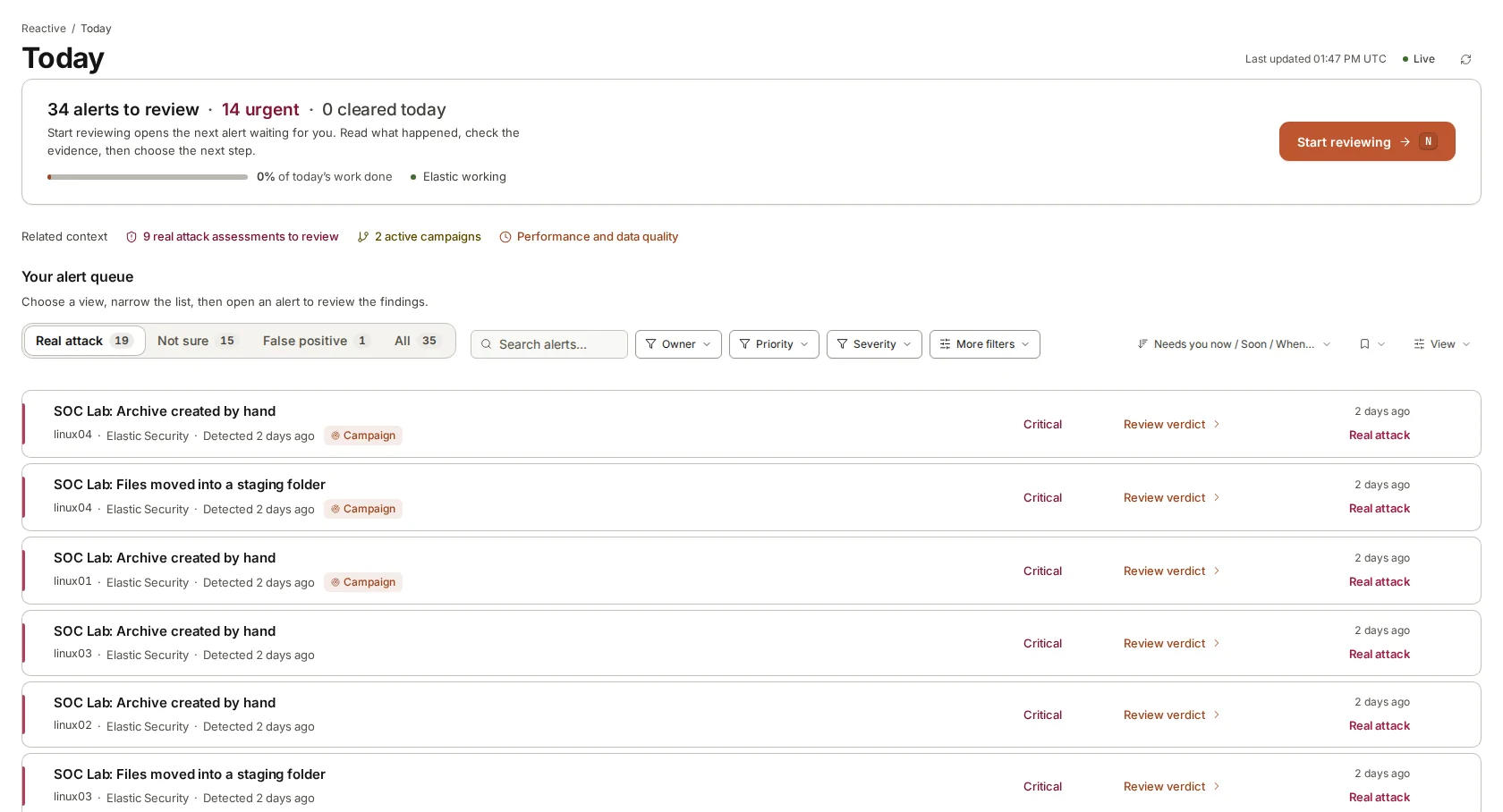
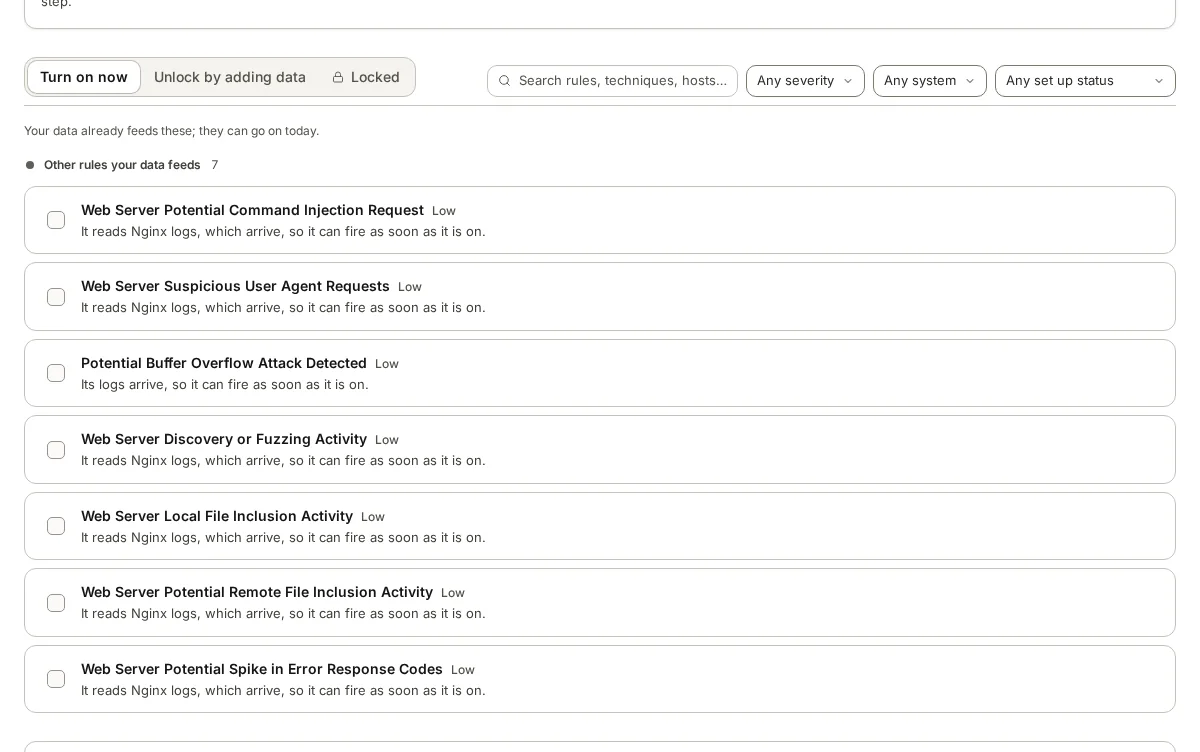
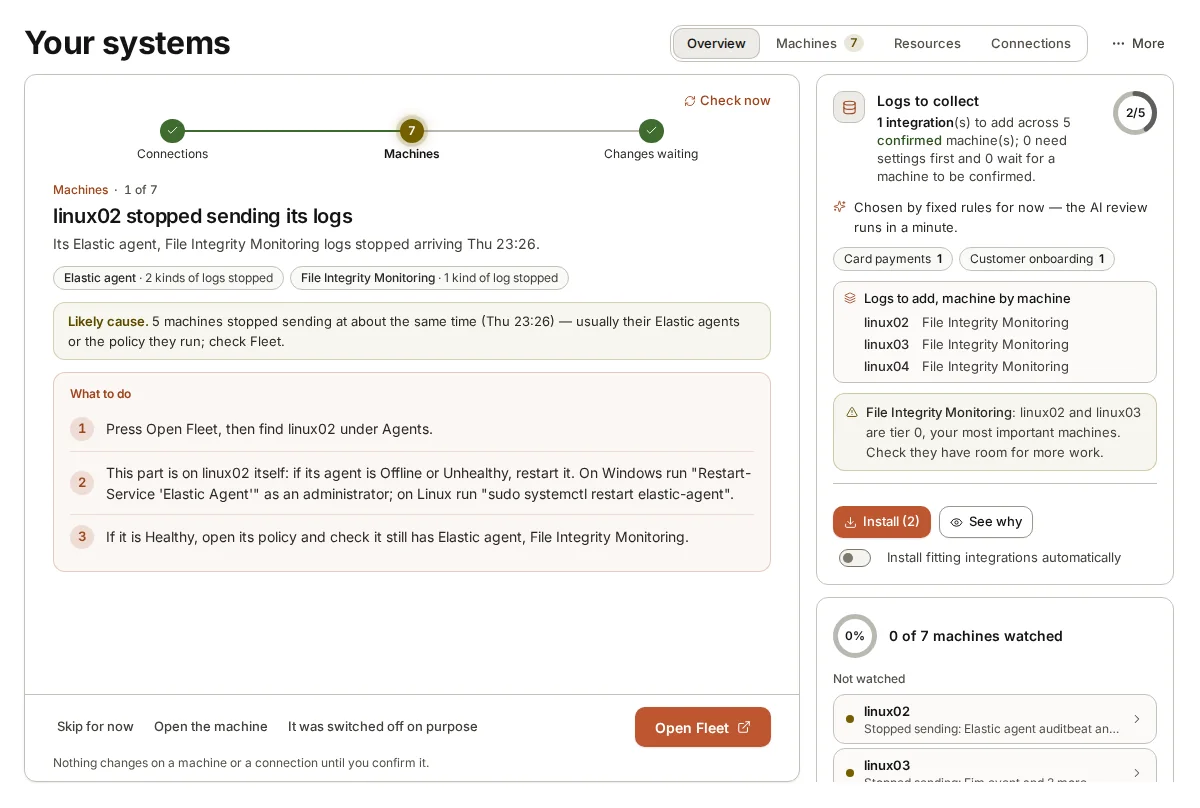
armor360 records business context during set-up: what each machine does, which business processes it serves and which systems matter most. When a person reviews a verdict they can mark activity as authorised and add context, and those corrections are remembered for later investigations about the same company.
Before a detection rule goes live, it shows how often the rule would have fired on stored past alerts, and switching a rule off needs two administrators. People approve rules and decide what to do with findings; armor360 takes no response actions.