What a runbook is for
A SOC runbook is a short written answer to one question: this alert has fired, what do I do now? The good ones fit on a page, name the data to pull and the decisions to make, and say plainly who may act. The bad ones are long, out of date and opened mainly during audits. This post covers what to put in a runbook, how to keep it short and current, and a worked outline for a suspicious PowerShell alert you can adapt to your own tools.
Runbooks matter most at the edges of a team’s week: the night shift, the analyst in their second month, the alert type that fires twice a year. Experienced people carry most of the steps in their heads. A runbook moves that knowledge onto paper, so the outcome of an alert does not depend on who happens to be on shift when it fires.
A runbook is not a detection rule and not an incident response plan. The rule decides when an alert fires. The incident plan covers what happens once something is confirmed as a real attack. The runbook sits between them: the first look, the checks that settle whether the alert matters, and the hand-off when it does.
The six parts of a good runbook
Most useful runbooks have the same six parts, in the same order. Keeping the order fixed across your whole library means an analyst knows where to look without reading the page from the top.
Notice what is missing from the list: background on the attack technique, the history of the rule, screenshots of the tool. Those belong in a linked reference page. The runbook is for doing, and every line that is not a step slows down the person reading it at a bad hour.
- Trigger: the rule or rules this runbook covers, what each looks for in plain words, and the log source it reads, for example Windows PowerShell script block logging (event ID 4104).
- First checks: the two or three questions that settle most alerts of this type quickly. Is the machine a server or a laptop? Is the user an administrator? Has this exact command line run on this machine before?
- Data to pull: the specific searches to run, with saved queries linked rather than described. Process tree, network connections from the process, logons by the user, other alerts on the host in the last day.
- Decision points: which result sends you down which path. If the parent process is a known management agent and the script matches the approved list, close as authorised. If it was started by an Office application, escalate.
- Escalation: who to tell, through which channel, what to include, and the severity the finding should carry.
- Who may act: which actions an analyst may take alone, which need a lead, and which need the system owner, written as roles rather than named people.
Keeping it short
A practical test: an analyst who has never seen the alert type should be able to read the runbook and start working within a couple of minutes. If they cannot, it is too long or too vague. Vague steps such as “investigate the process” are the commonest failure. Swap them for the search to run and what a worrying result looks like.
Write each step as an instruction with an expected result. “Run the saved search ‘PowerShell parent chain’ for the host and time window. Expect the parent to be explorer.exe or the management agent. Anything else, go to step 6.” That reads slowly here, but it is fast on shift, because nobody has to wonder what “check” means.
Link out for anything that changes often. The list of approved administration scripts, the on-call rota and the owner of each server should each live in one place and be referenced from the runbook. Copying them in is how runbooks go stale: the list gets updated, and the five runbooks that copied it do not.
- One page, two at most, for the steps themselves.
- Steps numbered, each with its expected result.
- Saved searches linked, not typed out.
- Roles, not named individuals, for escalation and approval.
- An owner and a review date at the top.
Example: a suspicious PowerShell alert
Here is an illustrative outline for a common alert type: PowerShell started with an encoded command, or with a download-and-run pattern such as a web request piped straight into an expression. Adjust the names and searches to your own tools. The shape is the point.
The same skeleton works for a suspicious process alert on Linux. Swap script block logging for auditd or process events, swap Office parents for web server processes (a shell started by the web server’s user is a classic), and keep the rest.
- Trigger: script block logging (event 4104) or process creation with command lines (Sysmon event 1, or Windows event 4688) shows powershell.exe with -EncodedCommand, -enc, or a web download followed by execution.
- First check 1, decode it: Base64-decode the encoded part and read what it does. Many hits are management tools that encode their scripts for transport.
- First check 2, what started it: pull the parent and grandparent processes. A management agent, an IT-owned scheduled task or a deployment tool is a different story from winword.exe, outlook.exe or a browser.
- First check 3, is it new: has this host run this exact script before? A recurring script at the same time each day is usually a job. A first appearance deserves more time.
- Data to pull: network connections from the process and its children in the following ten minutes, files written, new services or scheduled tasks created, and logons by the same user on other machines in the last day.
- Decision: decoded script matches an approved IT script and the parent is the known agent, close as authorised and note the job name. Parent is an Office application or browser, or the script reaches an outside address not on your allow list, escalate as suspicious with the decoded script attached.
- Escalation: the incident lead on call, through the agreed channel, with host, user, decoded command, parent chain and any outbound addresses.
- Who may act: the analyst may look up indicators and gather data. Isolating the host needs the incident lead. Disabling the user’s account needs the lead and, for service accounts, the system owner.
Writing down who may act
The section most often left out is the one that matters most when the alert is real. An analyst at 2am who finds a live intruder needs to know, without phoning around, whether they may isolate the laptop, whether they may disable an account, and who must agree before anything touches a production server.
Write authority as a short table of actions and roles. Gathering data and looking up indicators: any analyst. Isolating a user laptop: an analyst with the incident lead’s agreement. Isolating a server or touching a production account: the incident lead plus the system’s business owner. The exact split is yours to decide. What matters is that it was decided in daylight, by people with the right to decide it, and written down.
Record each approval when it happens: who agreed, at what time, through which channel. That record protects the analyst who acted and lets the morning review see what was done and why.
Keeping runbooks current
Runbooks rot quietly. A log source changes name, a team is reorganised, a tool is retired, and the runbook still points to the old search. Three habits keep them alive.
A quarterly walk-through helps too. Pick two runbooks, hand them to the newest analyst with a past alert, and watch where they stop. Each stop is an edit.
- Every runbook has an owner and a review date. Review means working it against a recent real alert, not rereading it.
- After any incident or near miss, ask whether the runbook was right. If an analyst had to improvise, the runbook changes that week.
- Retire runbooks for rules you have switched off. A library full of dead runbooks teaches people to distrust the live ones.
Where armor360 fits
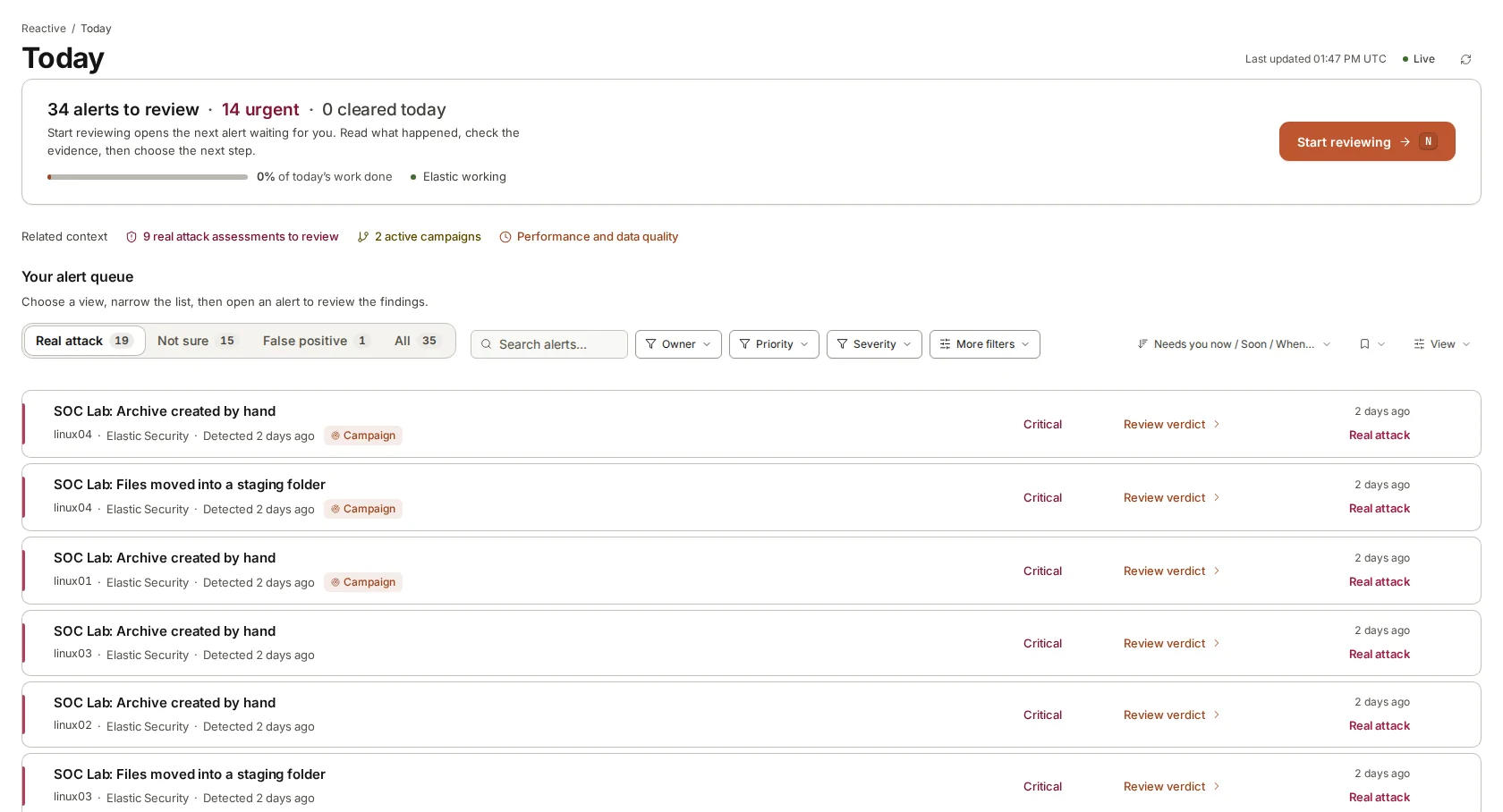
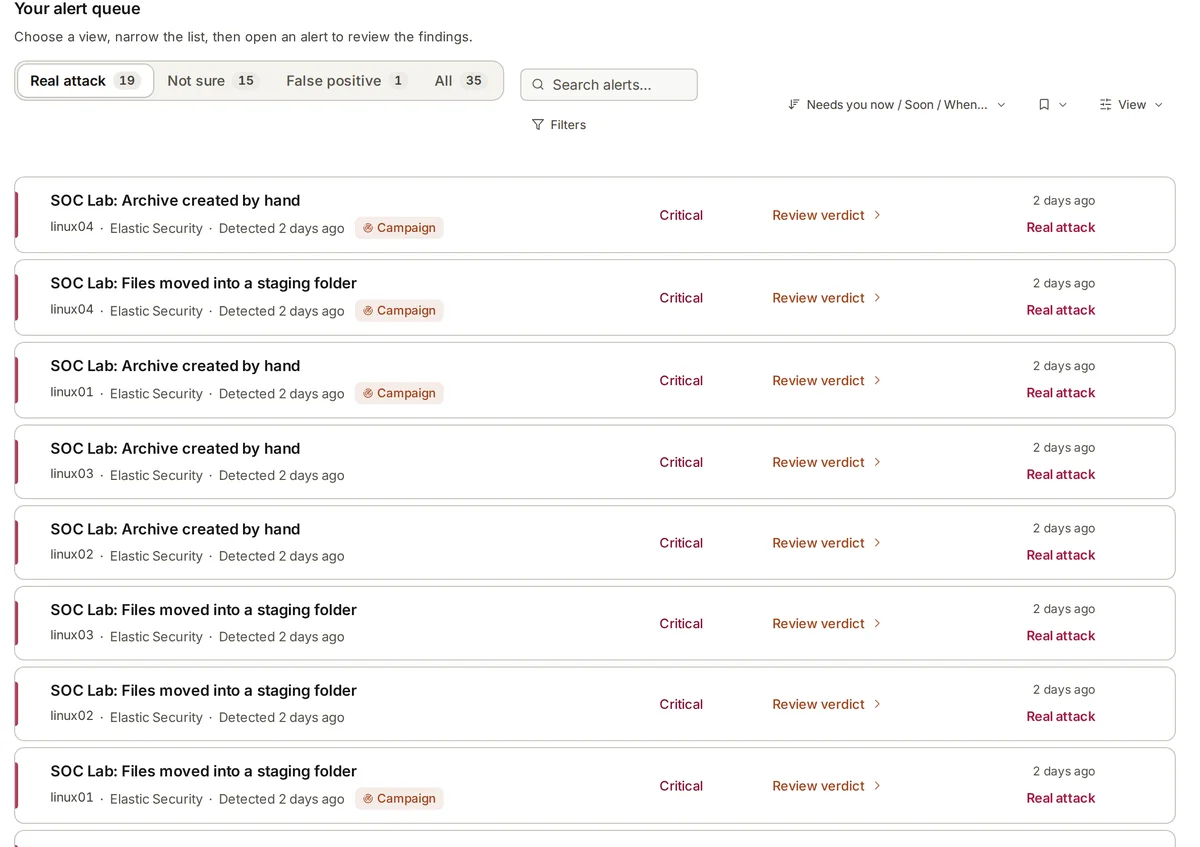
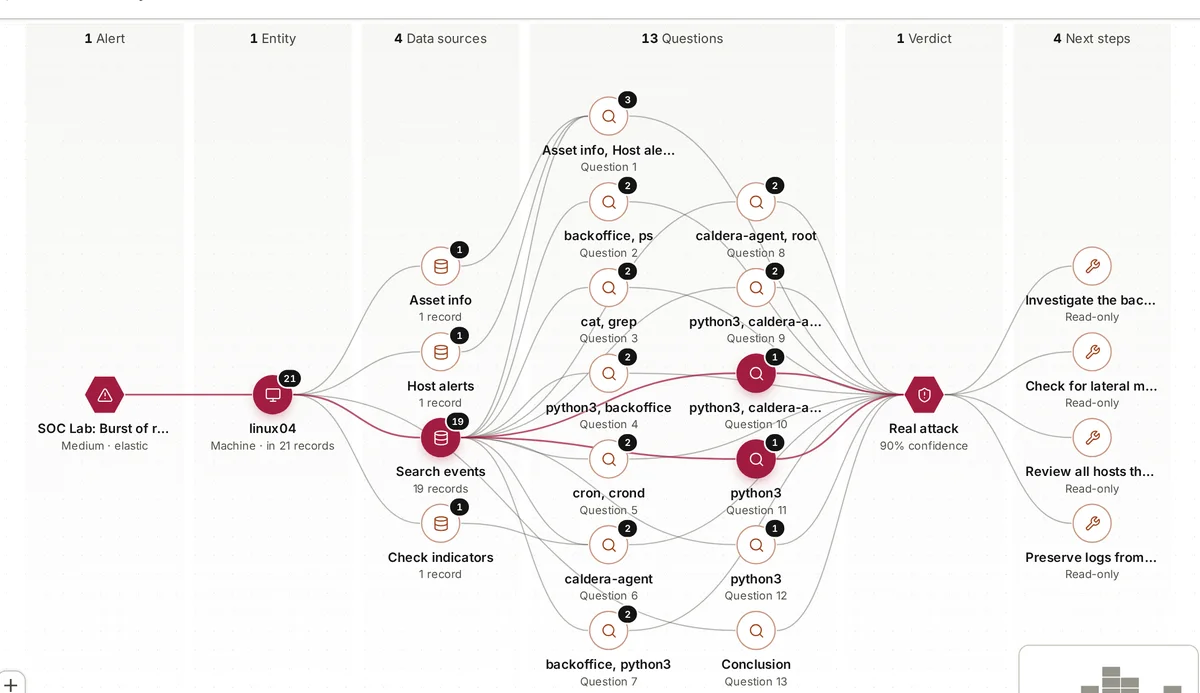
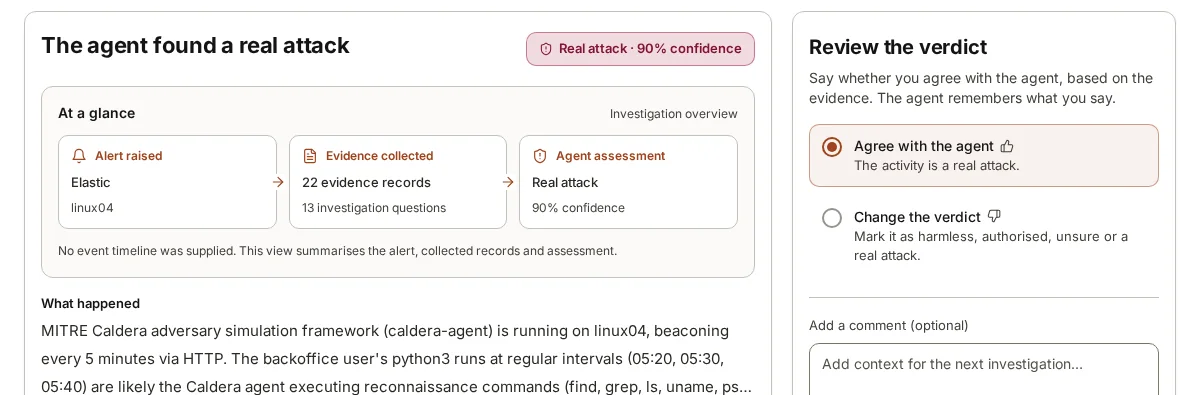
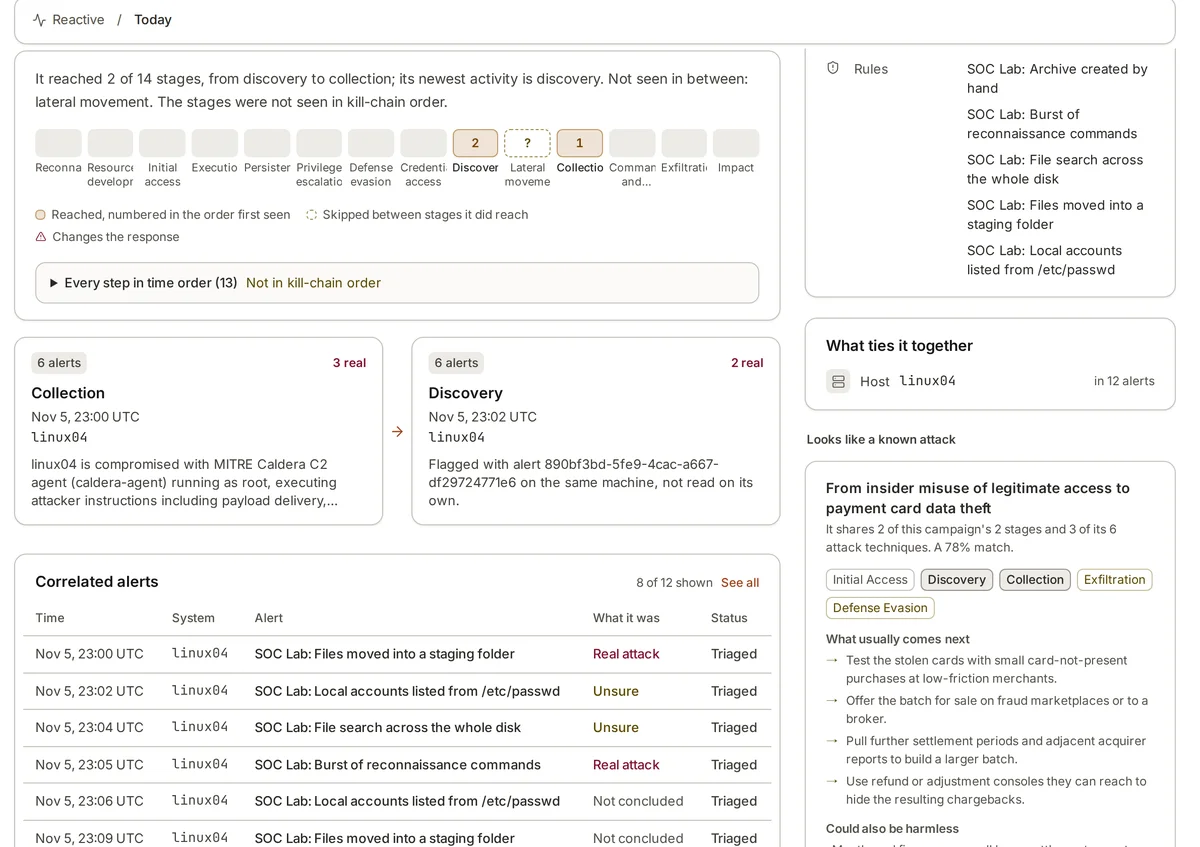
armor360 works an alert much as a runbook’s first checks do: it asks itself questions, pulls the process chain, user activity, other alerts on the host and threat-intel lookups, and cites each record it uses. It ends with a verdict, how sure it is and recommended next steps. It takes no response actions, so the who-may-act part of your runbook stays with your people.
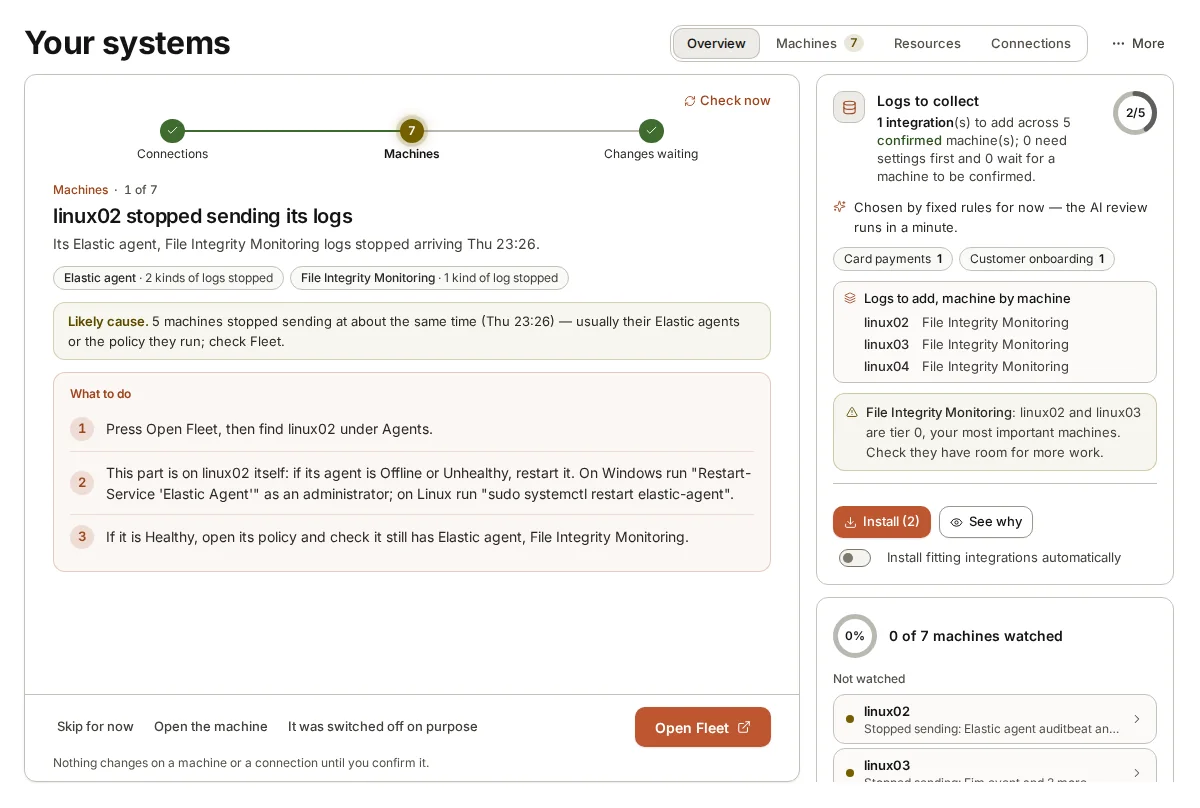
During set-up you tell it what each machine does, which systems matter most and who to call for urgent findings, so its recommendations follow your context rather than a generic one.