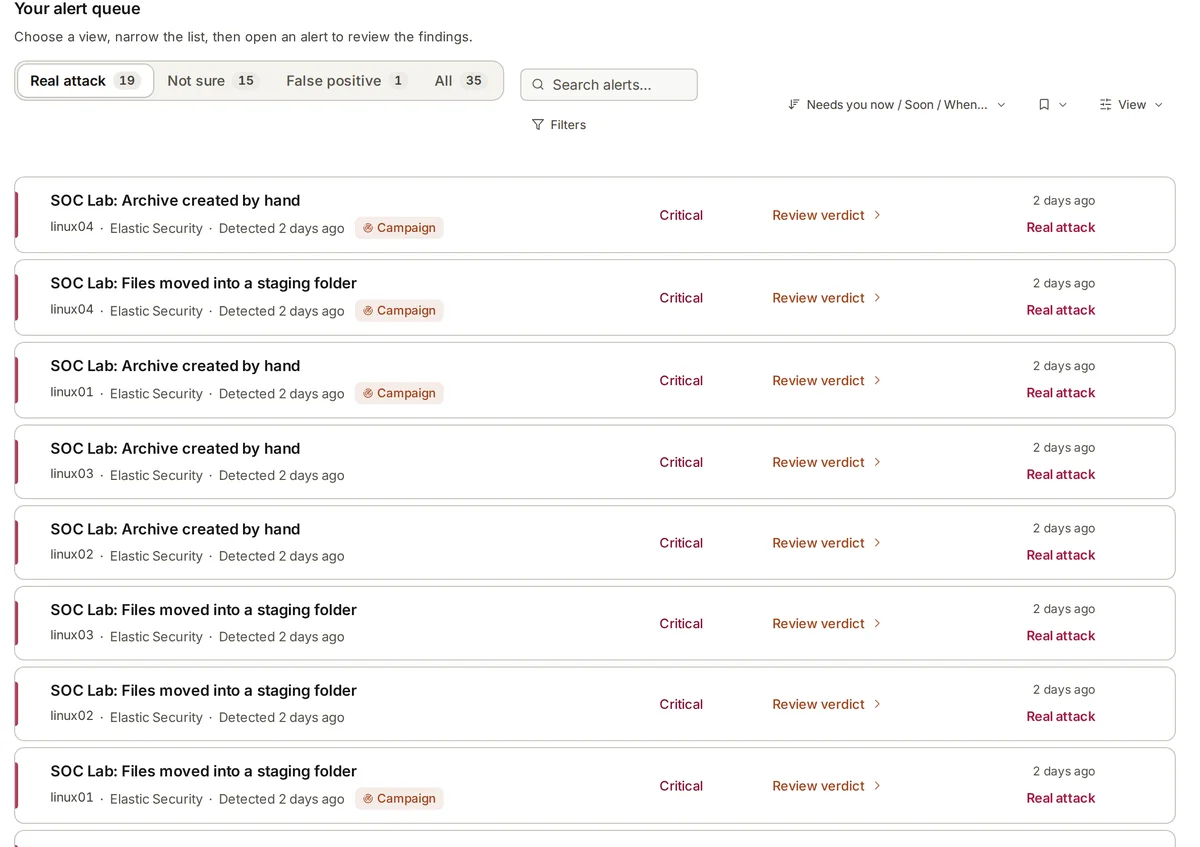
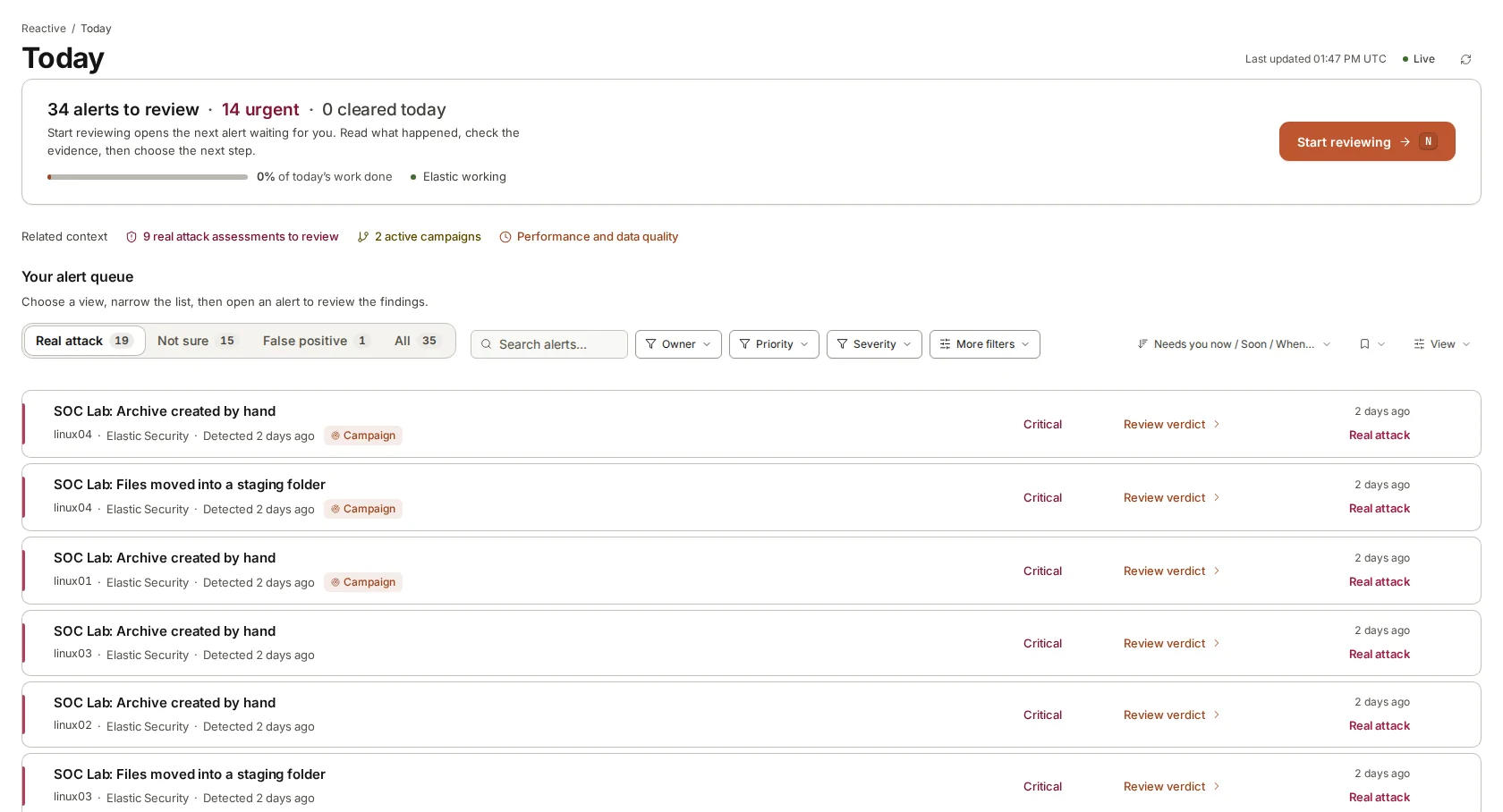
The alert
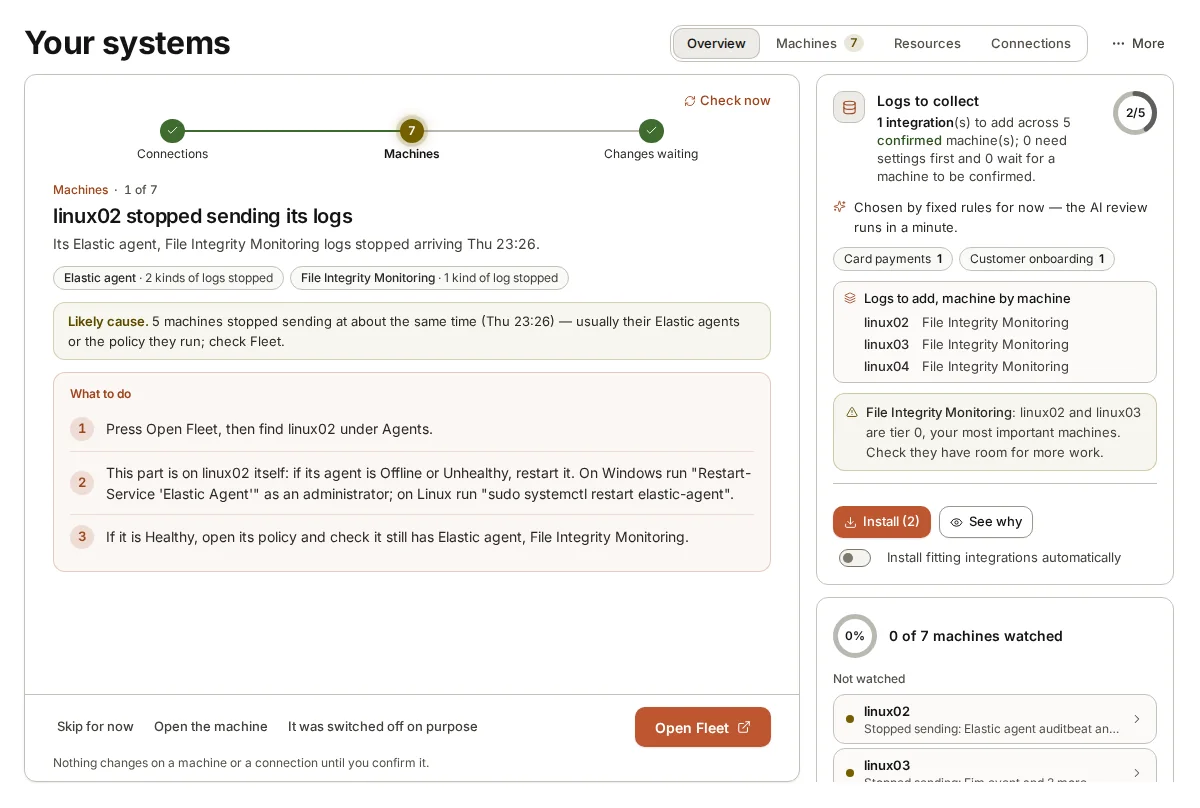
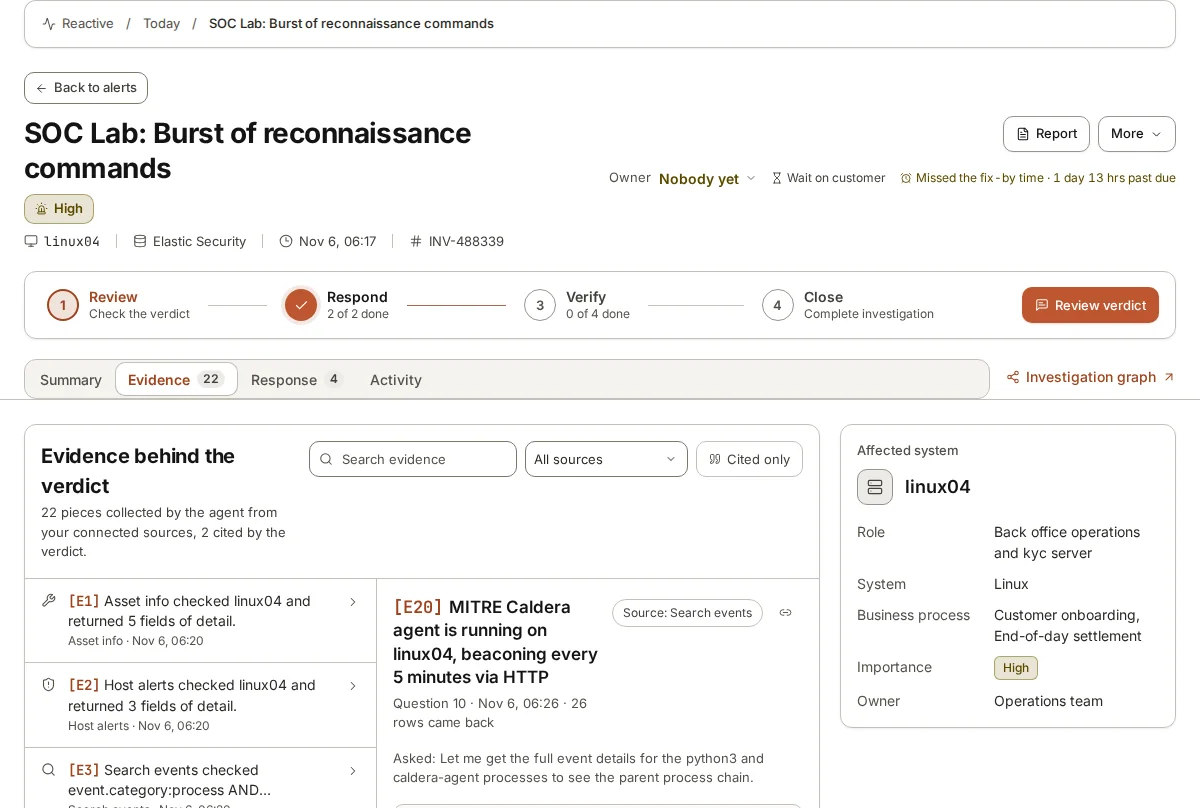
In our test lab we run an adversary simulation tool, MITRE Caldera, against a handful of Linux machines watched by Elastic Security. One of its agents ran a burst of reconnaissance commands on a machine called linux04, and Elastic raised an alert.
armor360 picked the alert up from Elastic and started an investigation.
The questions it asks
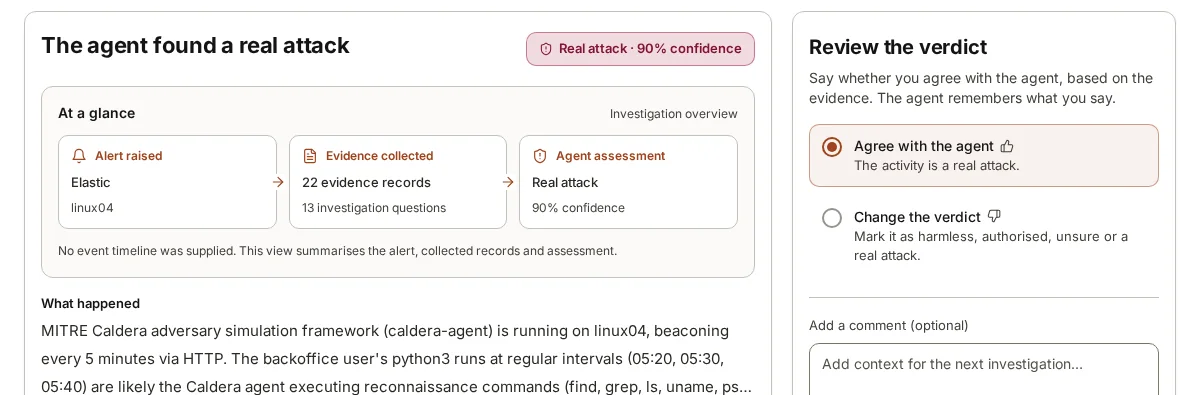
The agent works the alert the way an analyst would. For this one it asked thirteen questions and collected twenty-two records: what the machine is and what it is used for, which other events happened on it around the same time, which processes started which, and where the machine connected to.
Every question and every record is kept, so a person can see exactly what was looked at.
The verdict
The agent concluded that this was a real attack, with 90% confidence. In plain words: the Caldera agent was running on linux04 and calling out over HTTP every five minutes, and the python3 runs at regular intervals under a back-office user were likely that agent carrying out the reconnaissance commands.
The working, shown
Every record the agent collected is kept: twenty-two of them for this alert, each cited where the agent used it. The investigation graph lays out how those findings led to the verdict, so the conclusion can be checked rather than trusted.
From one alert to the whole attack
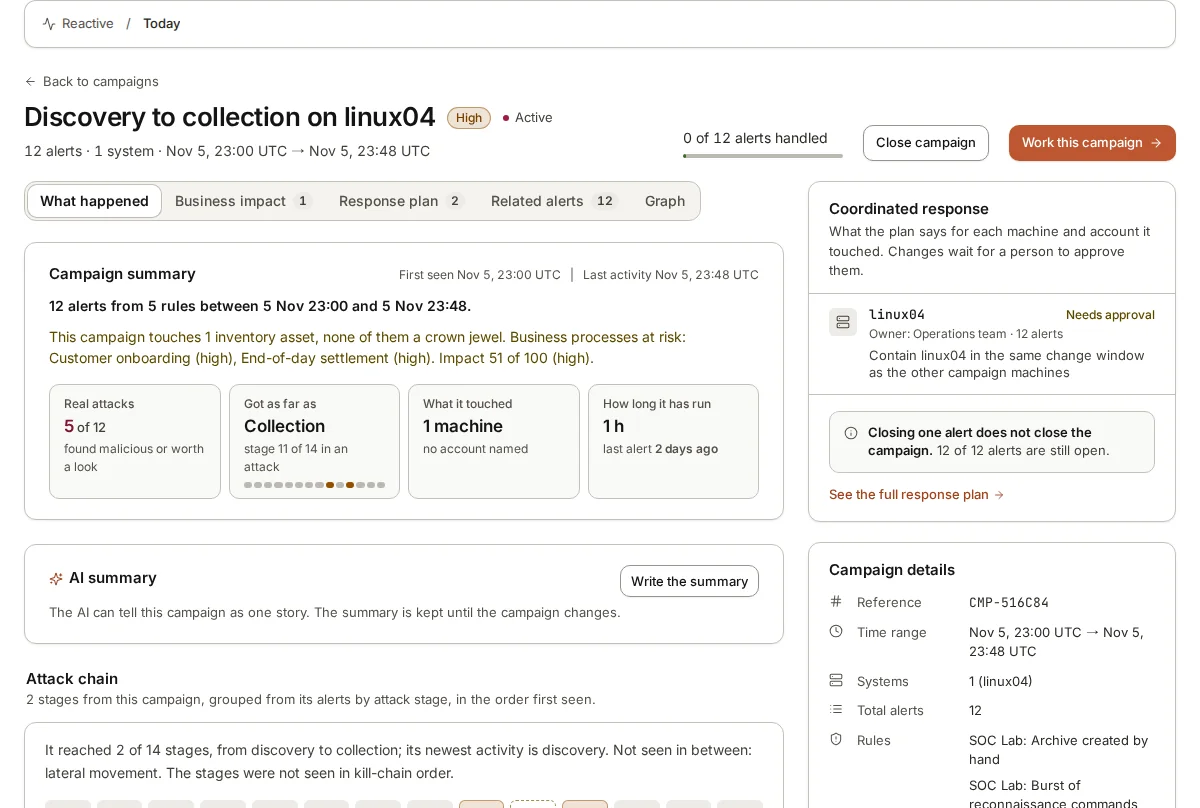
Other alerts from the same activity did not become separate tickets. armor360 joined twelve alerts from five rules into one campaign on linux04, and showed how far the activity had got, from discovery to collection, and what it had touched.
What a person does next
A member of the team reviews the verdict and agrees with it or changes it. The campaign comes with a plan for each affected machine and account, and every step of it waits for a person to approve it. armor360 itself takes no action.