Order matters more than speed
A security team rarely loses because one investigation was slow. It loses because the one alert that mattered sat at position forty in a list sorted by time, behind thirty-nine that did not. The point of this post is simple: the order of the queue decides what a person looks at first, and that decision is worth more than shaving seconds off each investigation.
Speed still helps. In our lab, with a clear queue, the median time from an alert arriving to a verdict was 76 seconds. But a fast verdict on the wrong alert is still the wrong alert. If a reviewer comes in at eight in the morning and works top to bottom, the top of the list has to be the place where the risk is, not simply the place where the newest events landed.
Most SIEM alert views sort by time or by the severity the detection rule assigned. Both are useful and both are blunt. Time ordering puts a burst of noisy alerts from one misbehaving script above a single quiet alert from a server that should never run PowerShell. Severity ordering trusts that whoever wrote each rule rated it well, for your environment, years ago. Neither knows what an investigation found.
Where queue priority comes from
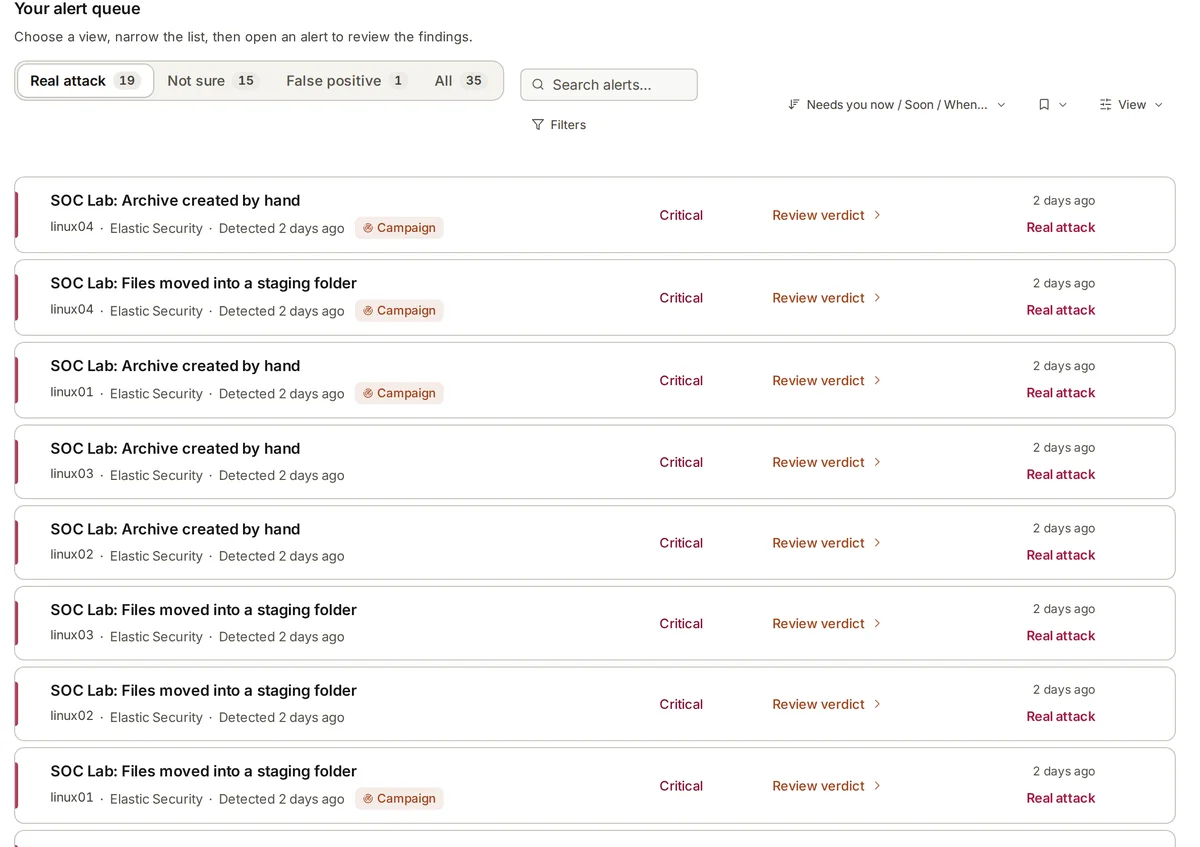
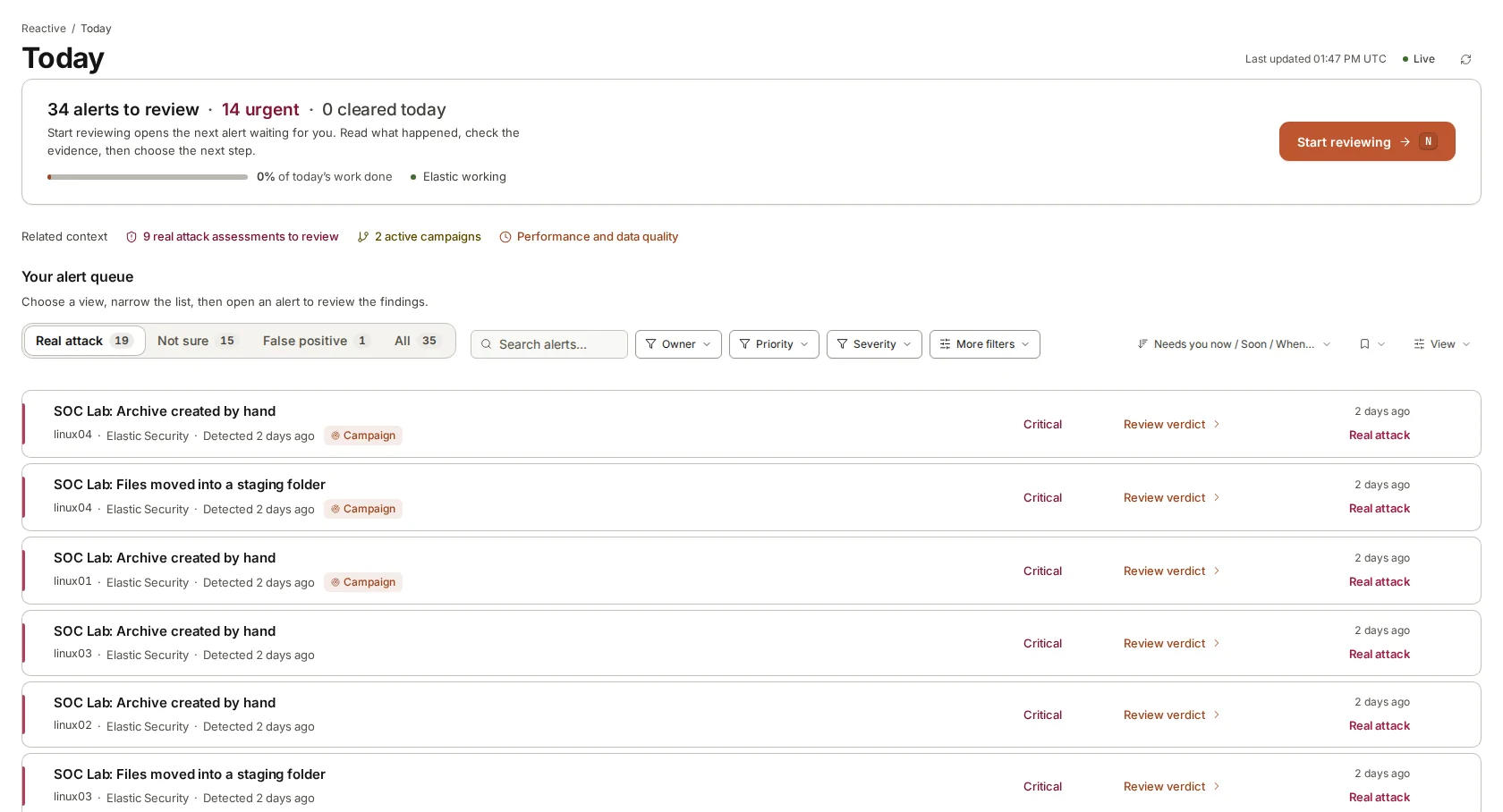
In armor360 the queue is ordered by two things: the verdict the investigation reached, and the severity the alert arrived with. Real attacks come first. Suspicious alerts follow. Within each group, higher-severity alerts sit above lower ones, so a critical alert judged suspicious is read before a low one with the same verdict.
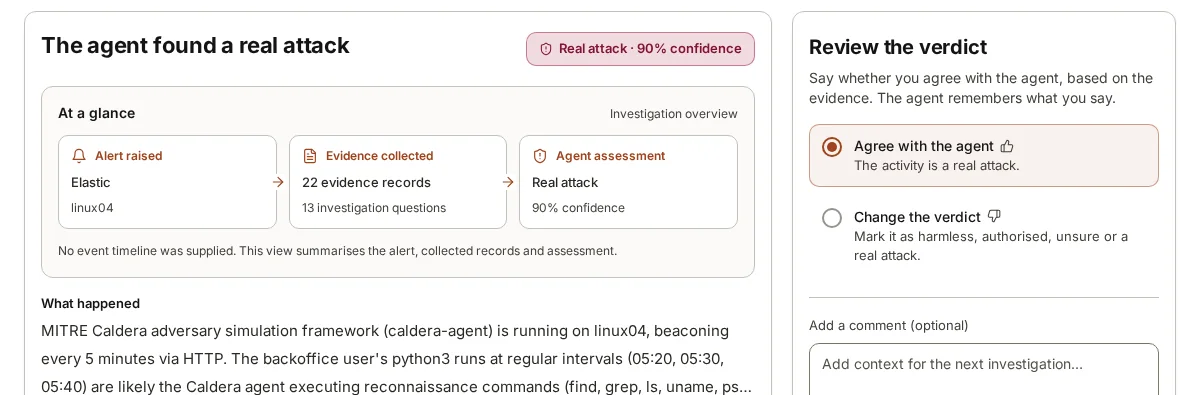
The verdict leads because it carries the most information. A rule’s severity is a guess made when the rule was written, long before this particular alert existed. The verdict is a judgement made after the agent has read the surrounding events, looked at the process chain, checked indicators against threat intelligence and looked for other alerts on the same machine. Severity then breaks ties, because it still says something useful about how bad the behaviour would be if it were real.
Business importance does not move an alert up or down the queue. That is a deliberate choice, and it is worth arguing fairly. Ranking by business importance sounds sensible: an alert on the payments server should matter more than one on a test laptop. The trouble is that attackers rarely start on the crown jewels. They start on the test laptop, the forgotten jump host or the shared kiosk account, and move from there. A queue that pushes those down because the machine looks unimportant teaches reviewers to ignore the place where most intrusions begin.
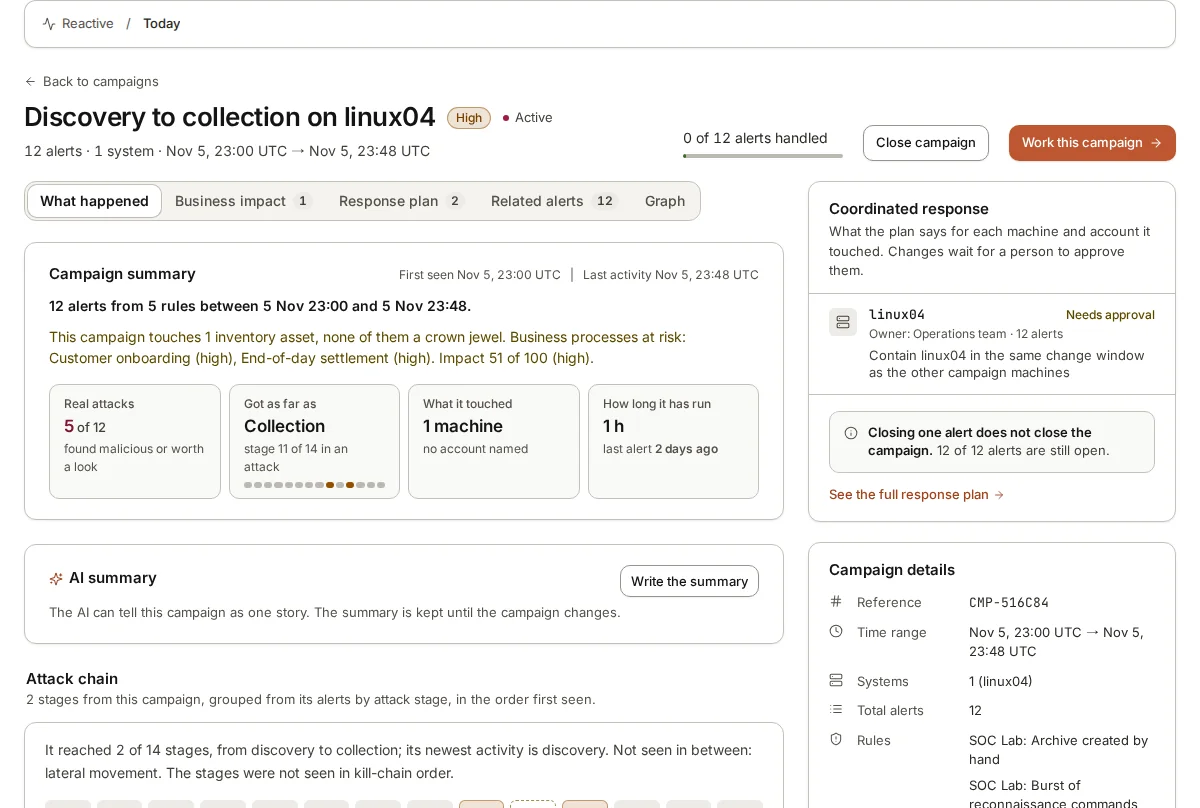
So business context is shown, not used to sort. When you tell armor360 what a machine does and which processes it serves, that appears on the verdict and on any campaign, so the reviewer can see straight away that a suspicious logon touches end-of-day settlement. It informs the decision about what to do. It does not decide what gets read.
Harmless and authorised, set apart
Most alerts in most environments turn out to be nothing to worry about. A backup agent reading thousands of files looks like data collection. An administrator running a discovery script looks like reconnaissance. A scheduled task created by a software installer looks like persistence. These alerts are real, in the sense that the rule fired correctly, but the behaviour is expected.
armor360 sets these apart from the working queue rather than mixing them in. Alerts judged harmless, and alerts judged authorised activity, sit in their own view. They are not deleted and they are not hidden from audit. A reviewer can open them, read the reason and the evidence, and change the verdict if the agent got it wrong.
Keeping them apart matters for two reasons. The first is attention: a reviewer who has to scroll past fifty harmless backup alerts to reach the one suspicious logon is more likely to miss it. The second is honesty about what the agent did. Setting an alert aside is a claim that the agent looked and found nothing worrying. That claim deserves to be checked from time to time, which is easier when the set-aside alerts are in one place.
- Harmless: the behaviour is benign and explained by what the evidence shows.
- Authorised activity: the behaviour would be a concern from a stranger, but it was done by someone allowed to do it, as part of their job.
- Both stay reviewable, with the reason and the records behind them.
Unsure is shown as unsure
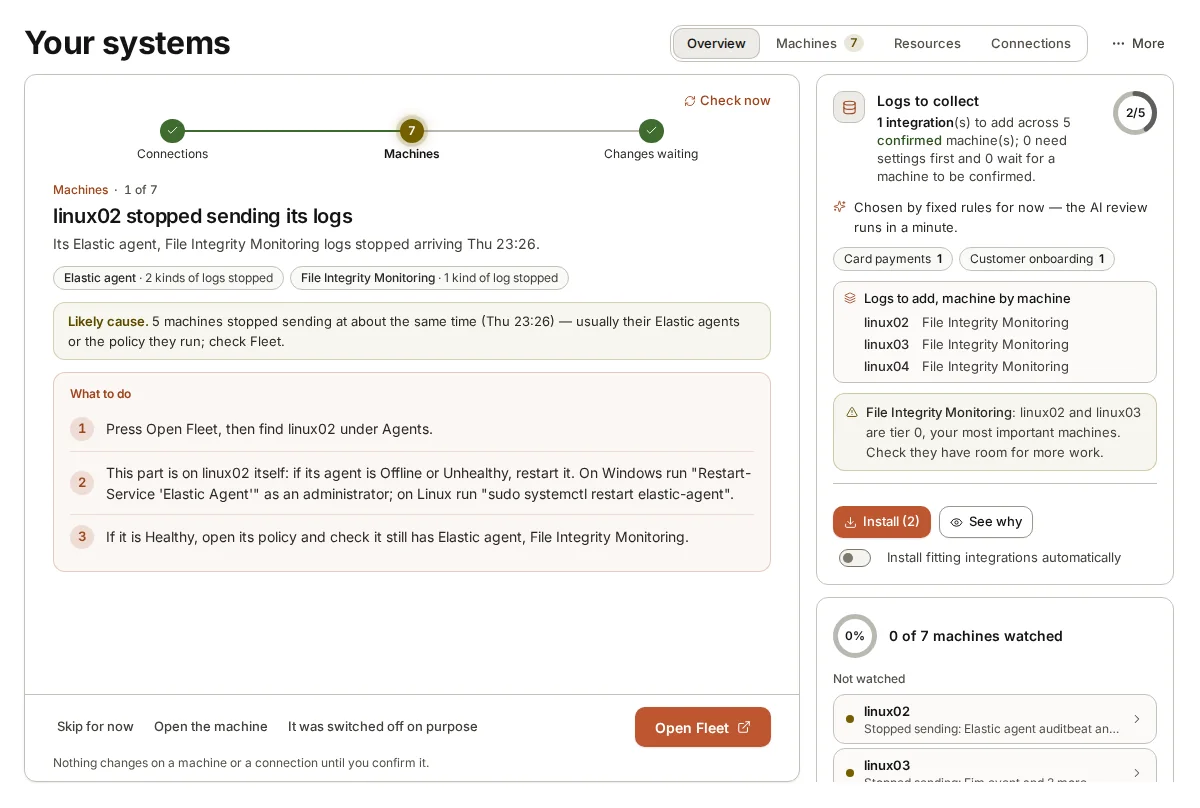
Some alerts cannot be settled from the data available. The process that raised the alert has no parent recorded. The machine stopped sending logs an hour before the alert. The account belongs to a contractor nobody has described. In those cases armor360 returns an unsure verdict and says why.
An unsure alert is not quietly dropped to the bottom of the queue, and it is not promoted to a real attack to be safe. It stays in the working queue, marked as unsure, with the gaps named. A reviewer can see what the agent could not find out and decide whether to chase it, which often means asking the owner of the machine a question that no log can answer.
This is also where the order of the queue earns its keep. A reviewer who works real attacks first and then suspicious alerts reaches the unsure ones with a clear head, rather than meeting them in a random place in a time-sorted list.
Working the queue in a morning
Here is how a reviewer might work the queue at the start of a day. The numbers in it are illustrative, not from a real environment. Overnight, sixty alerts arrived. The Today page opens on what is waiting for a person: two real attacks, five suspicious alerts, three unsure ones. The other fifty were judged harmless or authorised and are set apart.
- Start with the real attacks. Open each one, read the verdict, the confidence and the reason, then look at the evidence the agent cited. If the alerts belong to one campaign, read the campaign instead of each alert, because the stages and the machines touched tell the story faster.
- Decide and record. Agree with the verdict or change it, and add anything you know that the logs do not. Then pass the recommended next steps to whoever owns the machine or account. armor360 recommends; people act.
- Move to the suspicious alerts, highest severity first. These are the ones where your knowledge of the company matters most. Many will turn out to be an admin doing their job, and saying so teaches armor360 for next time.
- Read the unsure alerts and decide which gaps are worth closing. Sometimes the answer is a message to a colleague; sometimes it is a note that the machine needs its log collection fixed.
- Finish with a short sample of the set-aside alerts. Ten minutes reading a handful of harmless and authorised verdicts is the cheapest check that the agent is still judging your environment well.
Where armor360 fits
armor360 collects new alerts from Elastic Security and the other tools it connects to, investigates each one, and queues the results with real attacks first. Each verdict comes with a confidence, the reason and the records behind it. People review the verdicts and decide what to do; armor360 takes no response actions.