A hostname is not an answer
An alert on “srv-app-07” tells a reviewer almost nothing. An alert on the server that runs customer onboarding, owned by the digital team, tells them what is at stake and who to ring. This post covers the business context you give armor360 at set-up, how it shows up in verdicts and campaigns, and some practical tips for writing it so that it is useful months later.
Security tools are good at what happened on a machine and poor at what the machine is for. That second fact usually lives in people’s heads, in an old spreadsheet or in a configuration database nobody trusts. Writing it down once, in a place the investigation can read, is one of the most valuable things you can do in the first week.
It also changes who can use the results. A security reviewer can work out what a machine does with enough digging. A finance director or an operations manager who receives a report cannot. Context written in business terms is what turns a technical finding into something a budget holder can act on.
What you tell armor360 at set-up
During set-up, you describe your systems in plain words. You do not need to describe every laptop on day one. Start with the servers and the systems that matter, and add more as you go.
- What each machine does: “runs the payments API”, “domain controller for the head office”, “build server for the mobile app”.
- The business processes it serves, named the way your business names them: “customer onboarding”, “end-of-day settlement”, “payroll”, “order fulfilment”.
- Which systems are your crown jewels: the ones whose loss, leak or downtime would hurt most.
- Who to call for urgent findings: a named team or on-call rota, not a person who may be on holiday.
How it shows up in verdicts and campaigns
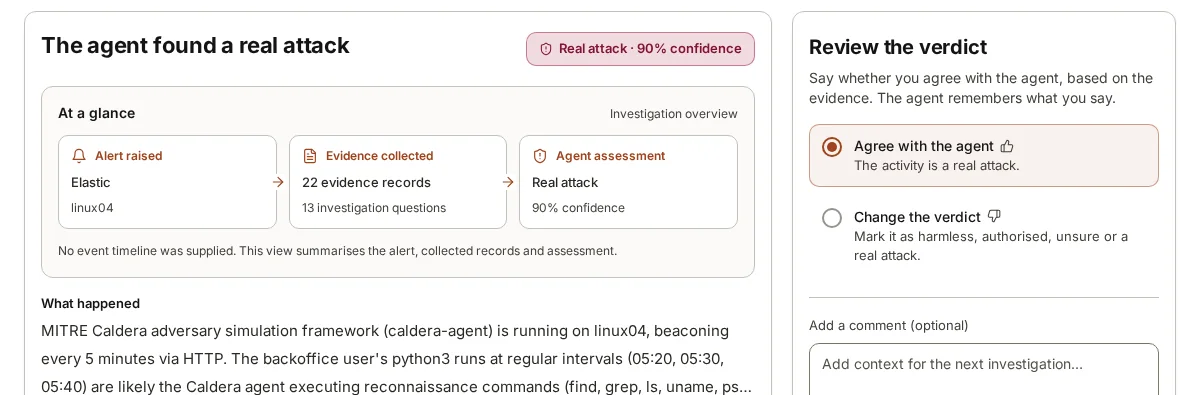
Once a machine has context, verdicts about it say what is at risk in business terms. A suspicious logon on a database server is shown alongside the processes that server serves, so the reviewer reads “this machine supports end-of-day settlement” next to the evidence. The recommended next steps can then name the right people and take the business into account, for example suggesting a check with the settlement team before anything is changed on that server during its run.
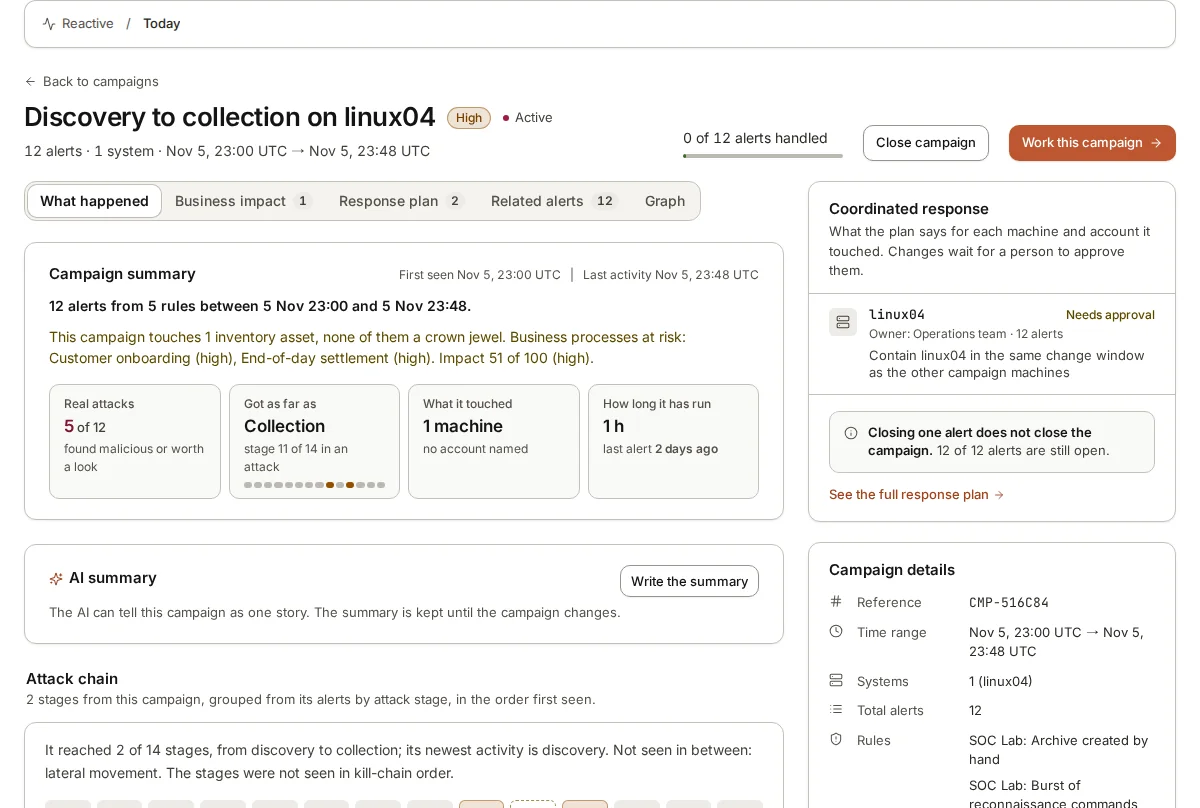
Campaigns benefit even more. When several alerts are joined into one attack, the campaign shows the stages from first to last, the machines and accounts touched, how long it has been running and which business processes it puts at risk. That last line is often the one a manager needs: not “three hosts and two accounts”, but “this activity has reached a machine that serves customer onboarding”.
Here is an illustrative example. A suspicious PowerShell download runs on a file server at ten at night. Without context, the reviewer sees a hostname, a command line and a verdict. With context, they also see that the server holds the documents used in customer onboarding, that it is marked as a crown jewel, and that urgent findings go to the infrastructure on-call rota. They know who to call and what to tell them before they have finished reading the evidence.
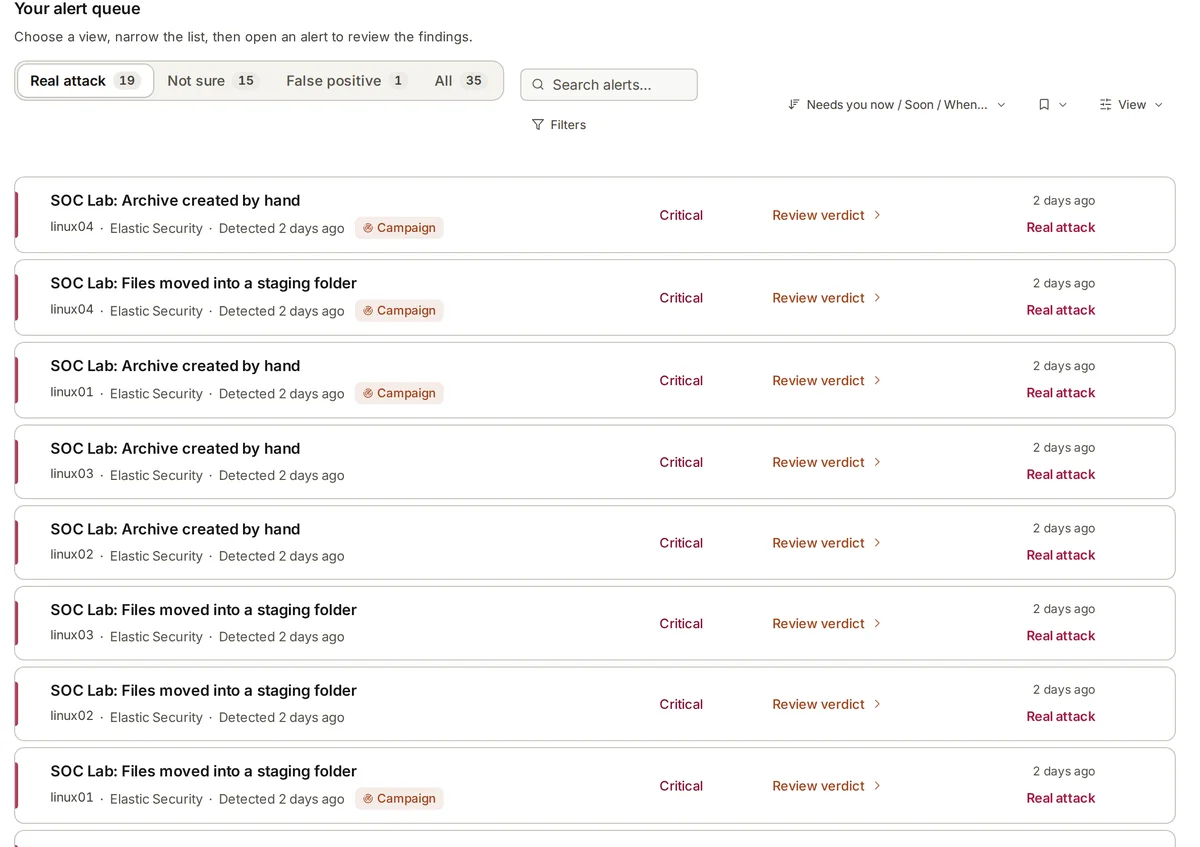
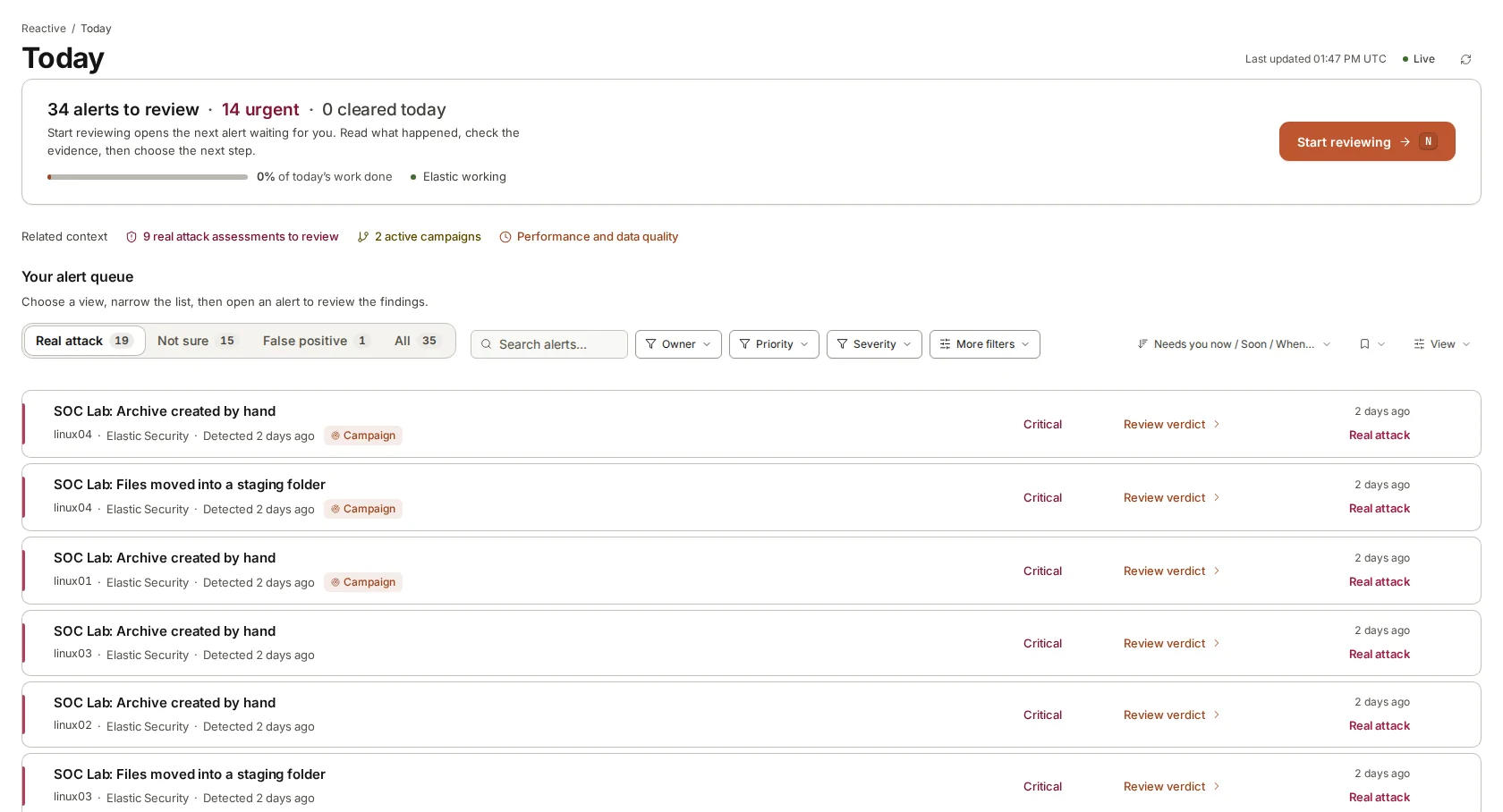
Business context is shown to help the decision; it does not reorder the alert queue. The queue is sorted by verdict and alert severity, because attacks often start on machines that look unimportant. Context tells the reviewer what is at stake once they open an alert. It also shapes what happens next: the recommended steps for a machine that serves end-of-day settlement should read differently from those for a test laptop, and with context they can.
Choosing your crown jewels
Most organisations name too many crown jewels or too few. If everything is critical, the label tells nobody anything. If only the obvious customer database is on the list, the domain controllers that grant access to it are missed.
A useful test is to ask what would hurt most if it were stolen, changed or unavailable for a day, and then ask what an attacker would need to reach it. The first answer gives you the data and services: the customer database, the payments system, the source code repository. The second gives you the systems that guard them: domain controllers, identity providers, the backup server that holds copies of everything, and the jump hosts administrators use. Both belong on the list.
Keep the list short enough to mean something. A handful of crown jewels, each with a sentence on why it matters, is more useful than a long list nobody has checked. Revisit it when the business changes: a new product line, a new payment provider or an acquired company can each bring a new system that belongs on the list.
Practical tips for writing the sheet
The context sheet is read by an AI agent and by a person in a hurry. Write for both. The tips below come from what makes a description useful when an alert arrives at an awkward hour. None of them needs special tools; a shared document drafted by IT and checked by each system owner is a good way to start.
- Use the process names your business uses. If finance calls it “EOD settlement”, write that, not a project code.
- Say what normal looks like where you know it: “talks only to the two web servers and the backup server”, “batch jobs run between midnight and two”.
- Name a team or rota for urgent findings, with how to reach them, and keep it current when people move.
- Mark shared and service accounts and say what they are for. Many alerts hinge on whether an account is a person or a job.
- Note planned changes with an end date: a migration this month, a supplier on site until Friday.
- Start small. Ten well-described important systems beat two hundred one-word entries.
- Review the sheet when you review access or change suppliers; stale context misleads both the agent and the reviewer.
Context grows with use
The sheet you write at set-up is a starting point. As reviewers agree with or change verdicts and add notes, armor360 remembers those corrections for later investigations about your company. Over time, the description of a machine and the record of how its alerts were judged work together: one says what the machine is for, the other says what normal looks like on it.
If you are unsure where to start, pick the five machines whose alerts you would least like to be woken for and describe those well. The rest can follow during the first weeks.
For managed security providers the same applies per customer. Each customer is its own tenant with its own systems, processes and contacts, so the context sheet is part of onboarding each customer, written with someone on their side who knows what their machines are for.
Where armor360 fits
armor360 asks for business context during set-up: what each machine does, the processes it serves, which systems are crown jewels and who to call. Verdicts and campaigns then show what is at risk in business terms, and the recommended next steps go to the people who own the systems. People decide and act.