Our stance in one paragraph
armor360 reads, investigates, gives a verdict, recommends next steps and tells the right person. It does not isolate machines, disable accounts, block addresses, quarantine files or change anything in your environment. People decide and act. This post explains why we chose that line, what we do in its place, and where we think automated response is the right call for other teams and tools.
This is a position, and positions can be argued with. Automated response has real benefits, and we set them out below. Our view is that for a product whose job is to make judgements with AI, the safest and most useful split is that the machine does the reading and the person does the acting.
Reading is low risk, acting is high risk
An investigation reads data. It searches events in the SIEM, looks up an address in threat intelligence, lists the processes on a host and checks other alerts for the same account. If the agent asks a poor question or misreads a record, the cost is a wrong verdict that a reviewer can see, check and correct. Nothing in the environment has changed.
A response action writes. Isolating a host cuts it off the network. Disabling an account stops a person working. Blocking an address can break a supplier connection. If any of these is wrong, the cost lands on the business before a person has had a chance to see the reasoning, and some of it cannot be undone by pressing a button.
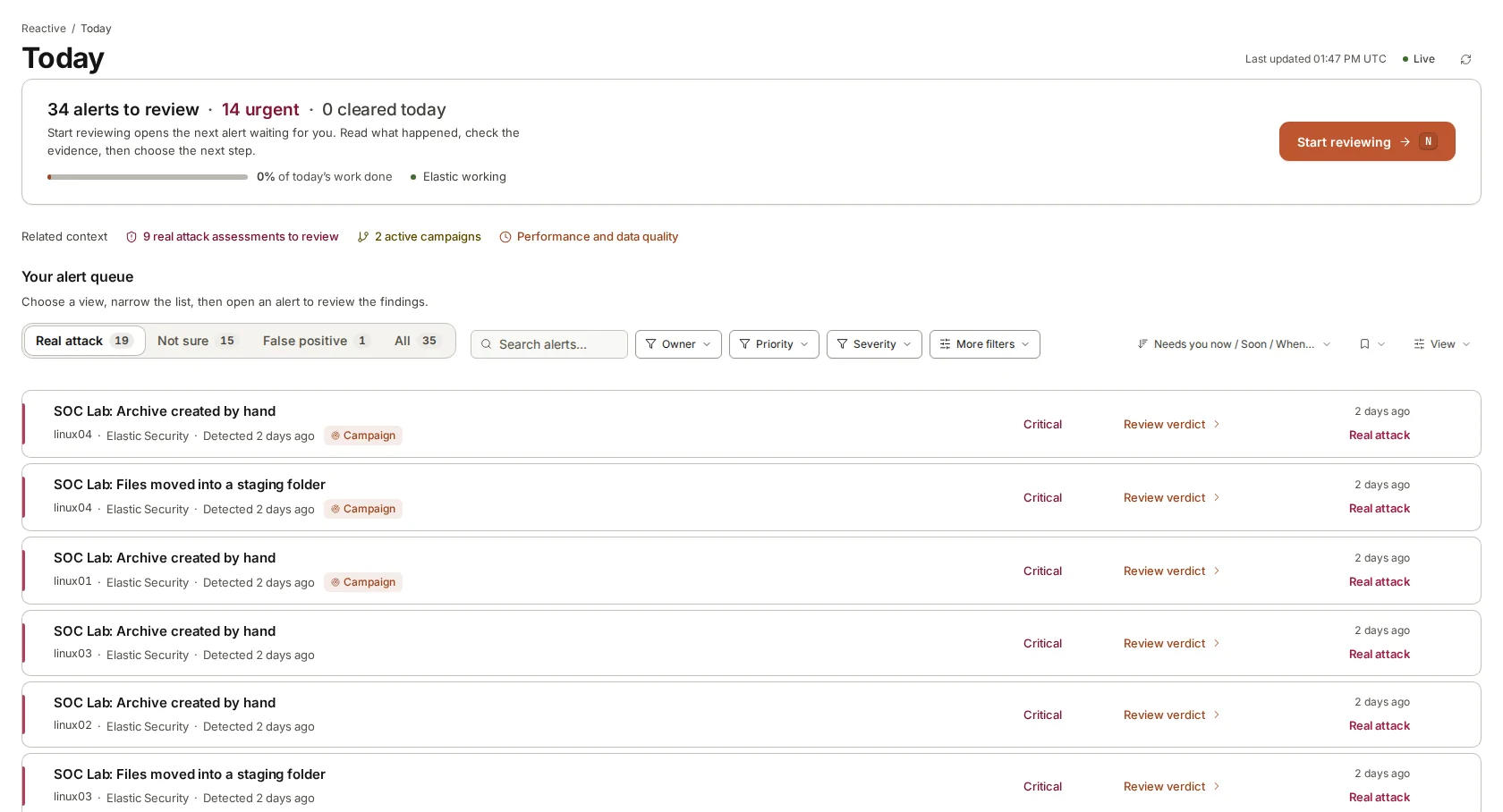
The usual argument for automation is speed: an attacker moves fast, so the defence should too. It is a fair point, and it is why we put effort into getting a verdict, the evidence and a recommended plan in front of the right person quickly, through the paging and chat tools they already watch. In our lab, with a clear queue, the median time to a verdict was 76 seconds. What we do not do is skip the step where a person reads it.
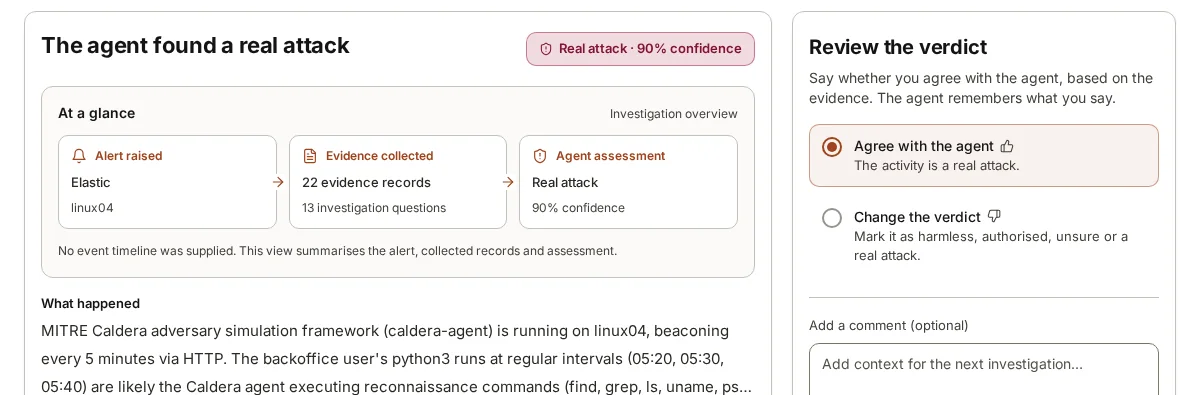
AI judgements are good and getting better, but they are judgements. Our own lab investigation reached a real attack verdict at 90% confidence, which is high, and still leaves room to be wrong. We would rather that room be filled by a person reading the evidence than by a switch that flips automatically.
The business cost of a wrong action
Consider two illustrative cases. In the first, an alert fires on the server that runs end-of-day settlement because a new reconciliation script spawns a shell. An automated response isolates the server. The script was legitimate; settlement misses its window and the finance team spends the evening explaining why to the bank.
In the second, a burst of failed logons followed by a success triggers a rule for a service account used by the customer onboarding system. Disabling the account looks prudent. It also halts onboarding for every new customer until someone notices, works out why and restores it.
Neither of these is far-fetched, and neither requires the AI to be bad. It only requires it to be wrong once, on a system that matters. The people who understand that settlement runs at six, or that onboarding depends on one service account, are the people who should decide whether to pull the plug.
What we do instead
Taking no action does not mean leaving people with a puzzle. Each verdict is built to make the human decision quick and well informed, and it comes with the pieces listed at the end of this section. Where several alerts are part of one attack, the work is planned once rather than alert by alert.
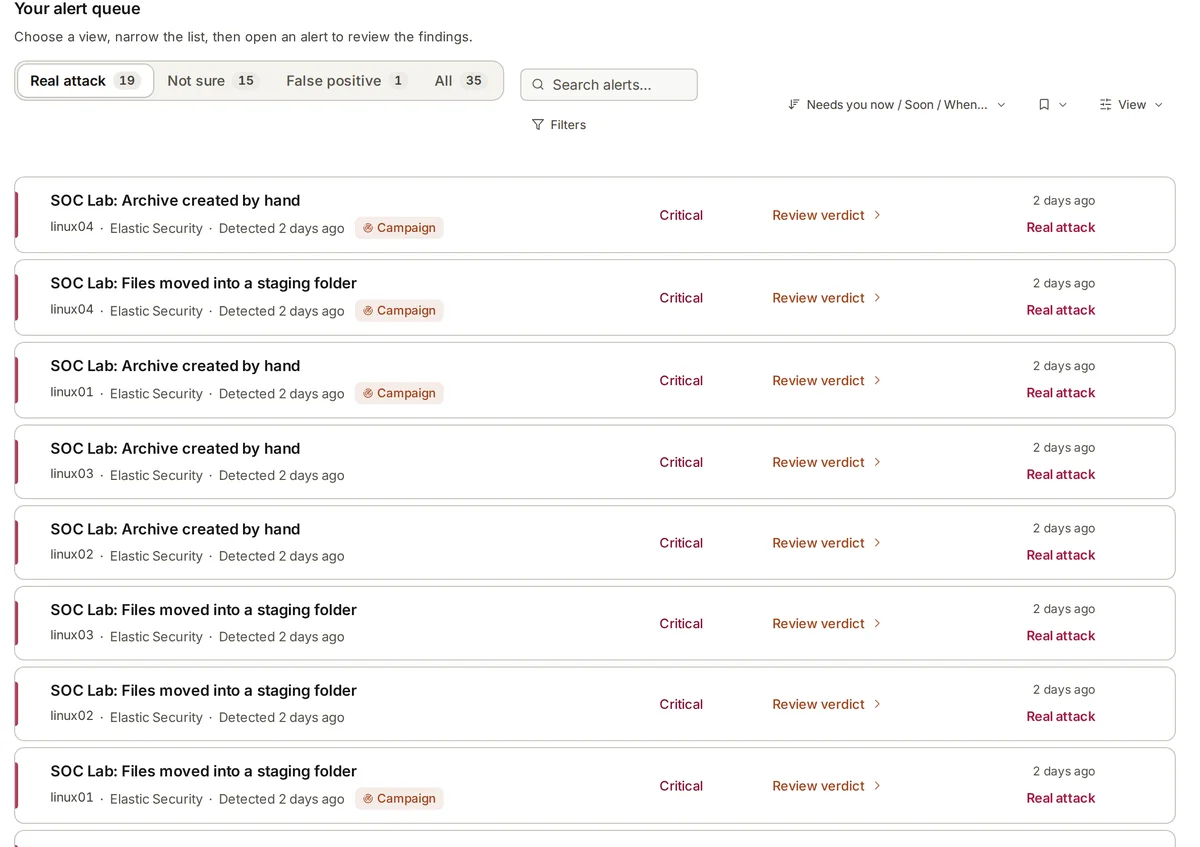
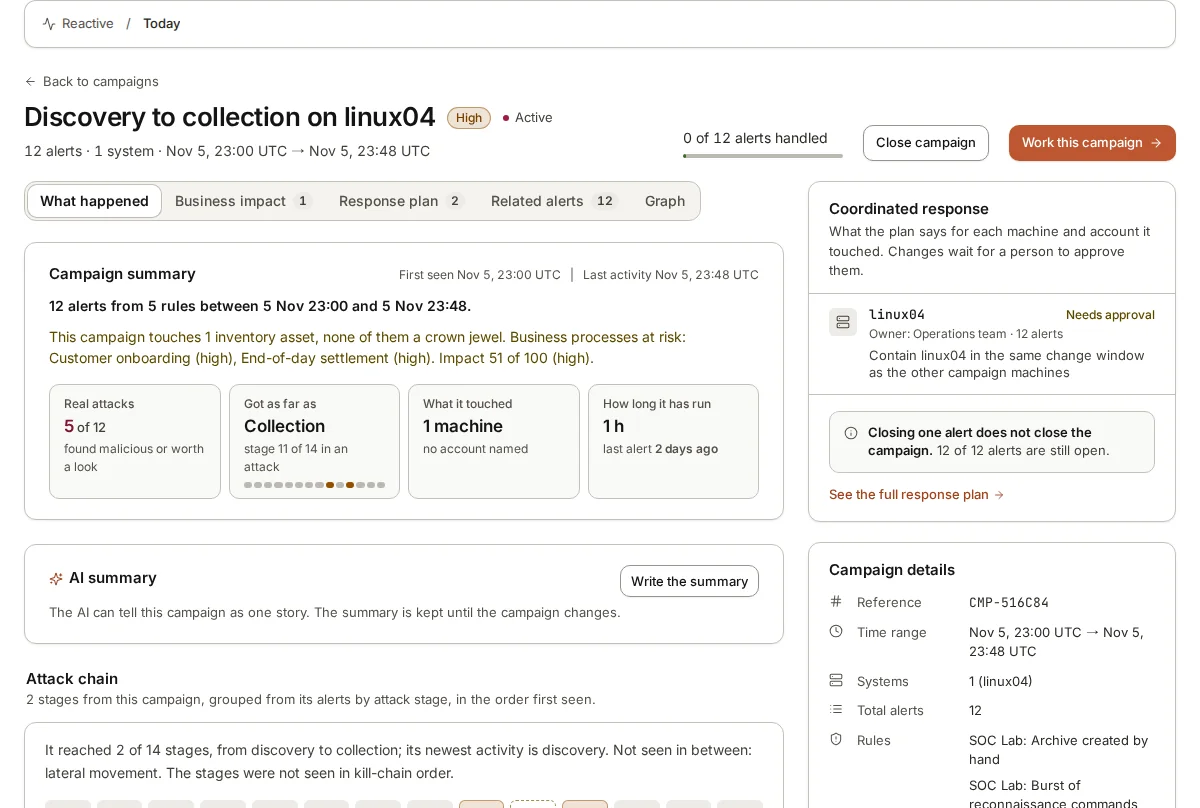
When several alerts belong to the same attack, armor360 joins them into a campaign. In our lab, 12 alerts from 5 rules were joined into one attack running from discovery to collection. A campaign brings one coordinated plan covering the machines and accounts it touched, rather than a separate set of recommendations for each alert.
Each step in that plan waits for a person’s approval. The plan is there to save the reviewer from writing it from scratch and to make sure steps happen in a sensible order, for example checking which accounts were used on a machine before resetting any of them. Approving a step records the decision; carrying it out is done by your people with your tools.
- A plain verdict with a confidence and a written reason.
- The evidence behind it: each record the agent collected, cited where it is used, and an investigation map that shows the path from alert to verdict.
- Recommended next steps, written for the person who will carry them out, such as resetting a credential, checking a scheduled task or asking a machine’s owner a specific question.
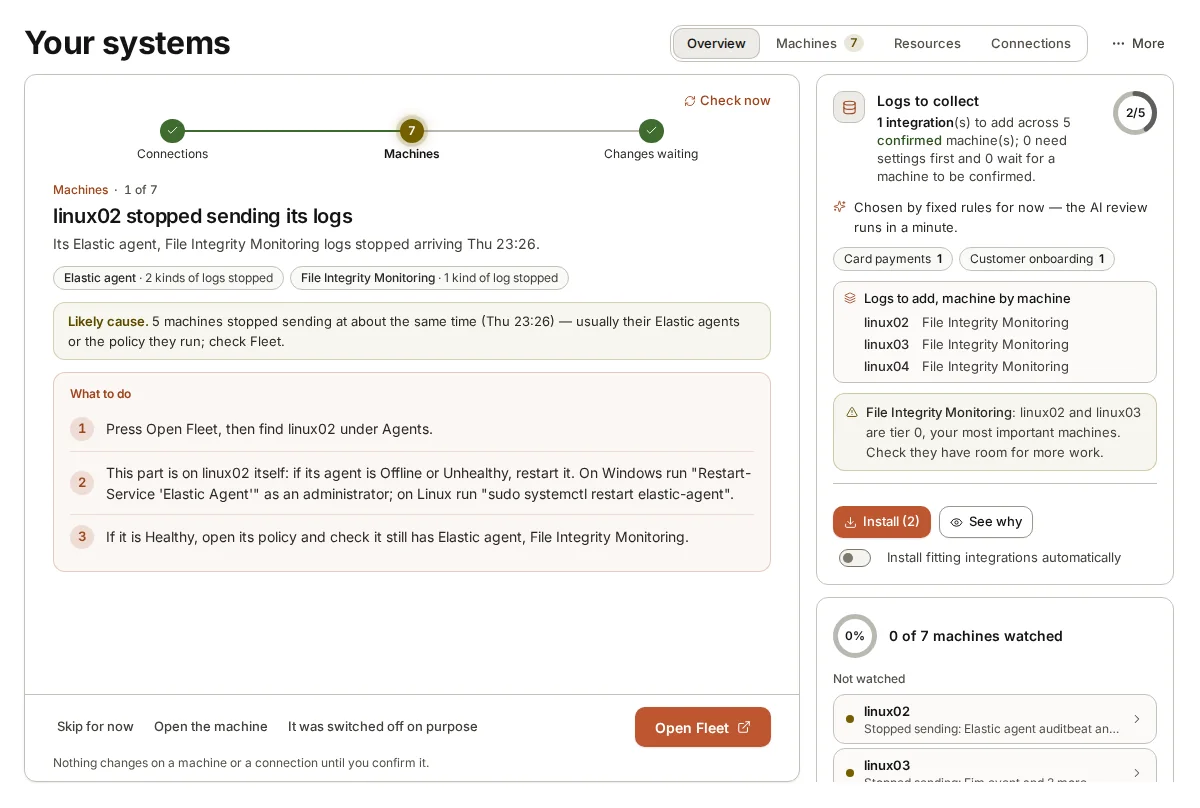
- Business context: which processes the machine serves and who to call for urgent findings.
- A notification to the on-call person through Slack, Microsoft Teams, PagerDuty or email, and a ticket in Jira or ServiceNow if you use them.
Where automated response does make sense
Automated response is the right tool in some places. An endpoint agent killing a process that matches a known ransomware signature is well tested, narrow and fast where speed truly matters. A playbook that resets the password of an account found in a public credential dump, on a policy agreed in advance, is a reasonable automation. Teams with mature response processes and well-understood systems can and do automate steps they have practised many times.
What these cases share is that the trigger is narrow, the action is agreed in advance by the people with authority, and the action is reversible or low impact. That is a different thing from letting an AI agent decide, alert by alert, to take a business system offline. armor360 sits alongside the tools you already use for those narrow automations; it does not replace that layer and does not try to.
The two can work side by side. Where your team has agreed automations for narrow cases, they keep running in the tools that own them. For everything else, armor360 gives the person who must decide a verdict, the evidence and a recommended plan, and the decision, and the record of it, stays with them. If, over time, your team finds that a recommended step is always approved for a certain kind of alert, that is useful evidence for deciding, as a team, to automate it in your own tooling.
Where armor360 fits
armor360 investigates alerts, gives a verdict with evidence, recommends next steps and tells the right person. It never blocks, isolates, quarantines, locks or disables anything. Your people review, decide and act, and the audit trail keeps who approved what and when.