What ATT&CK is, in plain terms
A MITRE ATT&CK coverage map is useful, but it measures what you have written, not what you would catch. The cells it colours in show where you have a detection rule, not whether that rule has the data it needs, whether it works, or whether the technique matters to you. Read it as a list of questions, not a score.
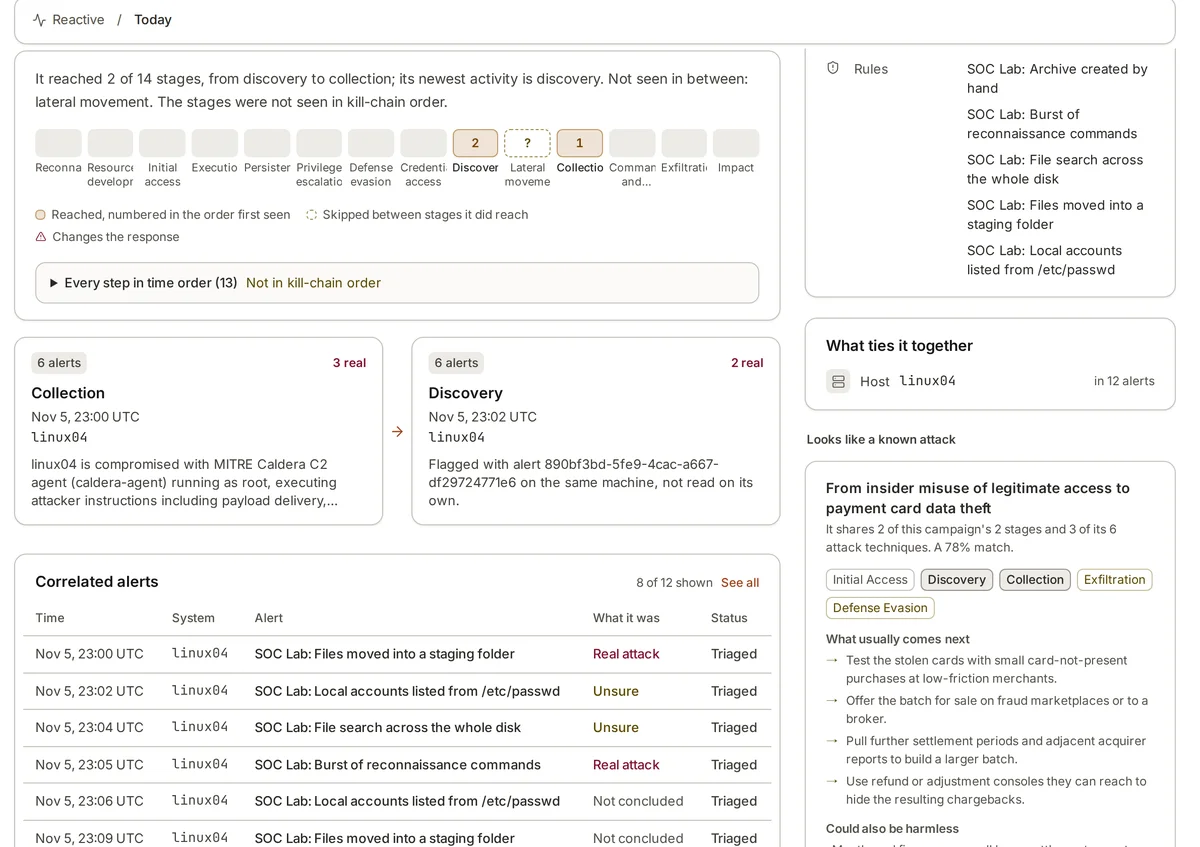
ATT&CK is a public knowledge base, kept by MITRE, of how real attackers behave once they are after a target. It is organised in two main layers. Tactics are the attacker’s goals at each stage: Reconnaissance, Resource Development, Initial Access, Execution, Persistence, Privilege Escalation, Defense Evasion, Credential Access, Discovery, Lateral Movement, Collection, Command and Control, Exfiltration and Impact. Techniques are the ways of reaching those goals.
Each technique has an ID. T1059 is Command and Scripting Interpreter, and its sub-technique T1059.004 is Unix Shell. T1053.003 is Scheduled Task/Job: Cron. T1110.003 is Brute Force: Password Spraying. Each page in ATT&CK describes the technique, gives examples of groups and malware known to use it, lists the data sources that can reveal it, and suggests ways to detect and mitigate it.
What a coverage map does and does not tell you
A coverage map takes your detection rules, reads the ATT&CK technique each one is tagged with, and colours the matching cells. Many rule formats carry this tag already: Sigma rules list techniques in their tags, and Elastic Security’s prebuilt rules carry a threat block with tactic and technique IDs. The result is a grid that shows at a glance where you have rules and where you have none.
That is genuinely useful. It shows empty columns, for example no rules at all for Collection or Exfiltration. It helps when someone asks “would we notice cron persistence?” and you need a quick first answer. It gives a shared vocabulary between the security team, auditors and the board.
What the map cannot show is just as important. A coloured cell means a rule is tagged with that technique. It does not mean the rule is switched on, that it runs on all your machines, that the data it needs is arriving, or that it would fire on a real attacker’s variation of the technique. One narrow rule for a single command can colour a cell for a technique with dozens of variants.
- It shows: where you have rules, and where you have none at all
- It does not show: whether those rules are on, working, or fed with data
- It does not show: how much of each technique the rule really covers
- It does not show: which techniques matter to your organisation
Coverage is only as good as the data behind it
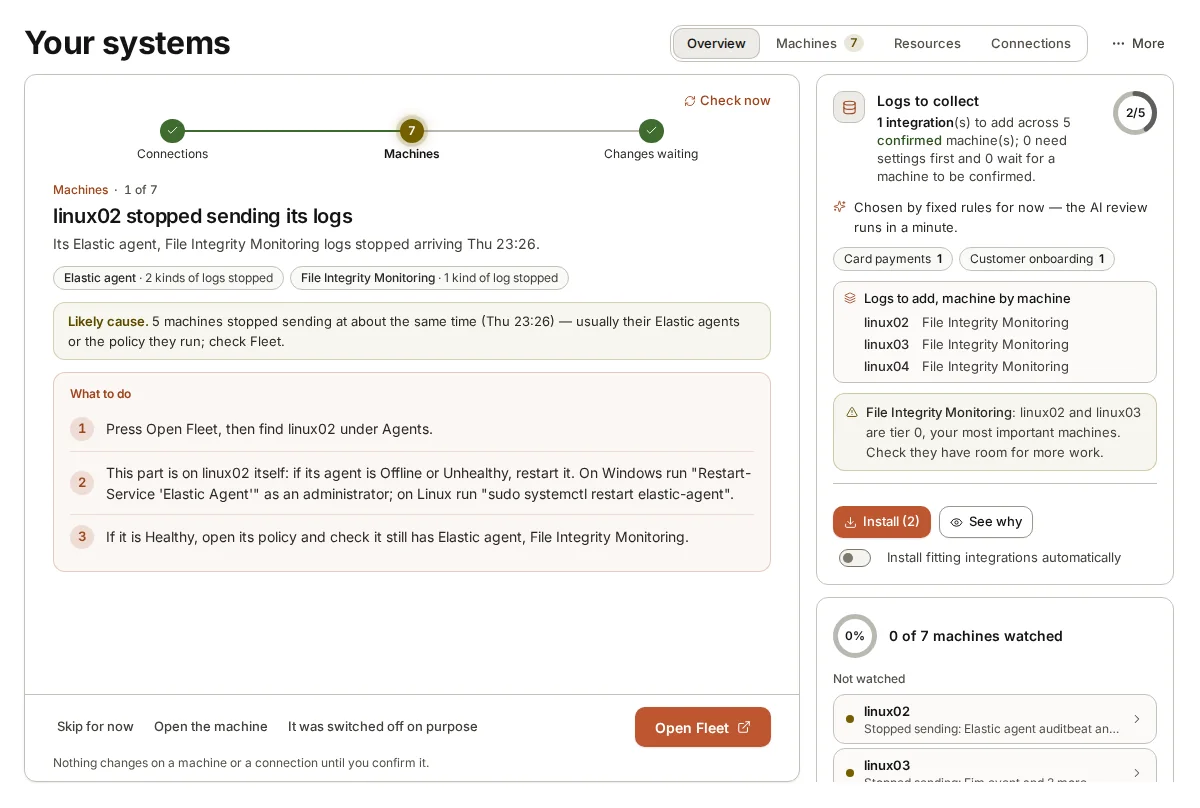
The most common gap between a coverage map and reality is data. A rule for T1053.003, cron persistence, needs file or process events from your Linux servers: writes to /etc/cron.d or /var/spool/cron, or crontab being run. If half your Linux machines send only system logs and no process or file events, the rule is coloured in on the map and blind on half the estate.
So build a second view next to the map. For each rule, list the data it needs (the index or log type, and the fields it reads), then check whether that data is arriving from the machines the rule is meant to watch. A rule that needs process.command_line from Linux hosts is only as good as the share of Linux hosts sending process events with full command lines.
ATT&CK helps here too. Each technique lists data sources and data components, such as Process Creation, Command Execution or File Modification. Mapping those to the log types you collect gives you a fairer picture: techniques you could detect if you had rules, techniques you have rules for but lack the data, and techniques where you have both.
Rank the gaps by your own threats
Nobody covers every technique well, and trying to is a poor use of time. Rank the gaps by what is likely to happen to you. Start from what you know: the kinds of attackers who go after organisations like yours, the incidents you have already had, the findings of your last penetration test, and the systems that matter most to the business.
An organisation that runs mostly Linux servers with internet-facing web applications should care more about Initial Access through those applications, Unix Shell execution, cron and systemd persistence and SSH lateral movement than about techniques specific to desktop software it does not run. A business that relies on cloud identity should care a great deal about Valid Accounts (T1078) and password spraying.
Then rank within that list by how much damage a missed technique would do. A technique that leads straight to your most important systems, or that attackers use early so that catching it stops the rest of the chain, deserves to move up. A worked, illustrative example: if credential theft on your domain controllers would give an attacker everything, rules for credential dumping and the data to feed them come before rules for rarer discovery commands.
- List the attacker behaviour most likely against organisations like yours
- Mark techniques used early in an attack, where catching them saves the most
- Mark techniques that lead to your most important systems
- For each, check you have both a working rule and the data it needs
- Re-rank after each incident, test or major change to your estate
Prove coverage, do not assume it
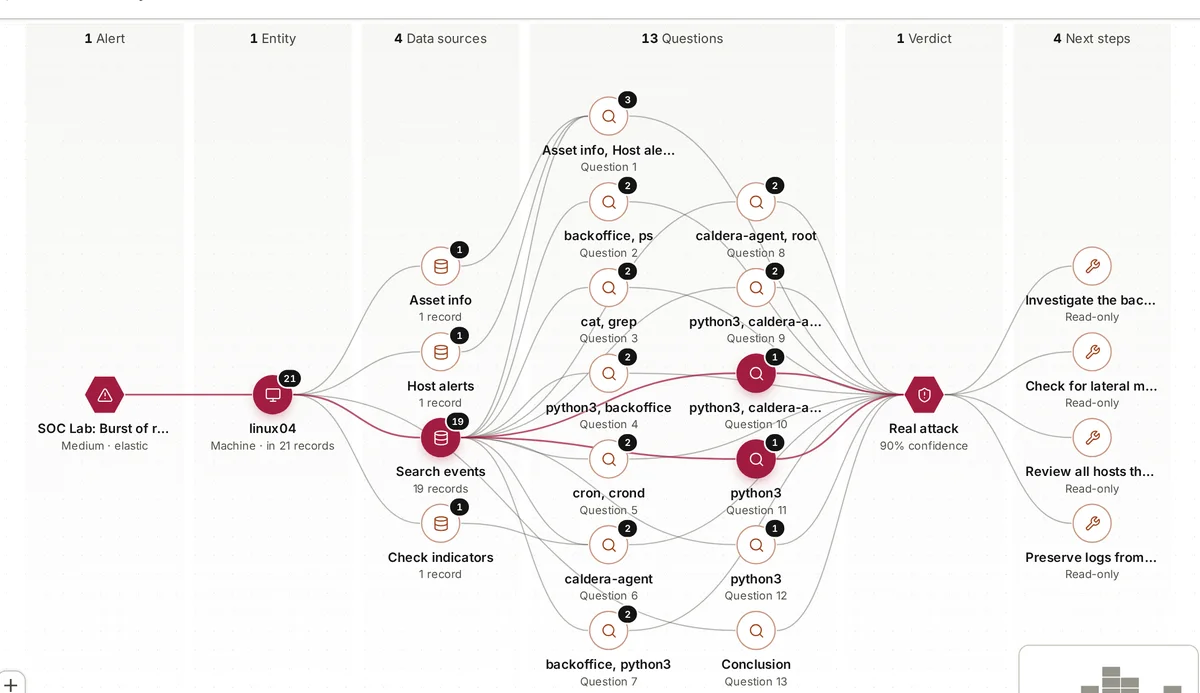
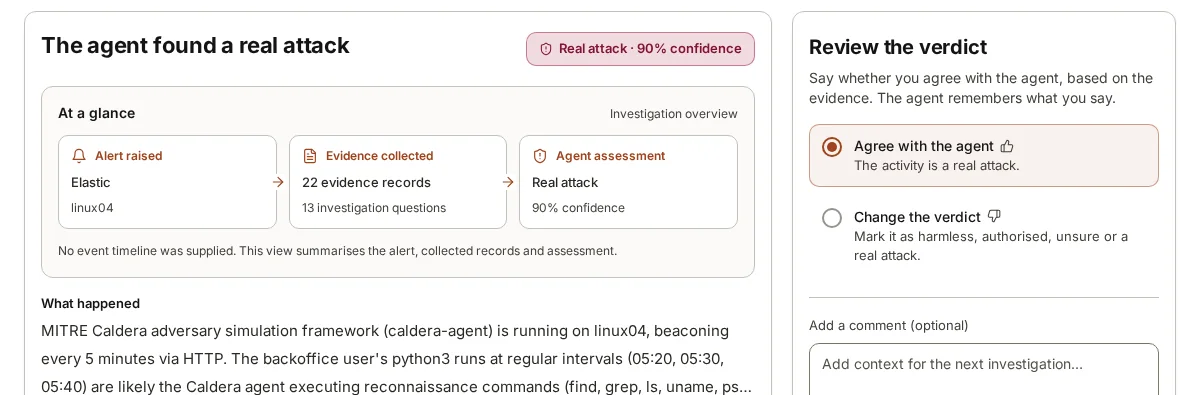
The only way to know a cell is really covered is to run the technique and see what happens. Adversary simulation tools such as MITRE Caldera, or small hand-written tests run with permission on a test machine, let you check that a rule fires, that the alert reaches the people who should see it, and that the alert has enough context to investigate.
Keep each test small and specific. Rather than “test persistence”, write “add a line to a user crontab on a test Linux server and check that the cron persistence rule fires within five minutes”. Then try a variation an attacker might use, such as a file dropped straight into /etc/cron.d instead of a call to crontab. If the rule catches one and misses the other, you have learned exactly how much of the cell is really covered.
Keep the results with the map. A cell that has been tested this quarter is worth more than one that was tagged two years ago and never checked. Over time you end up with a map that shows three states instead of two: tested and working, written but untested, and missing.
Where armor360 fits
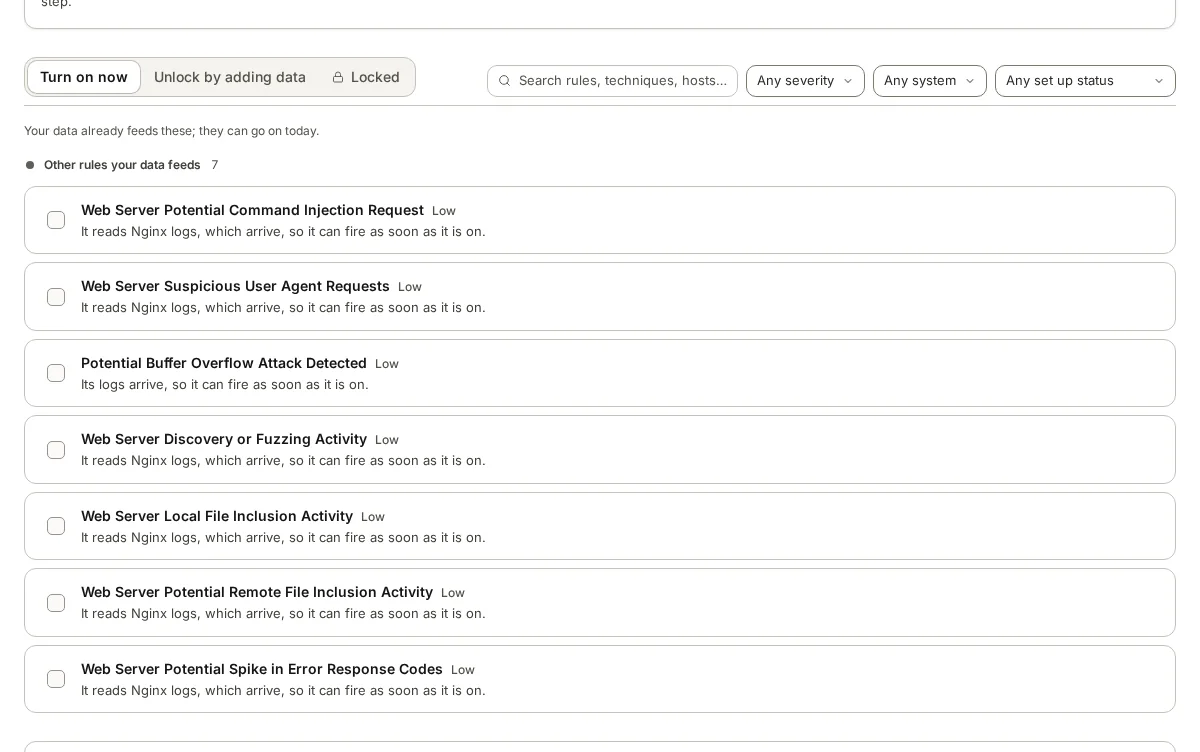
armor360 includes an ATT&CK coverage report, and its rule library sorts rules by whether the data each one needs is already arriving: ready now, needs more data, or locked. Its threat hunts are grouped into packs by attacker technique, and each hunt says what data it needs.
When alerts belong to the same attack, armor360 joins them into one campaign with its stages laid out by ATT&CK tactic, so the map is tied to what actually happened on your machines.