Start with the numbers, not the complaints
A noisy rule is one that fires often and is almost always closed as harmless. The fix is rarely to delete it. It is to work out why it fires on normal activity, narrow it so it stops doing that, and prove on past data that the narrower rule still catches what it was written for. This post walks through that work, in the order we would do it.
Begin with a count, not with whichever rule annoyed someone most last week. Pull the alerts from the last 30 or 90 days and group them by rule name. For each rule, record how many alerts it raised, how many were closed as harmless or authorised, how many were real, and how long the closed ones took to work. In Elastic Security the rule name sits in kibana.alert.rule.name, and the closing reason is wherever your team records it: the alert status, a case, or a ticket.
Sort by alerts raised multiplied by the share closed as harmless. That puts the rules costing the most wasted time at the top. A rule that fires twice a day and is always harmless is a bigger problem than one that fires once a week. A rule that fires often but has caught real attacks deserves care, not a quick exception.
- Alerts raised per rule over a fixed window
- Share closed as harmless or authorised, and share confirmed as real
- Time spent on the closed ones, if your tooling records it
- The top values of host.name, user.name and process.name behind each rule
Find out why each rule fires
For each noisy rule, look at the fields that repeat across its harmless alerts. Noise usually has one or two causes. A backup agent that reads every file on a server will trip a rule about mass file access. A configuration management tool that runs shell commands as root will trip a rule about root shells. A vulnerability scanner will trip almost anything about network discovery.
Group the harmless alerts by host.name, user.name, process.name, process.parent.name and process.command_line, and the cause tends to jump out. If 80 of 100 harmless alerts in your sample come from one service account on two machines, you have found it. That figure is illustrative; the point is that noise is concentrated, and a short table of top values shows where.
Then ask the person who owns that system what the activity is. This step is often skipped, and it matters. The security team can see that a process runs every night; only the system owner can tell you it is the end-of-day export, that it should only ever run from the batch server, and that nobody should be running it by hand.
Exception or rewrite: choosing the fix
There are two ways to quieten a rule. An exception leaves the rule as it is and tells it to ignore a specific pattern: this user, on this host, running this exact command. A rewrite changes the logic of the rule itself, for example by requiring a second condition, raising a threshold, or matching on a parent process instead of a name.
Use an exception when the noise comes from a small number of known, stable sources, and the exception can be written narrowly. “Ignore process.name: backup-agent” is too broad, because an attacker can name a binary anything. “Ignore process.executable: /opt/backup/bin/backup-agent when process.parent.name is systemd and user.name is svc-backup on hosts in the backup group” is narrow enough to be safe. Every field you add to an exception makes it harder to abuse.
Use a rewrite when the noise comes from the rule being too loose for your environment. A rule that alerts on any use of curl on a Linux server will be noisy everywhere. A rule that alerts on curl when its parent is a web server process, or when its output is piped straight to a shell, is closer to what an attacker does and further from what administrators do.
- Exceptions: narrow, written with the system owner, with an expiry or review date
- Rewrites: when the logic is wrong for your environment, not just one noisy source
- Never exclude by a name alone when a full path, hash or parent is available
- Record why each exception exists, so the next person can judge whether it still should
Measure the change on past data before it goes live
A tuned rule should be tested against the same window of data that made it noisy. Run the new version of the rule as a search over the last 30 or 90 days and compare the results with the old one. You want two answers: how many harmless alerts it would no longer raise, and whether any of the real ones it raised before would now be missed.
The second answer matters more. If your rule caught a confirmed attack two months ago and the new version would not, the change has made you blinder, however quiet the queue becomes. If you have no confirmed attacks for that rule in your history, use a test: run the technique the rule is meant to catch in a lab or on a test machine, with permission, and check the new rule still fires. Our post on testing detection rules covers how to do that safely.
Keep the before and after numbers with the change. When someone later asks why the rule was changed, the answer is a short record: what was noisy, what the system owner said, what was changed, and what the rule would have caught on past data before and after.
When to switch a rule off, and why two people should agree
Sometimes the right answer is to switch a rule off. The technique it looks for may not apply to you, for example a rule for a platform you no longer run. The data it needs may never arrive. Or the activity it flags may be so common in your environment that no narrowing makes it useful, and another rule covers the same attacker behaviour better.
Switching a rule off is also exactly what an attacker with access to your security tooling would do. Disabling detections is a known technique in MITRE ATT&CK, under Impair Defenses (T1562.001, Disable or Modify Tools). A single tired analyst switching off a noisy rule at the end of a long shift can look, in the logs, much the same as an intruder quietly removing the rule that would catch them.
That is why switching a rule off should need a second person. One person proposes it with the reason and the past-data numbers; another approves it. The extra step costs a few minutes, it stops a hurried decision becoming a permanent blind spot, and it leaves a clear record of who agreed and when. Review switched-off rules on a schedule, because the reason for switching one off often stops being true.
Where armor360 fits
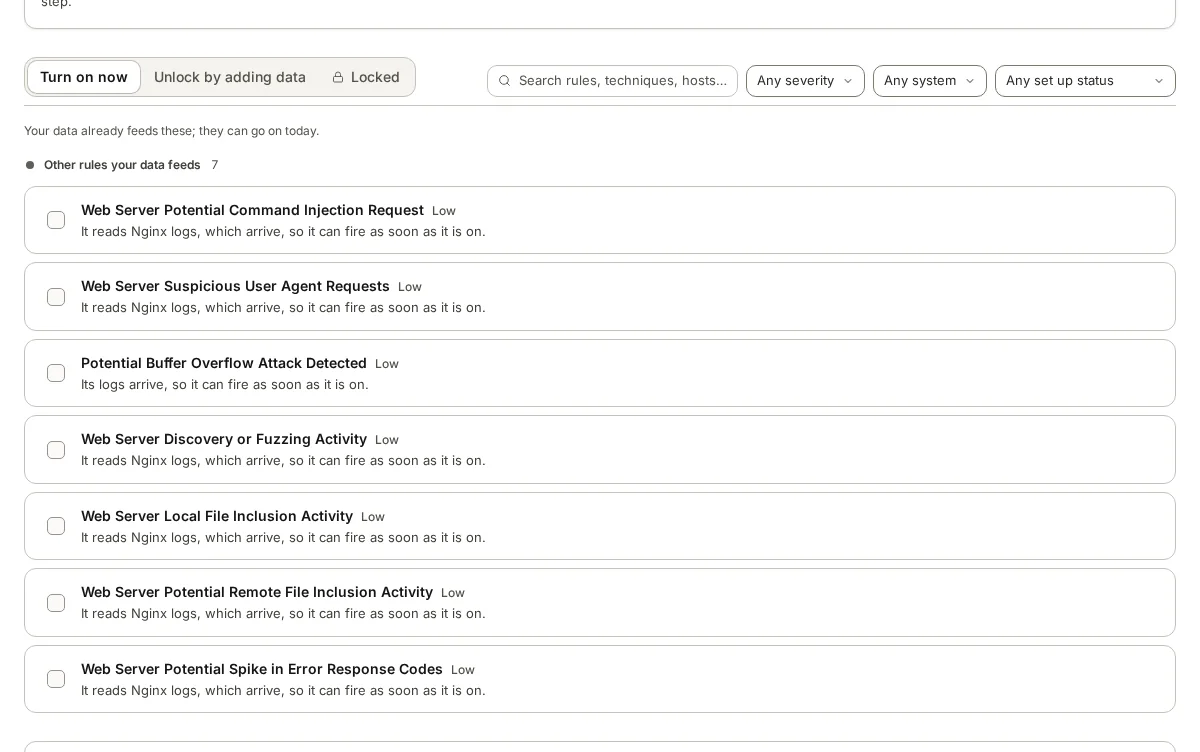
armor360’s rule library sorts rules by whether the data each one needs is already arriving: ready now, needs more data, or locked. Before a rule goes live, it shows how often the rule would have fired on stored past alerts, and a person approves it going live. Switching a rule off needs two administrators, and who approved what is kept in the audit trail.
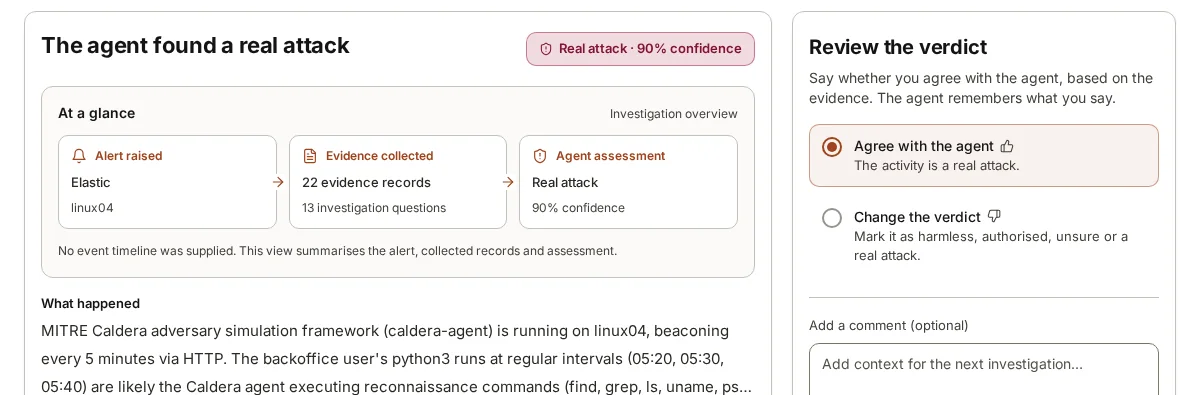
When a person changes a verdict and adds context, such as “this is the nightly export”, armor360 remembers it for later investigations about the same company.